



CYBOX Shaders for Minecraft 1.21.11
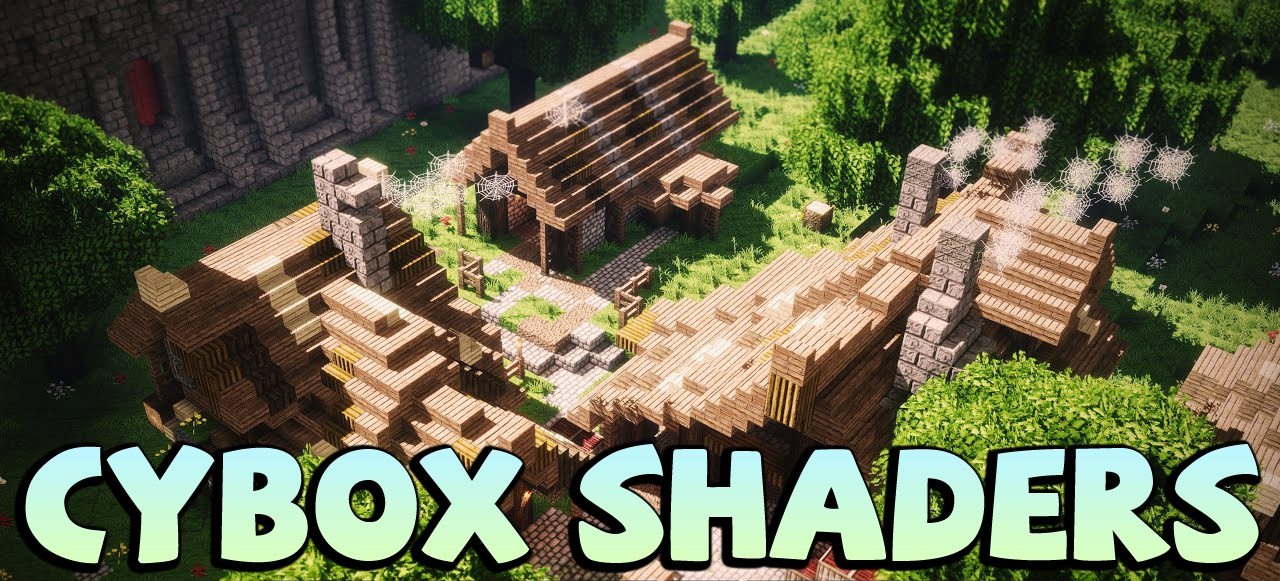
This shader immediately makes it clear that the player is facing something special. CYBOX Shaders literally floods the world with rich HD lighting, deep shadows, and crystal-clear water. Landscapes begin to look cinematic: sunlight breaks through the clouds, and lightning flashing in the sky creates the feeling of a real storm.
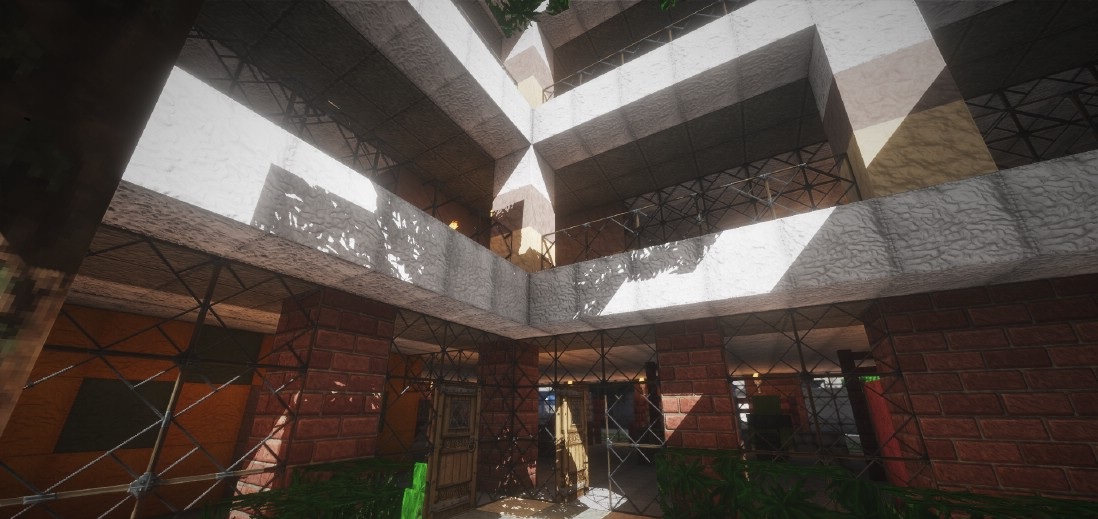
Scenes in swamps and near water are especially impressive — reflections look alive, shadows fall softly and naturally, and the water surface becomes almost mirror-like. This shader pack makes Minecraft look visually “expensive,” creating the feeling that you are inside a beautifully shot movie.
How to install a shader:
First step: download the shader package from the link below.
Second step: Unpack the downloaded archive and copy the CYBOX Shaders folder to c:\Users\User\AppData\Roaming\.minecraft\shaderpacks\(if this folder does not exist, create it yourself) (For Windows)
Third step: In the game, go to Settings, then to Graphics Settings. Select the "shaders" section and activate the shader pack of your choice.
Comments (5)