



CYBOX Shaders for Minecraft 1.21.11
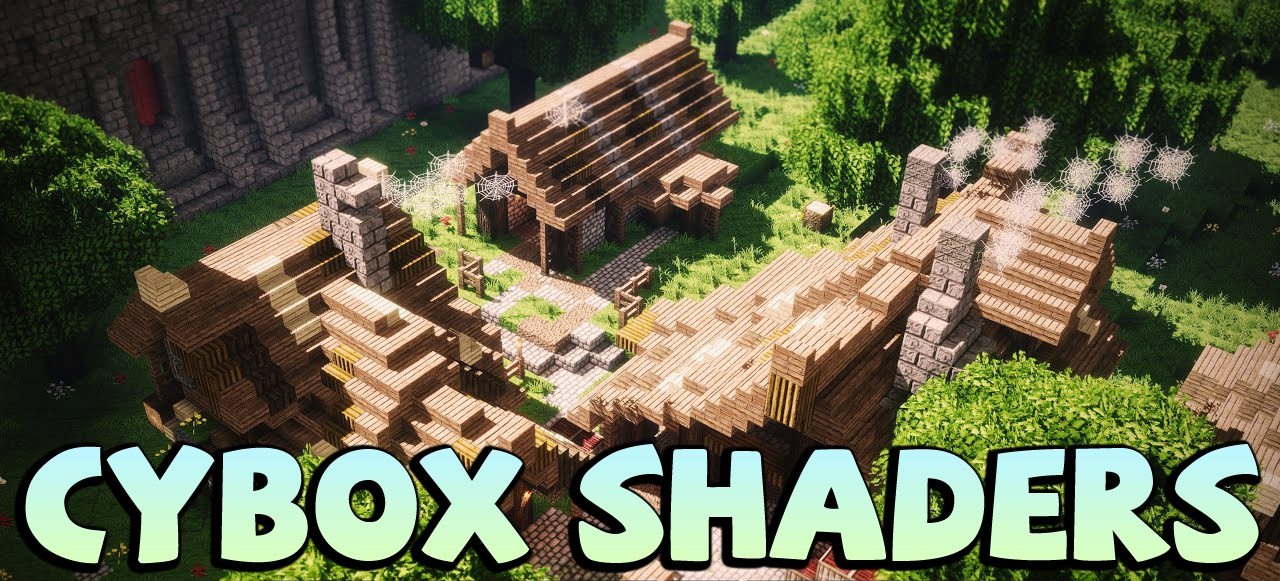
CYBOX Shaders completely changes the perception of the familiar Minecraft world, focusing on powerful visual effects and a striking atmosphere. The lighting looks truly cinematic: sun rays cut through space, casting long shadows across terrain and water. This is especially impressive in swamps and near bodies of water, where reflections enhance the sense of depth.
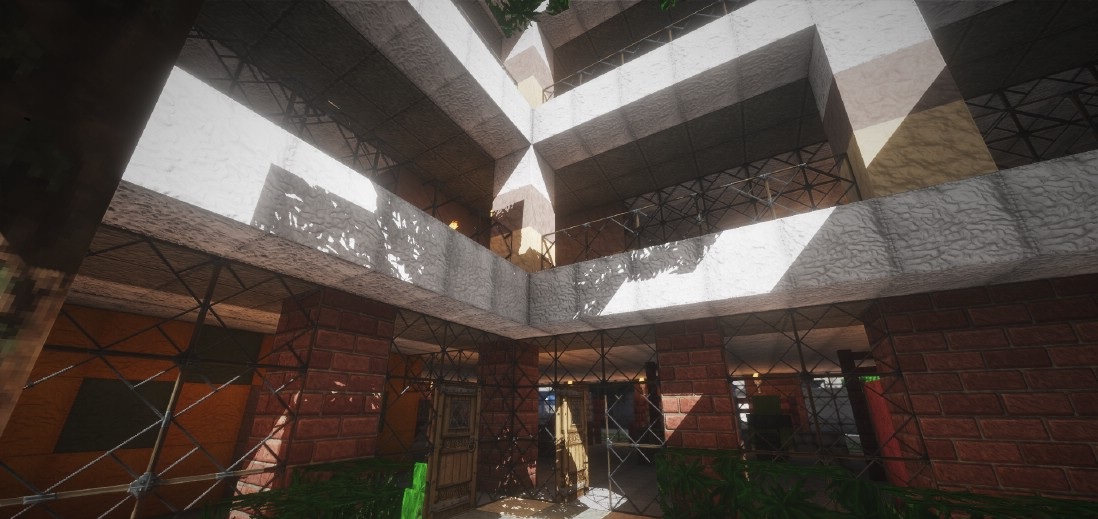
The water is crystal clear, with bright highlights and realistic reflections of lightning and the sky. Clouds and weather effects complete the picture, creating the feeling of a living, constantly changing world. This shader is suitable for those who want new emotions from the game and want to see Minecraft in a more dramatic and visually rich style.
How to install a shader:
First step: download the shader package from the link below.
Second step: Unpack the downloaded archive and copy the CYBOX Shaders folder to c:\Users\User\AppData\Roaming\.minecraft\shaderpacks\(if this folder does not exist, create it yourself) (For Windows)
Third step: In the game, go to Settings, then to Graphics Settings. Select the "shaders" section and activate the shader pack of your choice.
Comments (4)