



CYBOX Shaders for Minecraft 1.21.11
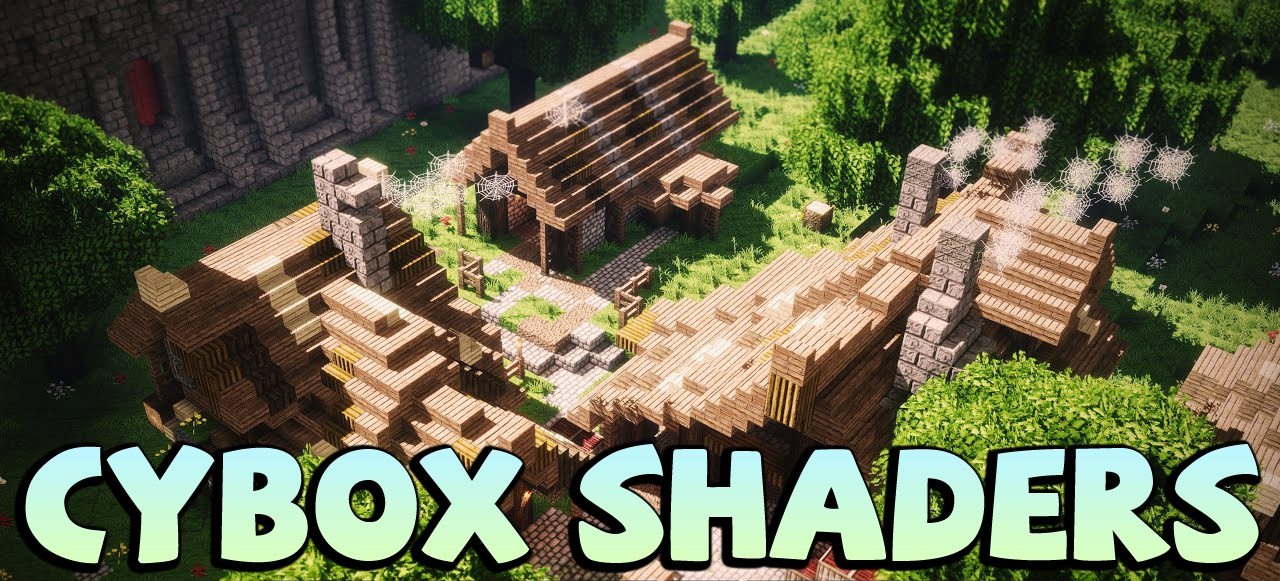
Some shaders focus on a soft atmosphere, while CYBOX Shaders tries to impress at first glance. It adds bright HD lighting, expressive water, beautiful clouds, and in general makes the world much more visually rich. The shader reveals itself especially strongly in scenes with open space, where sunlight, reflections, and shadows create a striking, almost cinematic image.
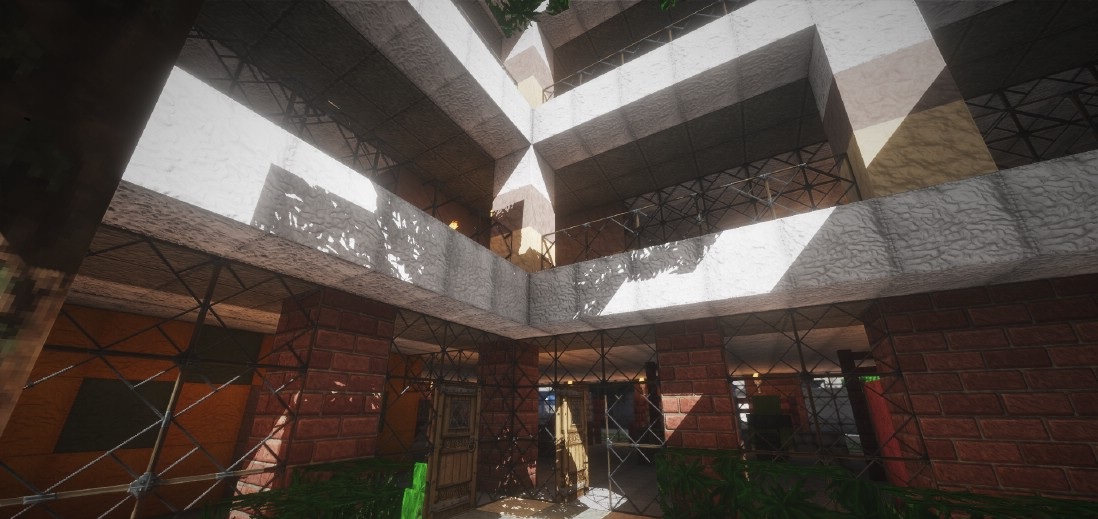
The water looks especially impressive here: it seems cleaner, more transparent, and more alive thanks to reflections and the play of light on the surface. It is exactly such details that create the feeling that the familiar world has become larger and more spectacular.
How to install a shader:
First step: download the shader package from the link below.
Second step: Unpack the downloaded archive and copy the CYBOX Shaders folder to c:\Users\User\AppData\Roaming\.minecraft\shaderpacks\(if this folder does not exist, create it yourself) (For Windows)
Third step: In the game, go to Settings, then to Graphics Settings. Select the "shaders" section and activate the shader pack of your choice.
Comments (2)