



Derivative Shaders for Minecraft 1.21.10
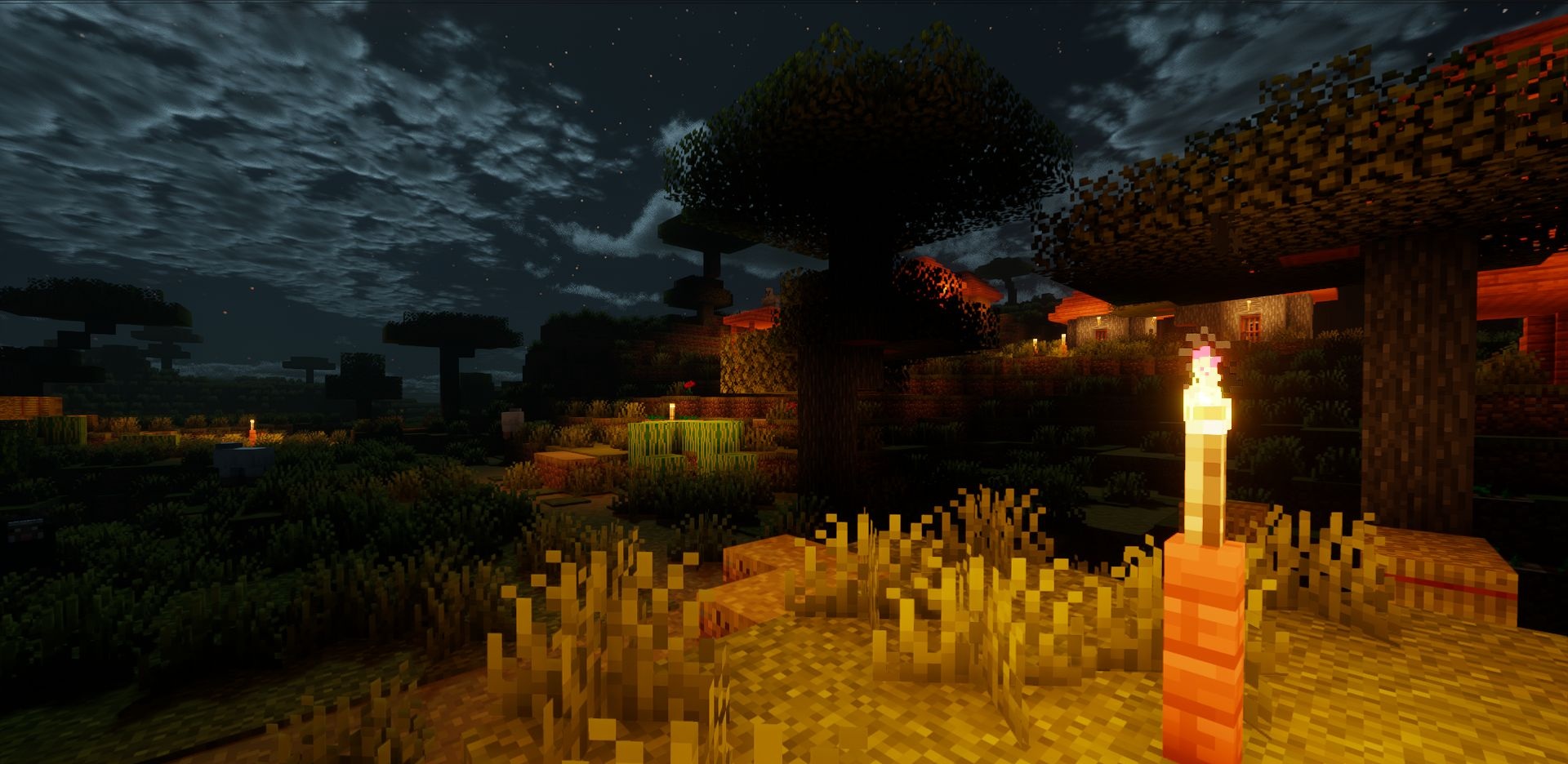
In the silence of the morning fog, the world reveals itself in a new way, especially when Derivative Shaders are enabled. This pack creates a soft cinematic feel—the fog thickens at the foot of hills, and shadows respond correctly to changes in the time of day. Leaves and grass sway slightly, as if echoing the world’s breathing. The sky is reworked; clouds look denser and more expressive, giving scenes a sense of poetry.
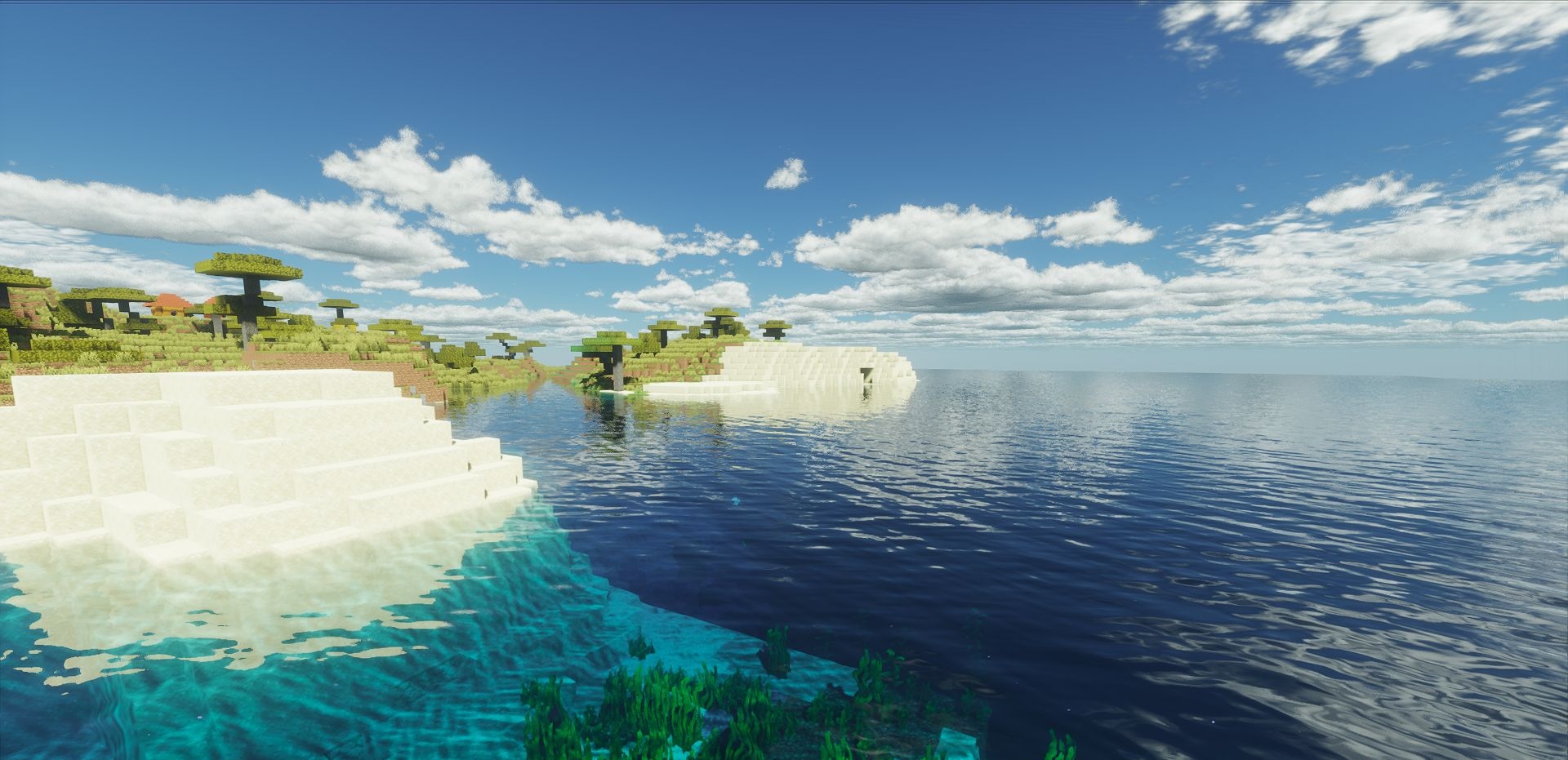
Water reflects the surrounding landscape in such a way that every body of water feels like a natural part of its biome. Together, these details form an atmosphere of calm that makes journeys more immersive and heartfelt.
How to install a shader:
First step: download the shader package from the link below.
Second step: Unpack the downloaded archive and copy the Derivative Shaders folder to c:\Users\User\AppData\Roaming\.minecraft\shaderpacks\(if this folder does not exist, create it yourself) (For Windows)
Third step: In the game, go to Settings, then to Graphics Settings. Select the "shaders" section and activate the shader pack of your choice.
Comments (0)