



DMS Shaders for Minecraft 1.21.11
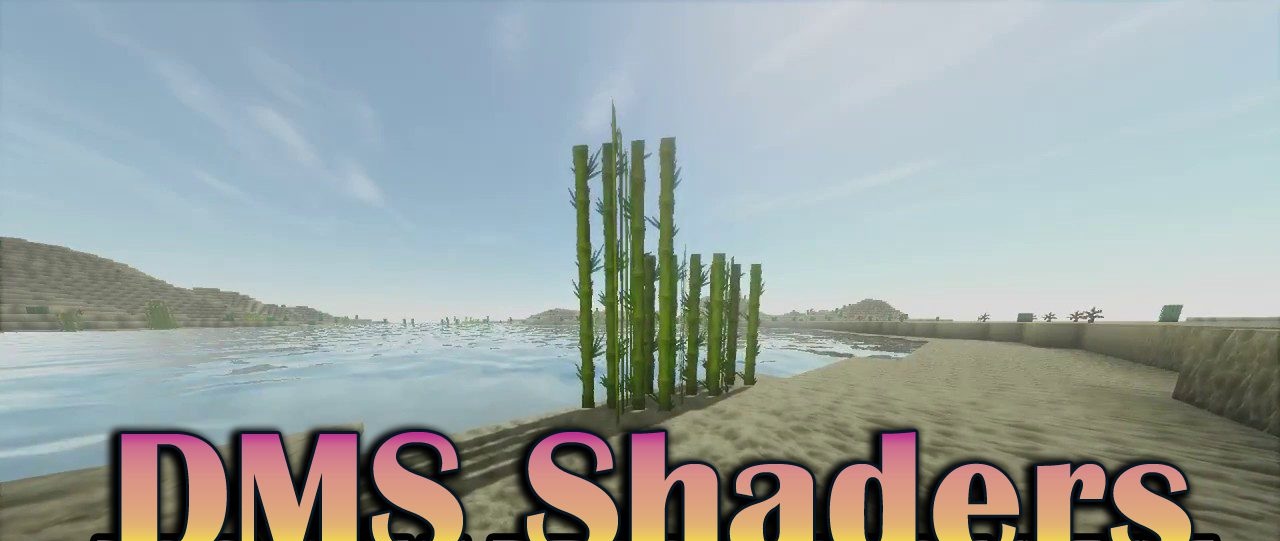
The atmosphere of dark fantasy is exactly what the visual style of DMS Shaders is built around. This shader creates a sense of a harsh, cold world where every sunset looks unsettling and shadows feel deeper than usual. The color palette is muted and slightly faded, giving the image a touch of ancient gloom.
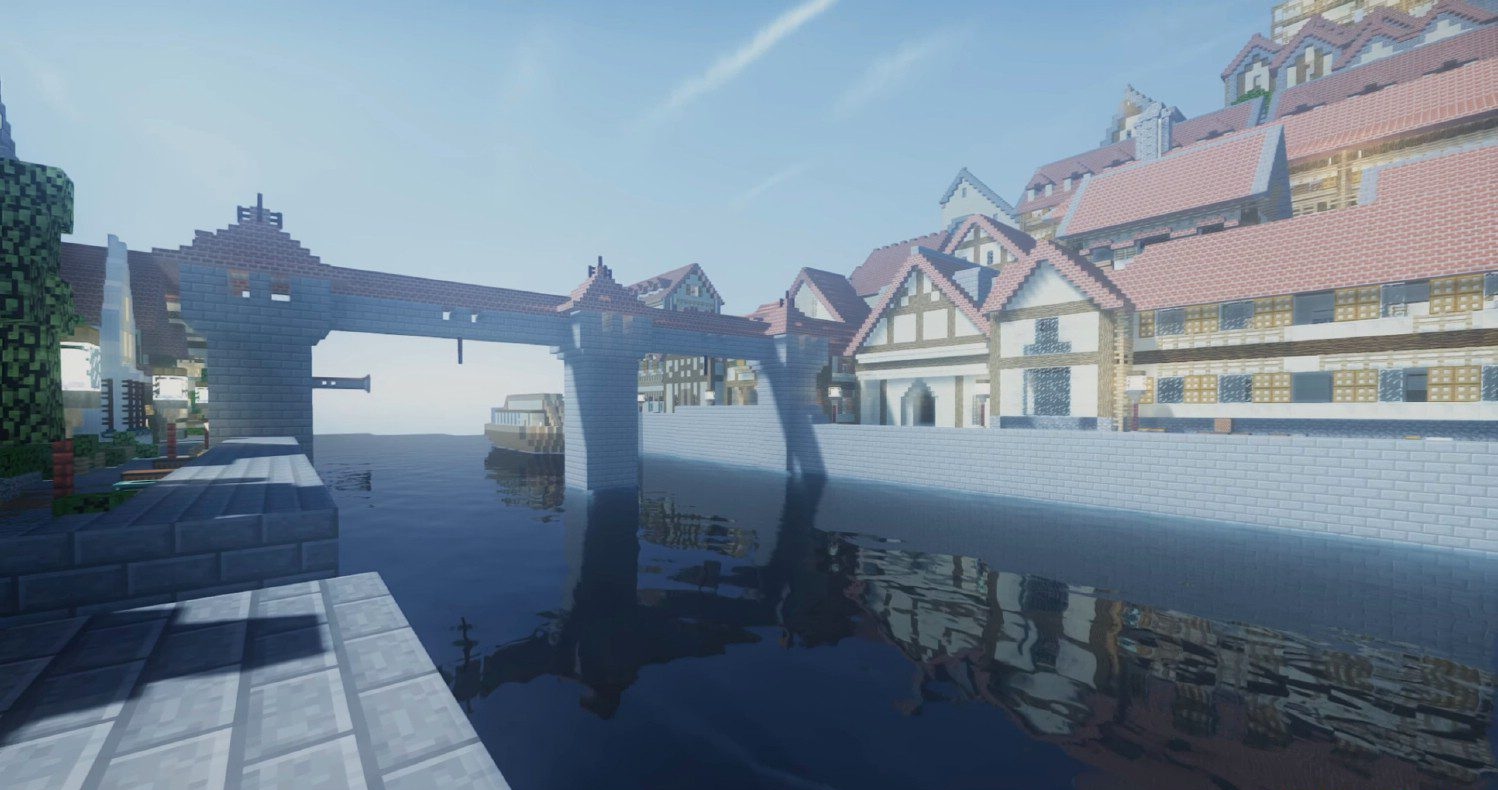
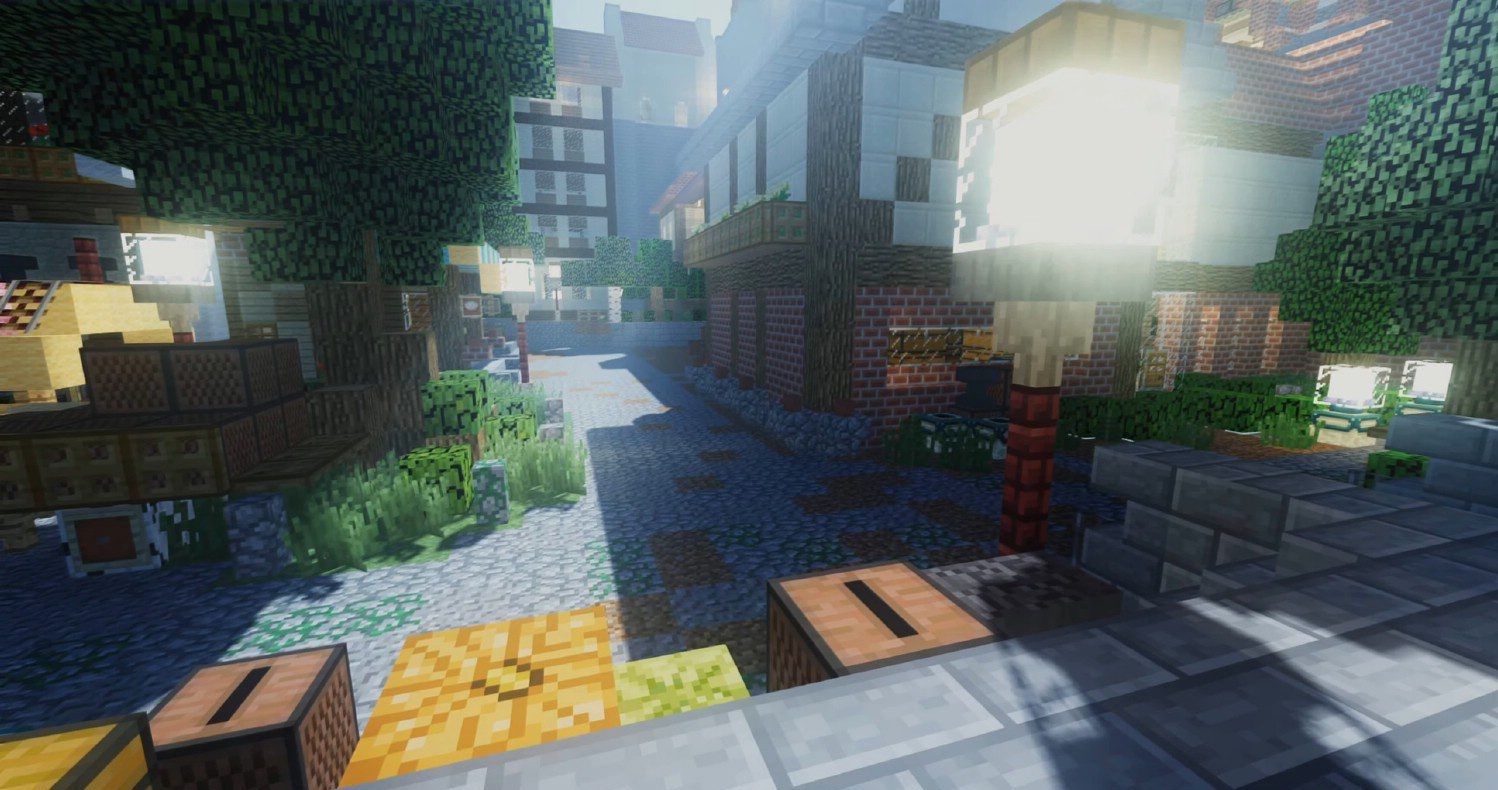
It is ideal for medieval modpacks, RPG maps, hardcore survival, and dark sci-fi scenes. Despite its simplified functionality, it includes key elements — moving grass and water, soft shadows — everything needed to create a living yet grim atmosphere.
How to install a shader:
First step: download the shader package from the link below.
Second step: Unpack the downloaded archive and copy the DMS Shaders folder to c:\Users\User\AppData\Roaming\.minecraft\shaderpacks\(if this folder does not exist, create it yourself) (For Windows)
Third step: In the game, go to Settings, then to Graphics Settings. Select the "shaders" section and activate the shader pack of your choice.
Comments (0)