



DMS Shaders for Minecraft 1.21.11
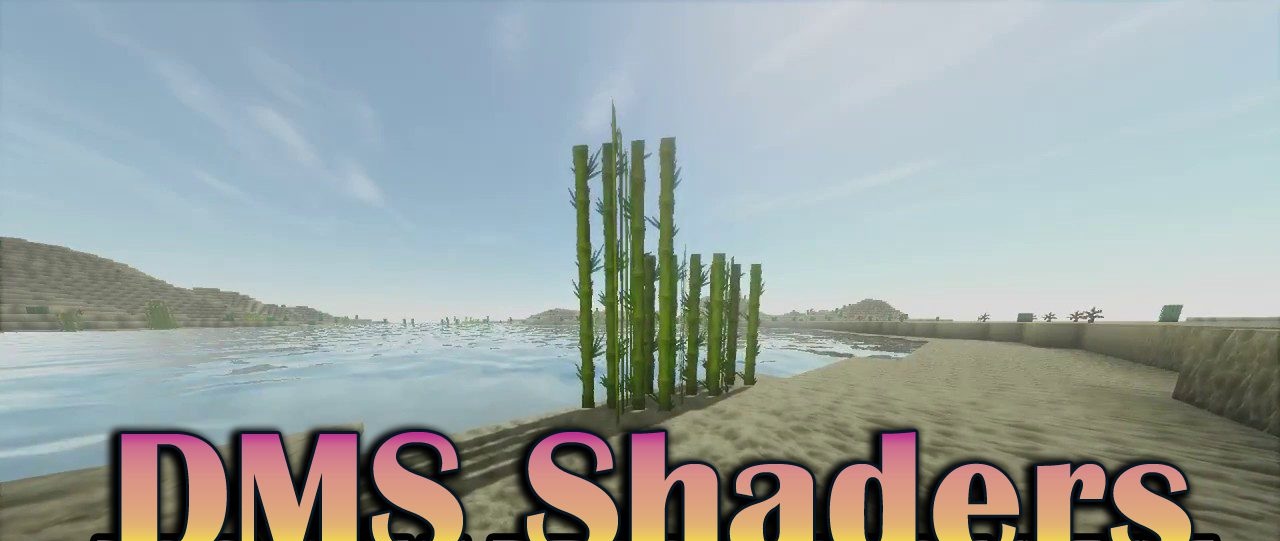
DMS Shaders offers a darker and more atmospheric vision of Minecraft, with a focus on performance. The colors are muted, with a slight dark fantasy tone, which works perfectly for medieval builds and harsh worlds. The shader is not overloaded with effects, yet it retains important visual elements such as swaying grass, moving water, and basic lighting improvements.
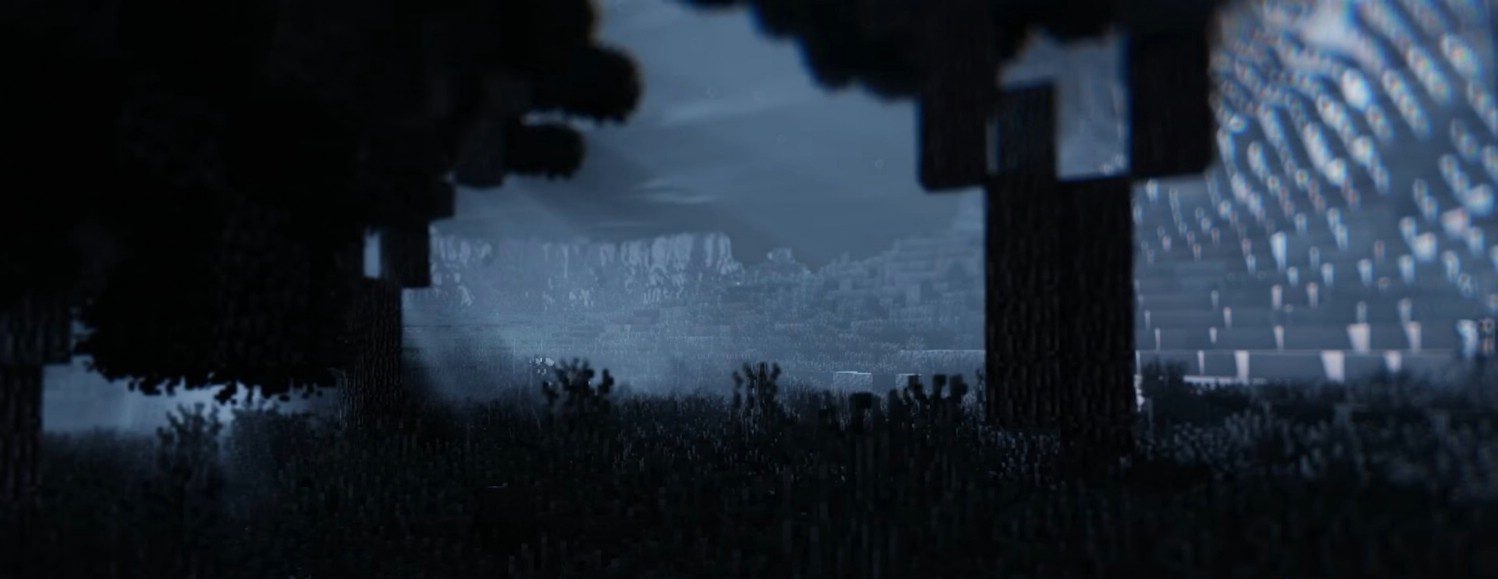
Thanks to good optimization, it runs stably even on low-end computers. This is an example of how a limited number of effects can serve the style, creating a cohesive and atmospheric image without excessive resource usage.
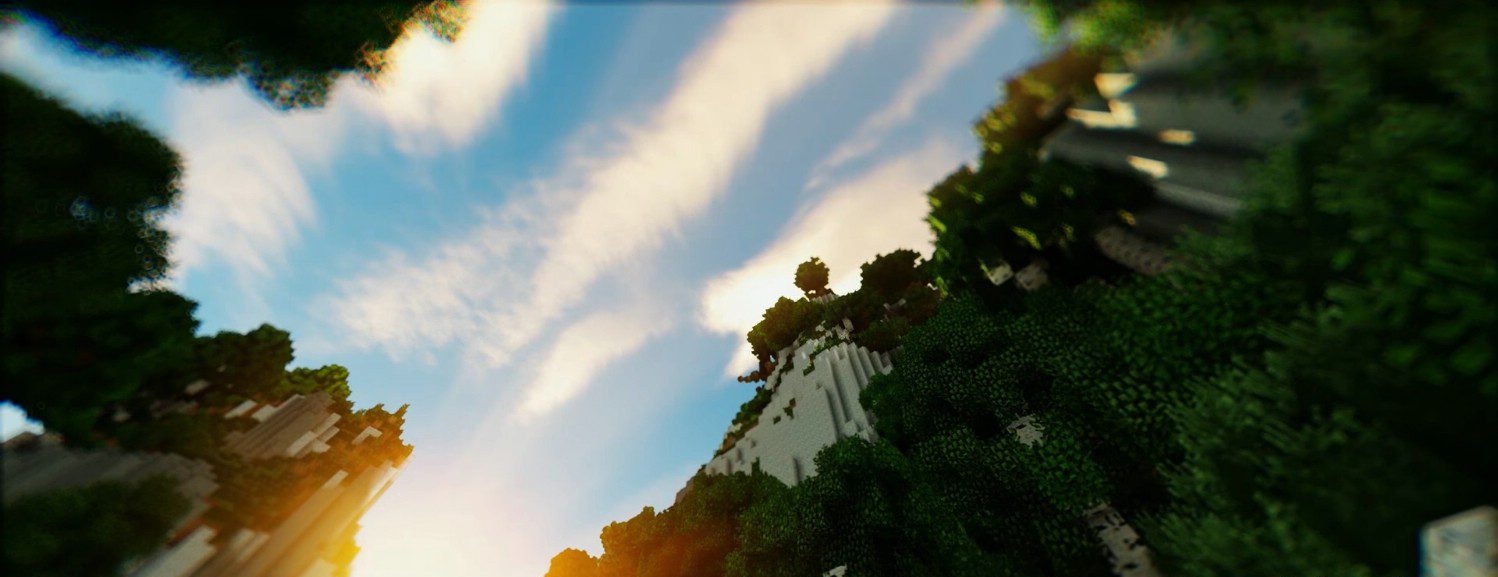
How to install a shader:
First step: download the shader package from the link below.
Second step: Unpack the downloaded archive and copy the DMS Shaders folder to c:\Users\User\AppData\Roaming\.minecraft\shaderpacks\(if this folder does not exist, create it yourself) (For Windows)
Third step: In the game, go to Settings, then to Graphics Settings. Select the "shaders" section and activate the shader pack of your choice.
Comments (0)