



DocteurDread’s Shaders for Minecraft 1.21.11
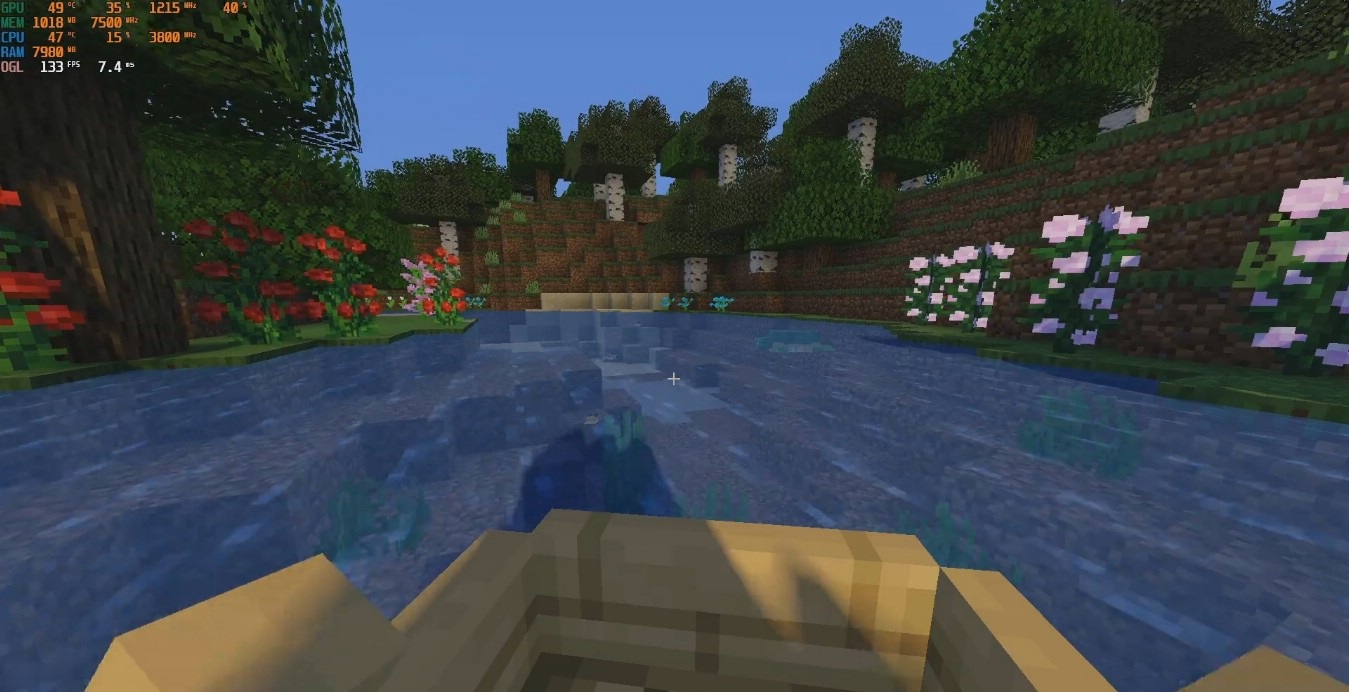
This shader pack creates a classic image of “heavy” graphics with a large number of effects and high detail. DocteurDread’s Shaders adds expressive sun rays, transparent water, lively vegetation, and swaying leaves and grass. Lighting becomes volumetric, rich, and realistic. The world is literally filled with light and motion.
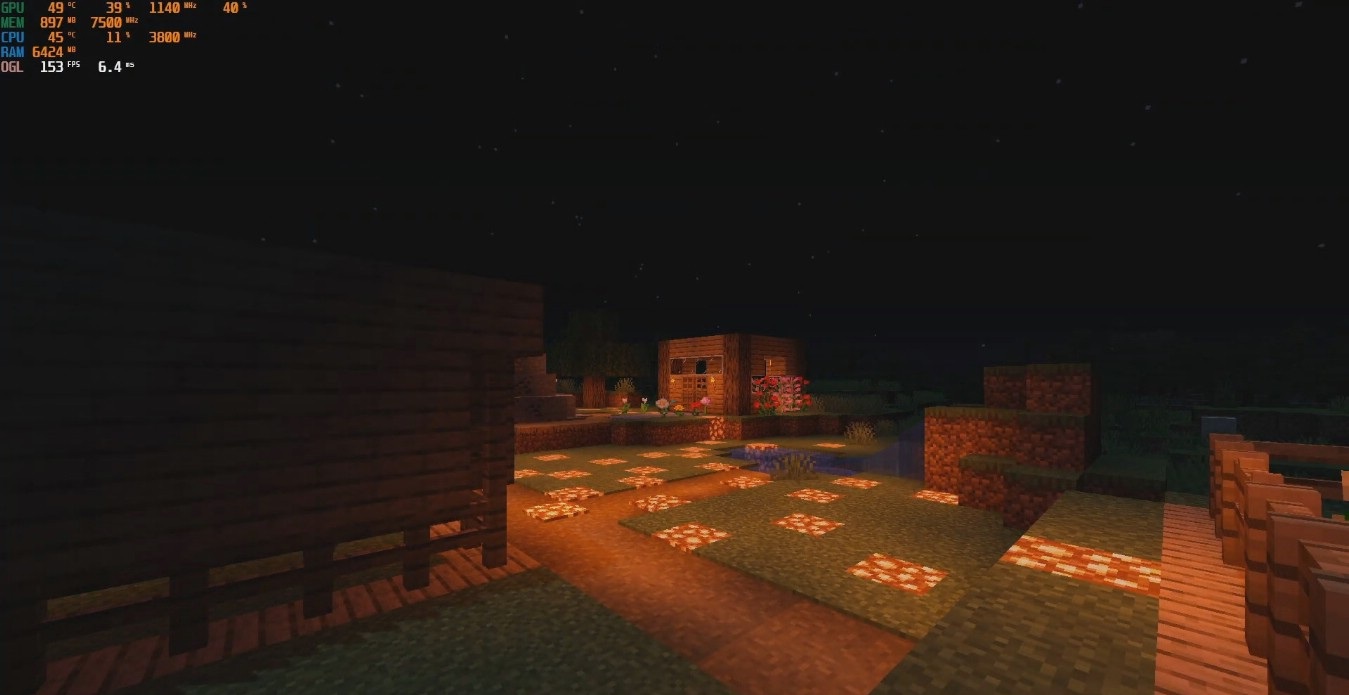
Landscapes look very alive, but at the same time, a serious system load is immediately noticeable. This is a solution for those who want maximum visual effects without compromises, creating bright, насыщенные scenes full of light, depth, and dynamics.
How to install a shader:
First step: download the shader package from the link below.
Second step: Unpack the downloaded archive and copy the DocteurDread’s Shaders folder to c:\Users\User\AppData\Roaming\.minecraft\shaderpacks\(if this folder does not exist, create it yourself) (For Windows)
Third step: In the game, go to Settings, then to Graphics Settings. Select the "shaders" section and activate the shader pack of your choice.
Comments (0)