



DrDestens for Minecraft 1.21.10
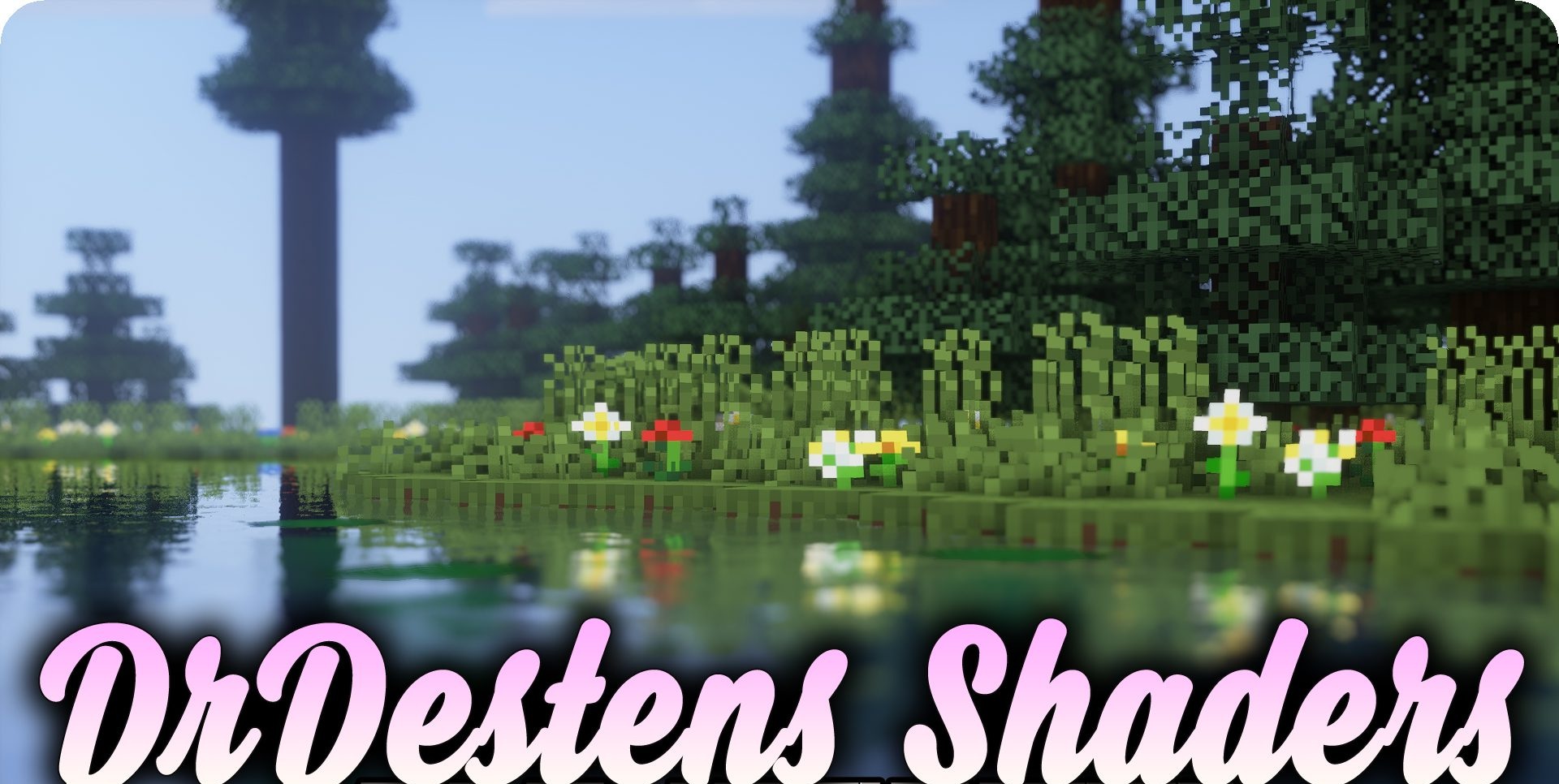
DrDestens Shaders is one of the most technically advanced options for those who value realistic effects. It has everything: SSR reflections, ambient occlusion, depth of field, correct chromatic aberration, TAA, refined water reflections, and numerous small visual nuances. Every object reacts to lighting naturally, and colors look rich without overexposure.
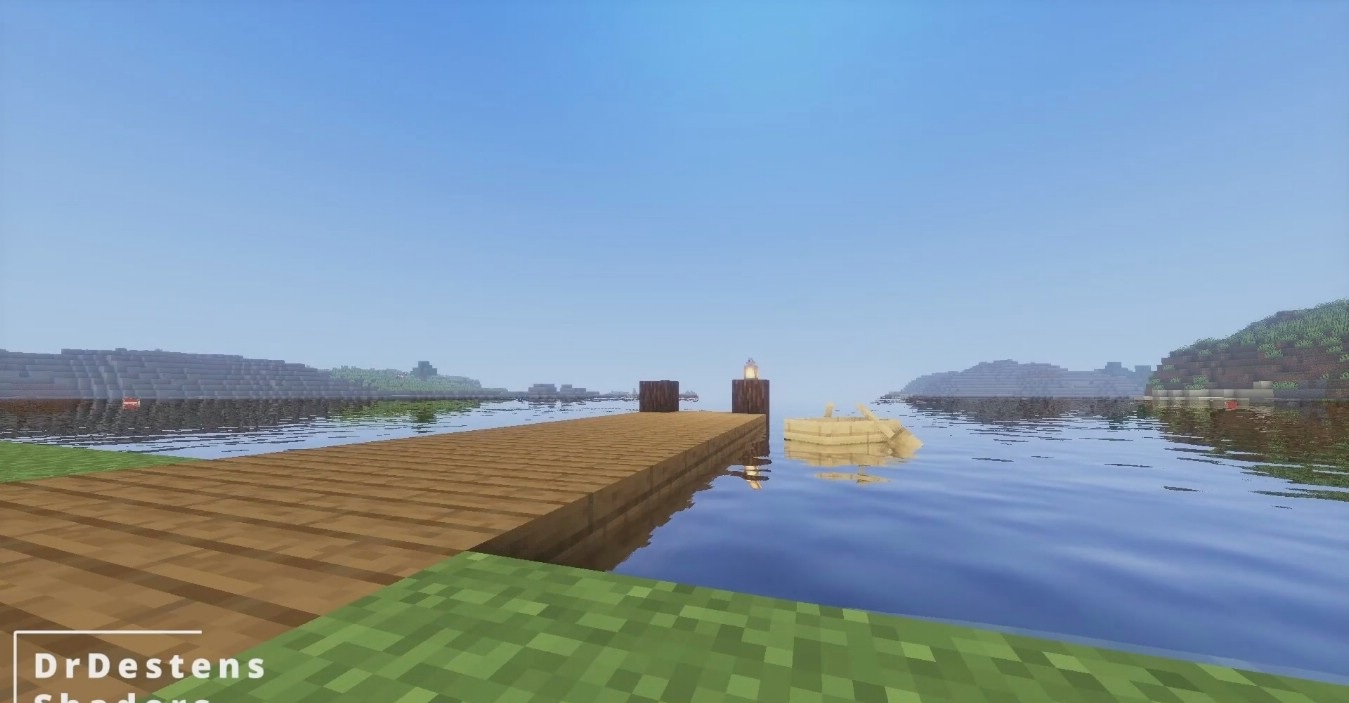
Special emphasis is placed on water — it deeply reflects the environment, and light rays create cinematic highlights. In motion, the shader becomes even more impressive thanks to motion blur and soft post-processing. Despite its complexity, performance remains respectable, especially if some effects are disabled.
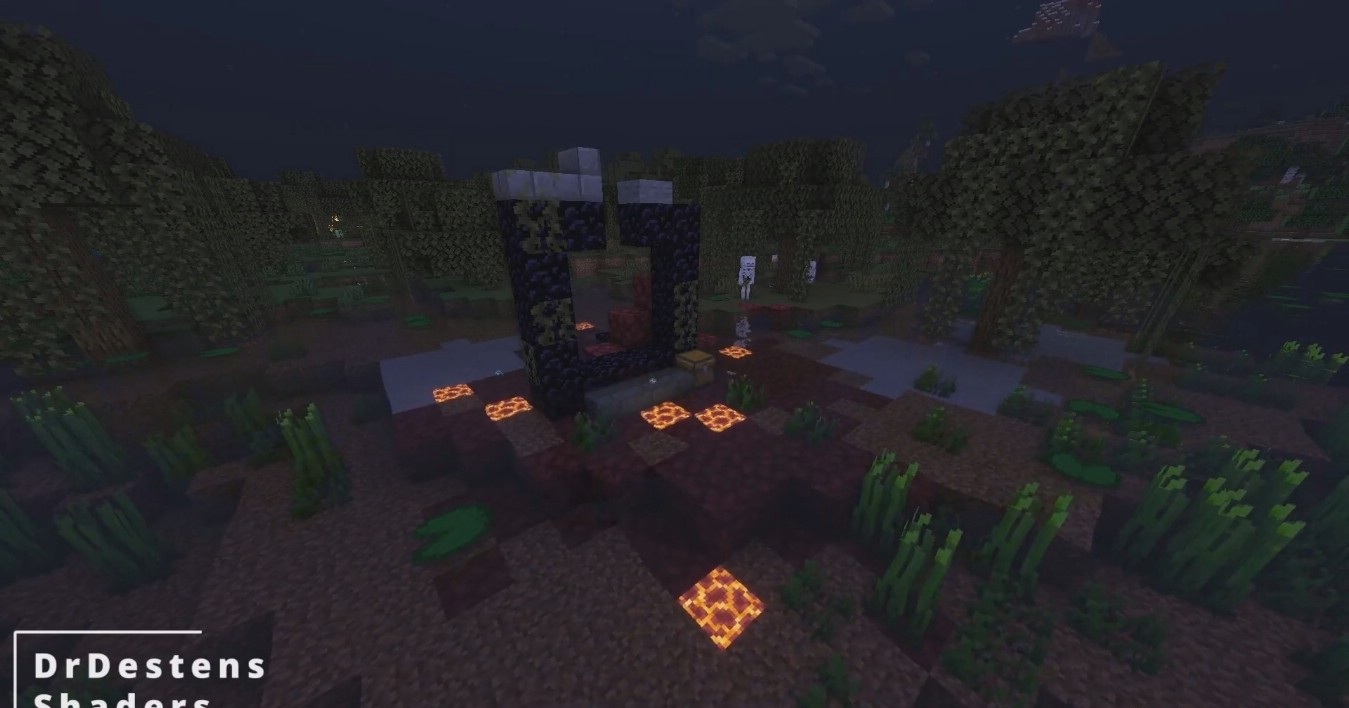
How to install a shader:
First step: download the shader package from the link below.
Second step: Unpack the downloaded archive and copy the DrDestens folder to c:\Users\User\AppData\Roaming\.minecraft\shaderpacks\(if this folder does not exist, create it yourself) (For Windows)
Third step: In the game, go to Settings, then to Graphics Settings. Select the "shaders" section and activate the shader pack of your choice.
Comments (5)