



E-LITE Shaders for Minecraft 1.21.11
When a balance between impressive visuals and stable performance is needed, what comes to the foreground is not the number of fancy features, but how competently they are implemented. E-LITE Shaders gives exactly the impression of a shader that tries to look spectacular, but does not forget about comfort during gameplay.
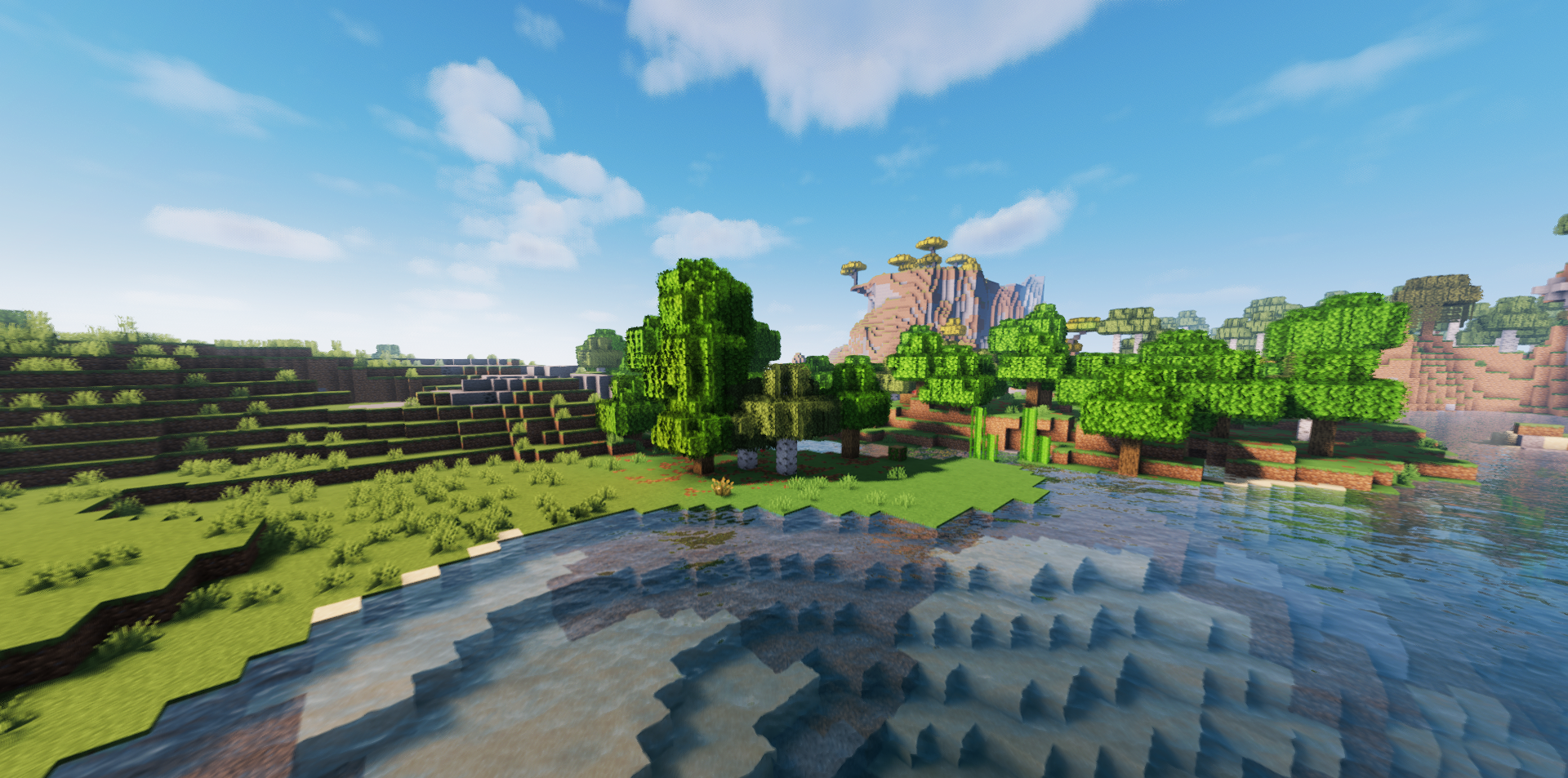
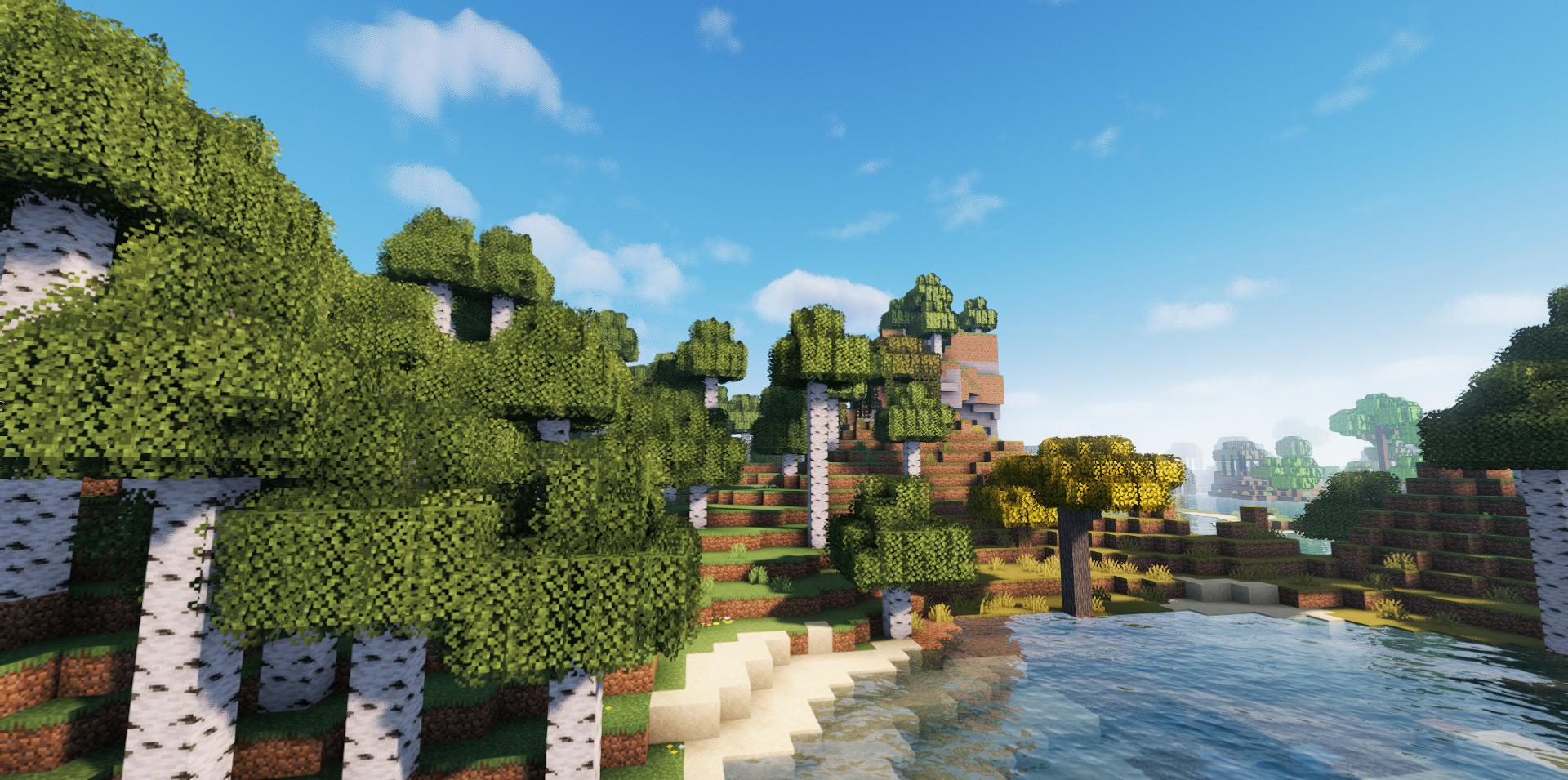
It has everything that you usually want to see in a modern pack: shadows, light rays, post-processing, reflections on water and blocks, anti-aliasing, as well as a choice between a more realistic and a more familiar style. A separate advantage is its high flexibility. Many parameters can be turned off or reduced if FPS is more important than maximum visual richness.
How to install a shader:
First step: download the shader package from the link below.
Second step: Unpack the downloaded archive and copy the E-LITE Shaders folder to c:\Users\User\AppData\Roaming\.minecraft\shaderpacks\(if this folder does not exist, create it yourself) (For Windows)
Third step: In the game, go to Settings, then to Graphics Settings. Select the "shaders" section and activate the shader pack of your choice.
Comments (0)