



Ebin Shaders for Minecraft 1.21.10
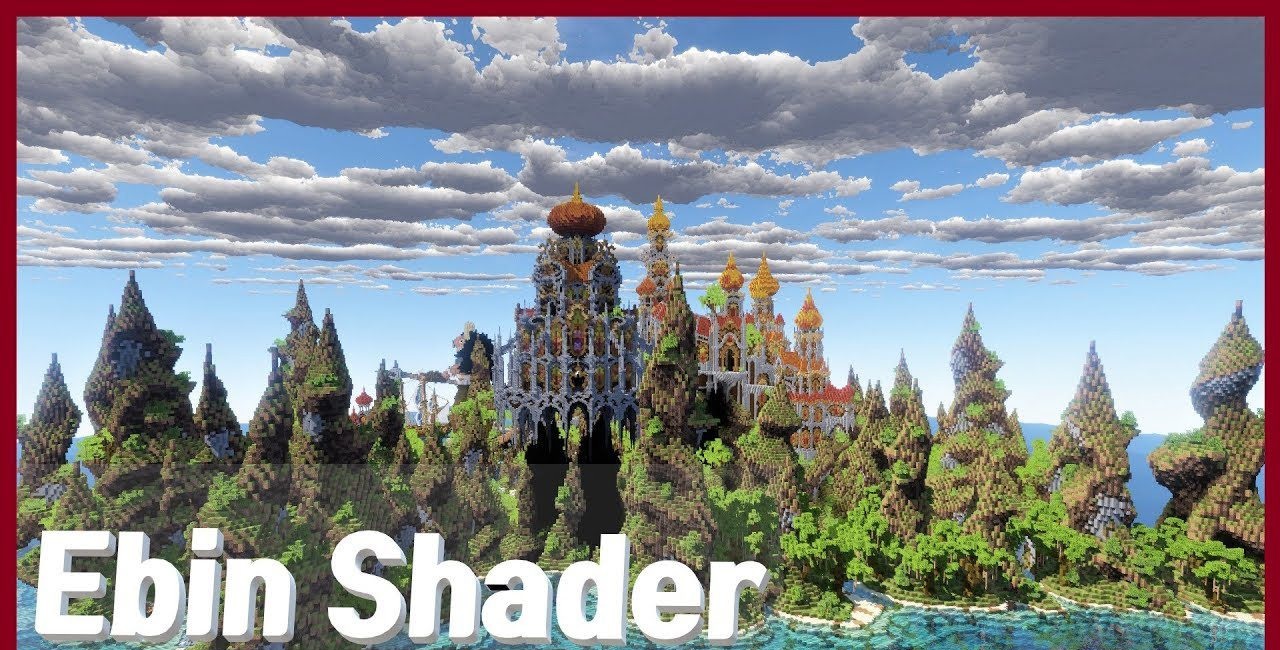
What does standard Minecraft lack to look deeper and more atmospheric? Ebin Shaders take on this role by adding volumetric clouds, dense realistic lighting, and detailed reflections on water. Soft light transitions create smooth contours of hills, emphasizing their shape and texture.
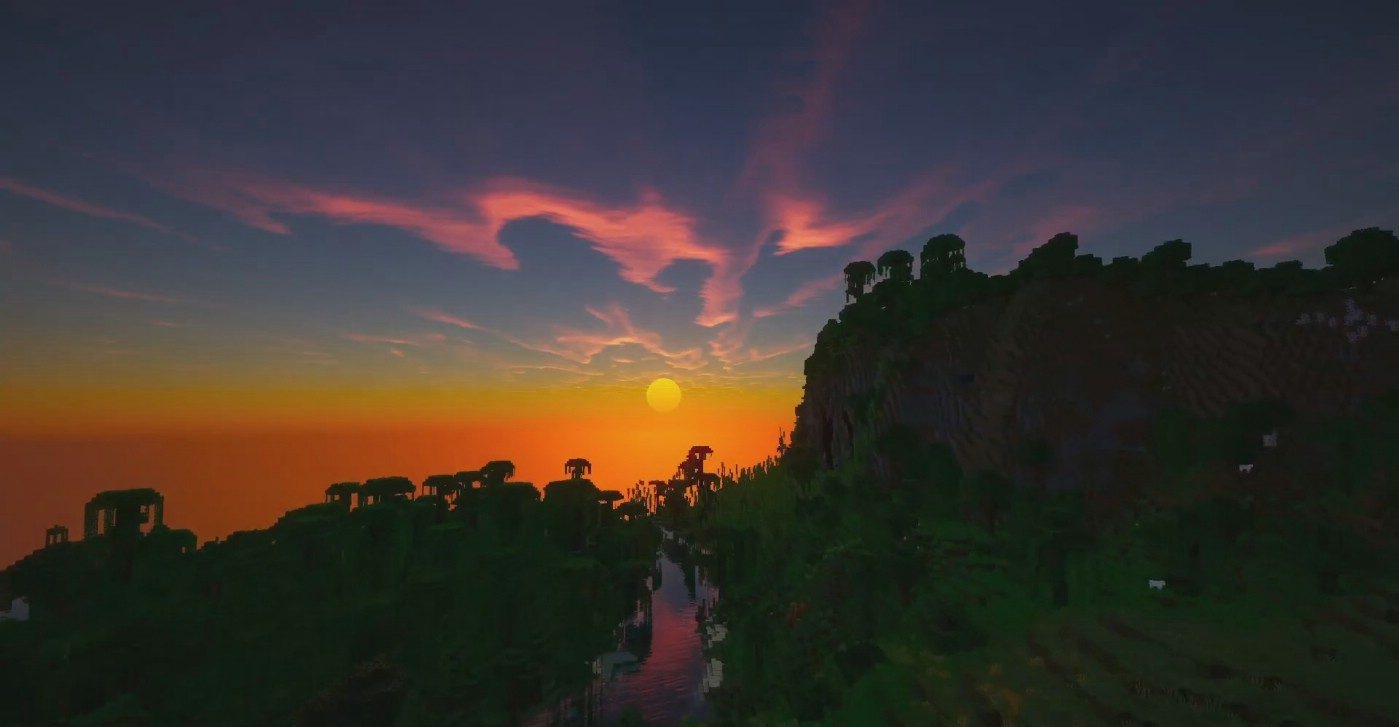
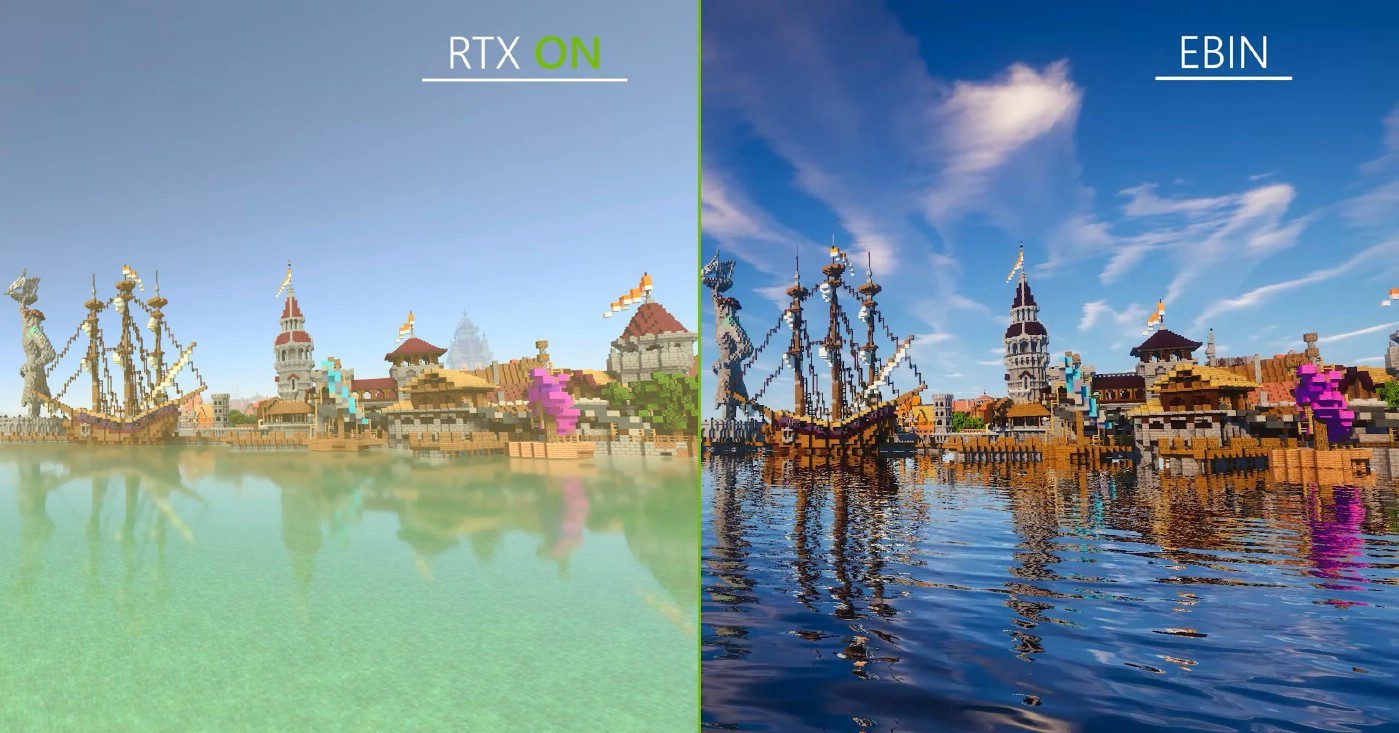
Water becomes far more expressive: its surface reacts to the color of the sky, the surroundings, and the position of the sun. Warm daylight adds golden highlights, while the altered structure of biomes makes scenes feel more cohesive. The visual image comes together as a harmonious space where every detail complements the others and forms a single, rich style.
How to install a shader:
First step: download the shader package from the link below.
Second step: Unpack the downloaded archive and copy the Ebin Shaders folder to c:\Users\User\AppData\Roaming\.minecraft\shaderpacks\(if this folder does not exist, create it yourself) (For Windows)
Third step: In the game, go to Settings, then to Graphics Settings. Select the "shaders" section and activate the shader pack of your choice.
Comments (0)