



Eclipse Shaders for Minecraft 1.21.11
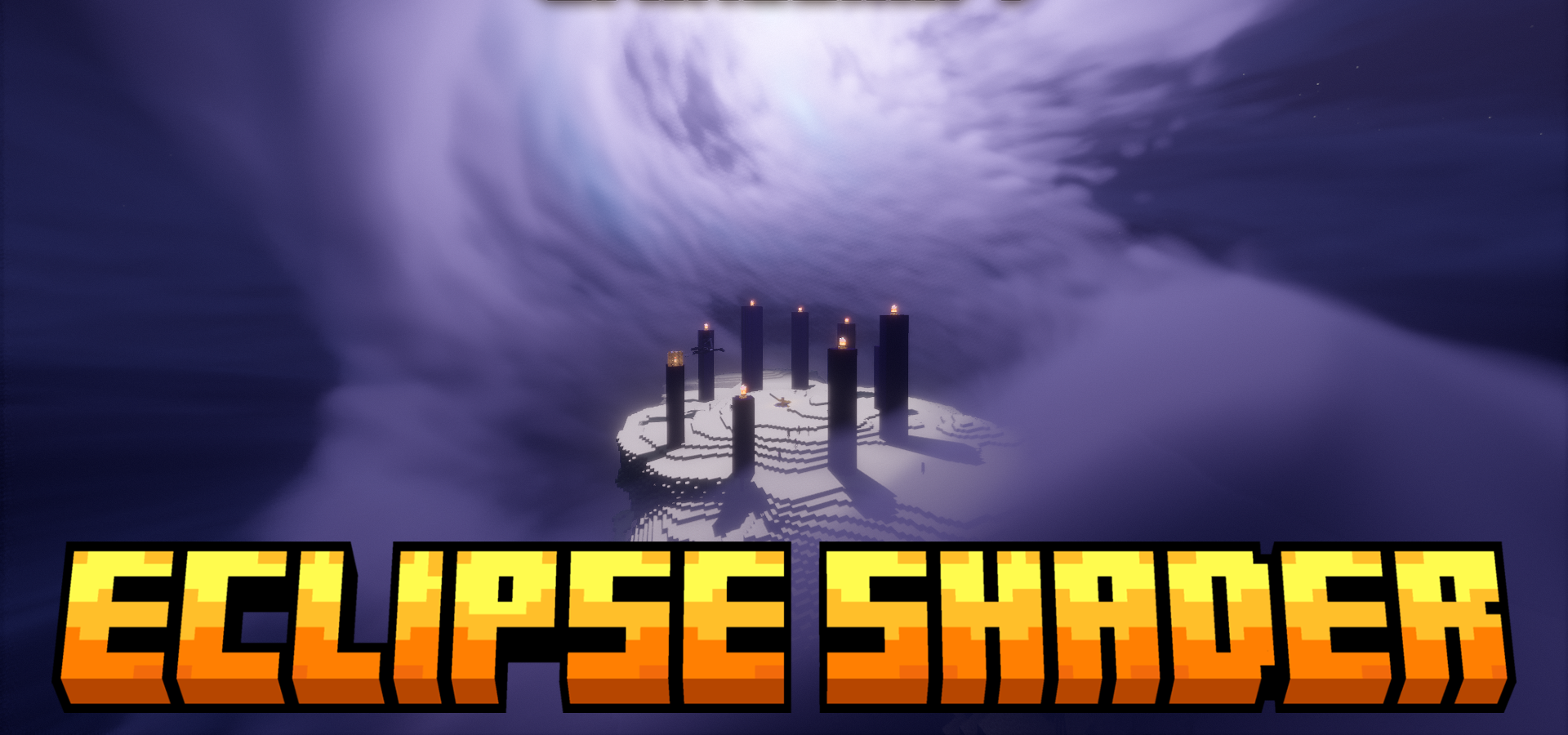
In some shaders, the main highlight is the water, while in others it is the lighting. In the case of Eclipse Shaders, what stands out most is the sky and everything connected with atmospheric phenomena. Here, the Moon stops being just a decorative object: a customizable orbit, eclipses, phases, and custom textures make the night sky noticeably more interesting. But the possibilities do not end there.
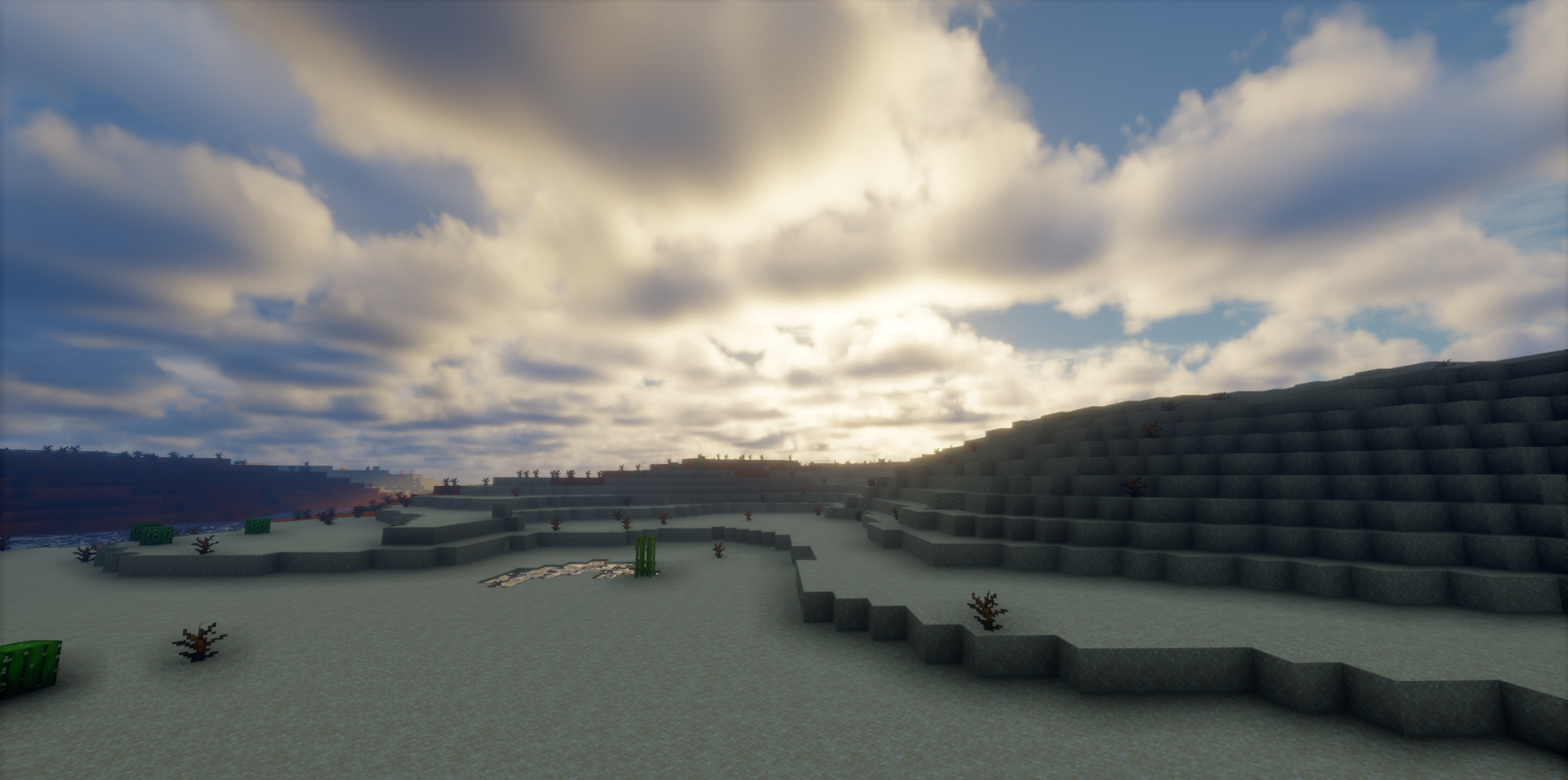
The shader adds the aurora borealis, rainbows, new cloud layers, and improves the overall feeling of weather in the world. The picture is completed by animated grass, the effect of water movement on the player, ripples from rain, snow cover, and improved glowing effects for blocks and items.
How to install a shader:
First step: download the shader package from the link below.
Second step: Unpack the downloaded archive and copy the Eclipse Shaders folder to c:\Users\User\AppData\Roaming\.minecraft\shaderpacks\(if this folder does not exist, create it yourself) (For Windows)
Third step: In the game, go to Settings, then to Graphics Settings. Select the "shaders" section and activate the shader pack of your choice.
Comments (10)