



Emissive for Minecraft 1.21.8
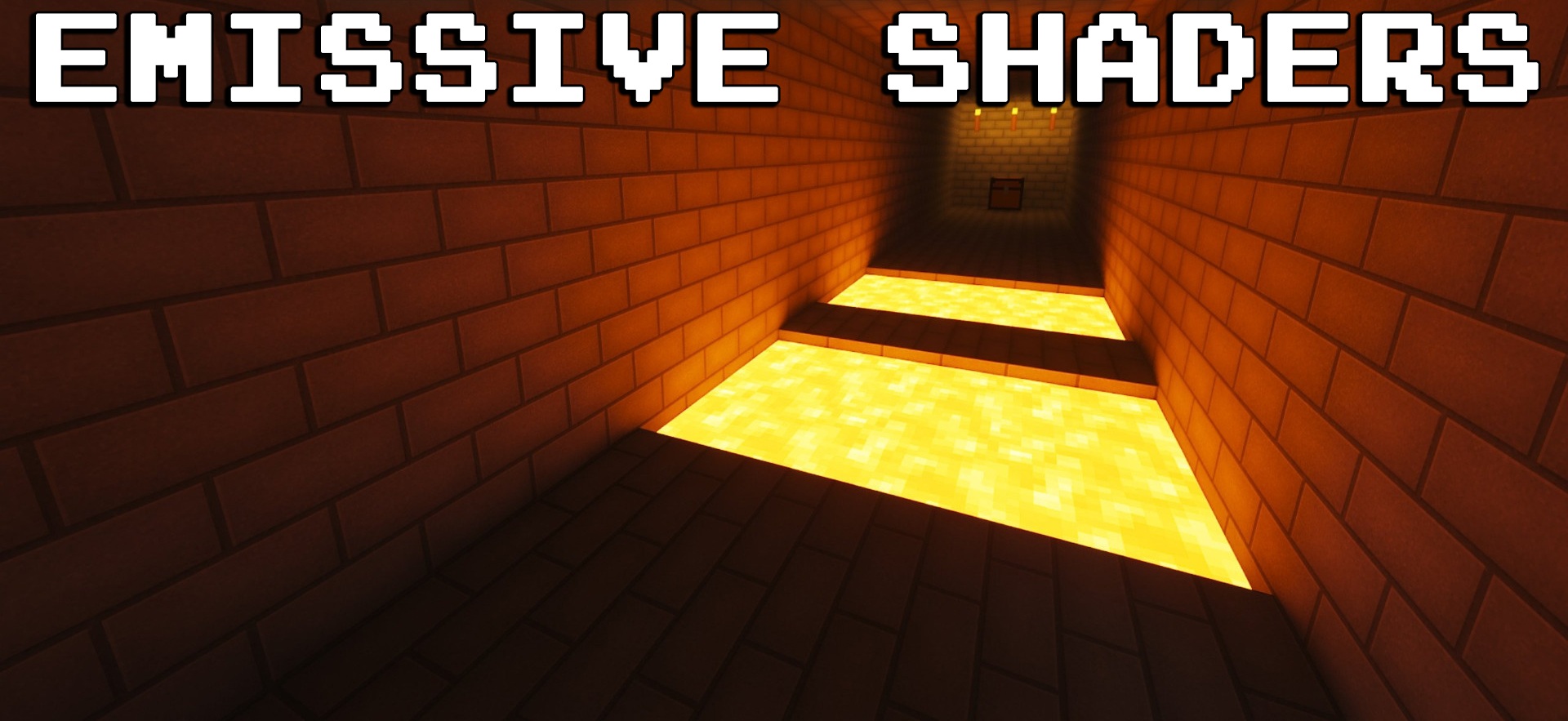
To add realism and atmosphere to your adventures, use Emissive shader for Minecraft. It focuses on a complete overhaul of lighting with reworked light sources. Now lamps, glowing blocks, and even lava will emit realistic light and make your environment more visually pleasing. Ray-tracing simulation pairs perfectly with SEUS PTGI, Complementary Shaders, or BSL Shaders, creating an incredible picture.
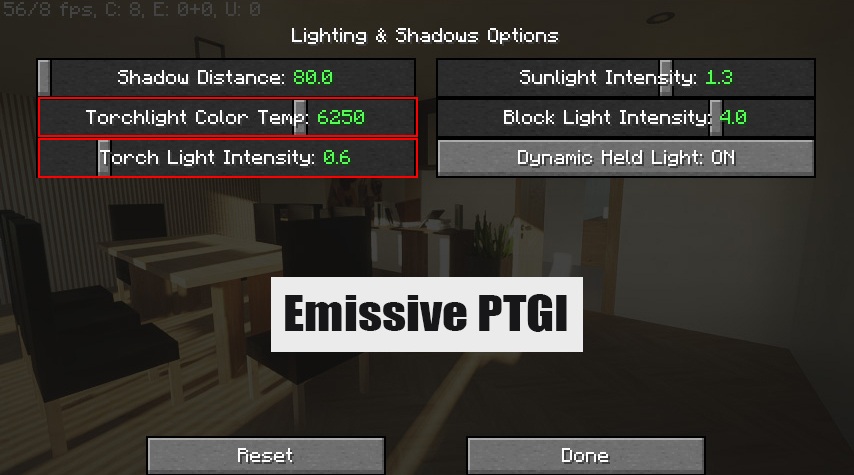
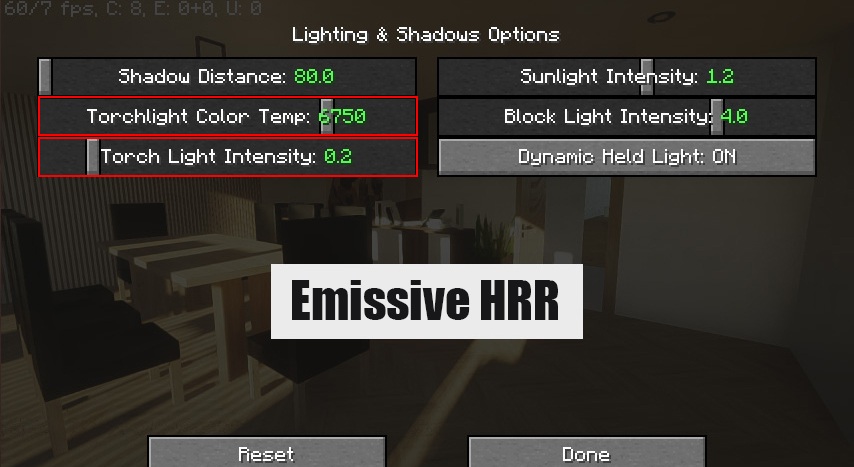
Light will now feel more realistic and will positively affect the overall impressions of the game. Literally every block that emits light will become richer, more pleasing, and perfectly fit into the overall atmosphere of the adventure.
How to install a shader:
First step: download the shader package from the link below.
Second step: Unpack the downloaded archive and copy the Emissive folder to c:\Users\User\AppData\Roaming\.minecraft\shaderpacks\(if this folder does not exist, create it yourself) (For Windows)
Third step: In the game, go to Settings, then to Graphics Settings. Select the "shaders" section and activate the shader pack of your choice.
Comments (0)