



Exposa for Minecraft 1.21.10
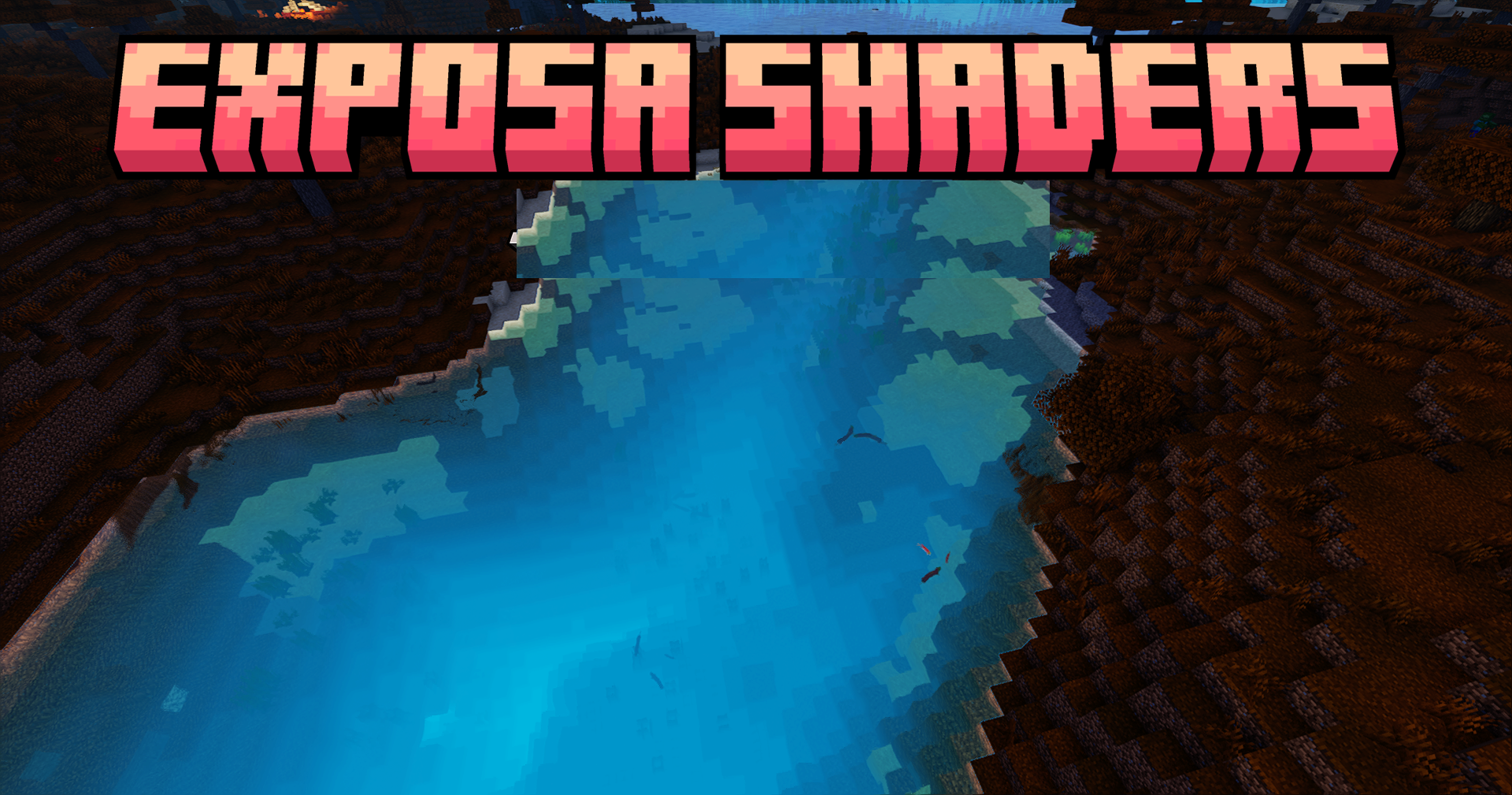
Exposa creates the impression that the Minecraft world has become part of a fantasy movie. Colors become richer, shadows deeper, and the lighting more expressive. Water reflects light naturally, sometimes even dramatically, creating impressive scenes when the weather shifts from rain to sunshine.
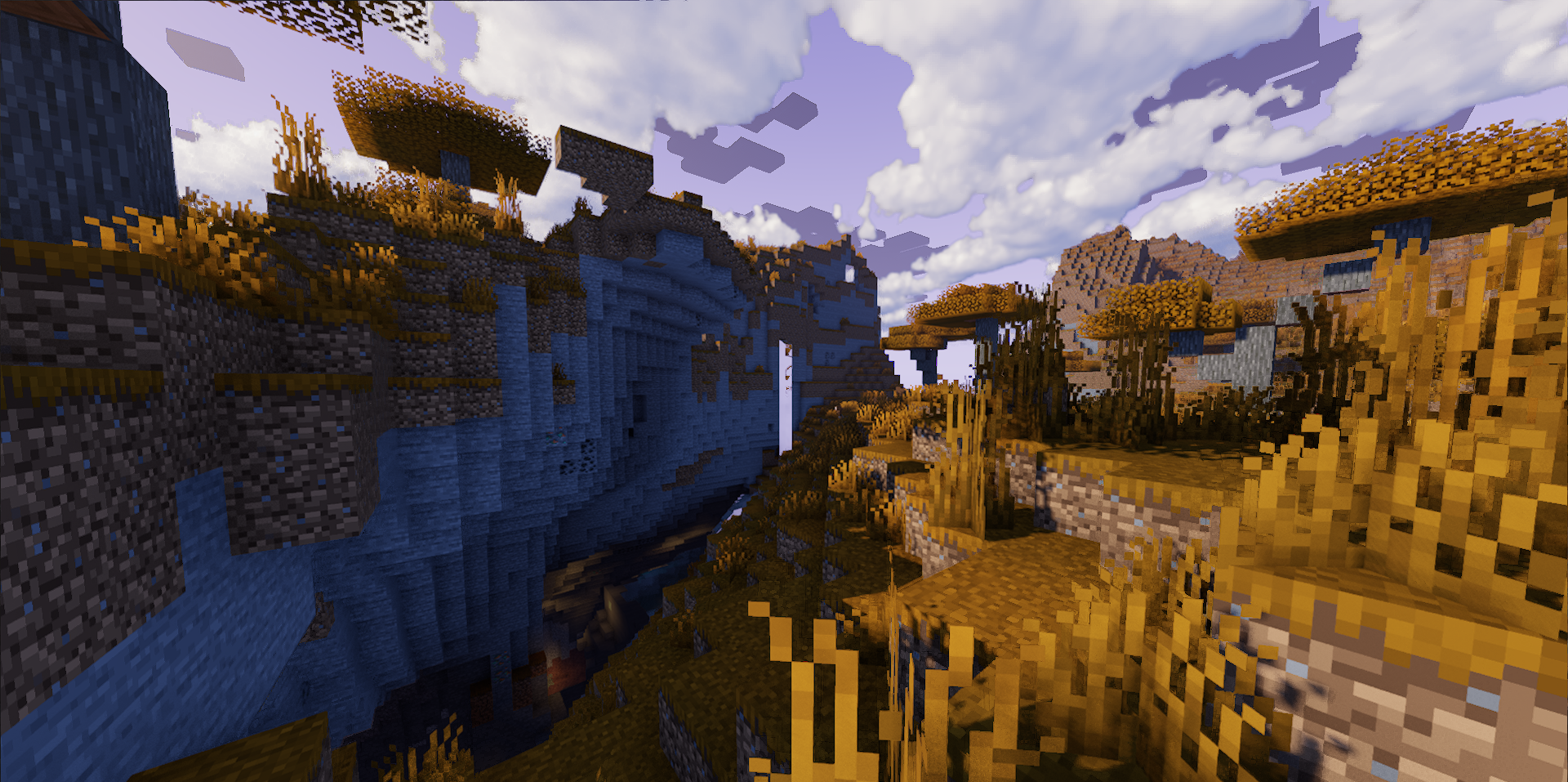
The work with tones is especially noticeable: tone correction and HDR effects make the atmosphere denser and more immersive. Dynamic puddles and reflections add depth after rainfall, and light shafts emphasize the structure of buildings and natural objects. An interesting feature is the visual seasonality: colors change softly, conveying the mood of the surrounding nature.
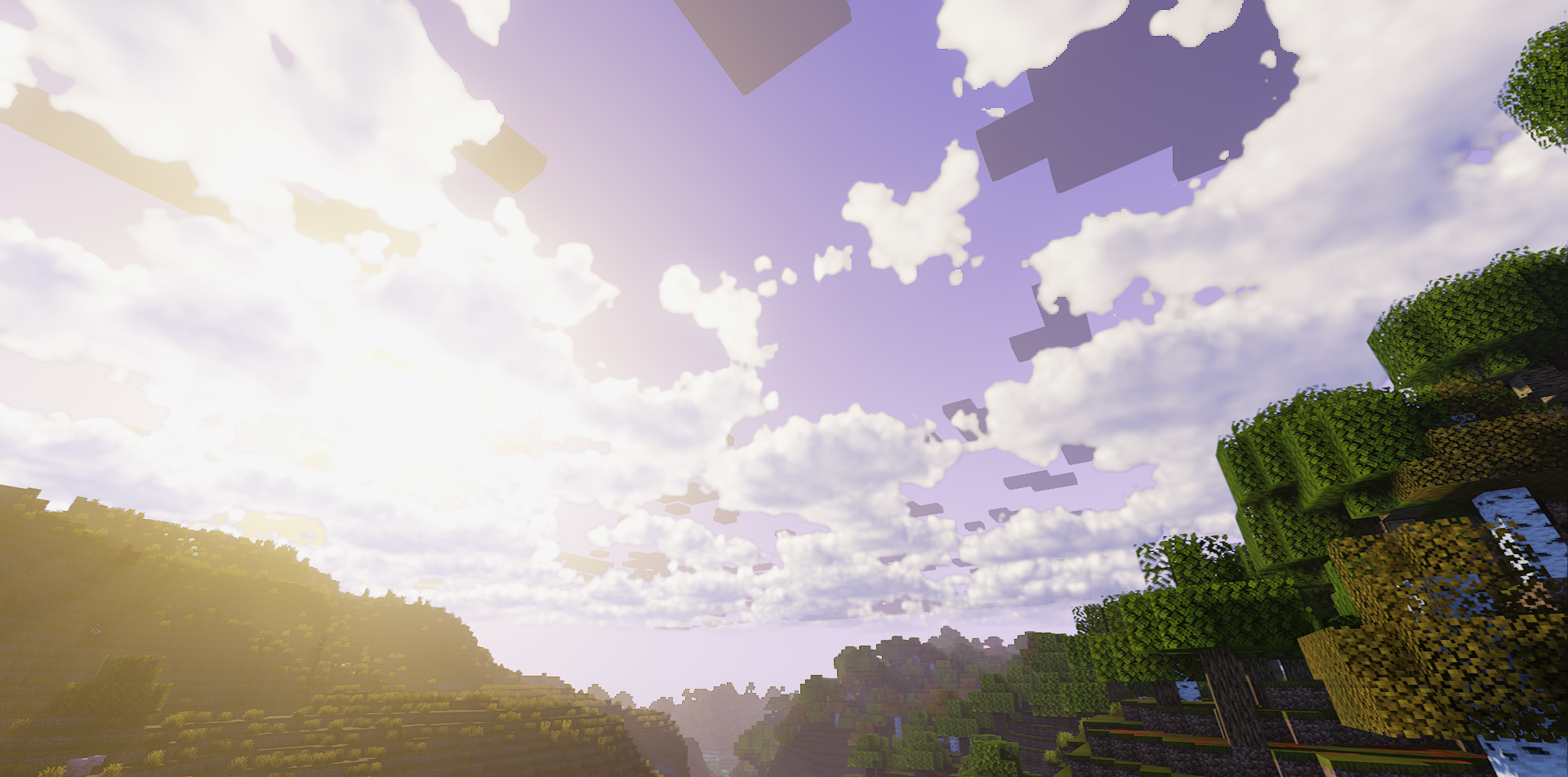
How to install a shader:
First step: download the shader package from the link below.
Second step: Unpack the downloaded archive and copy the Exposa folder to c:\Users\User\AppData\Roaming\.minecraft\shaderpacks\(if this folder does not exist, create it yourself) (For Windows)
Third step: In the game, go to Settings, then to Graphics Settings. Select the "shaders" section and activate the shader pack of your choice.
Comments (0)