



Glacier for Minecraft 1.21.8
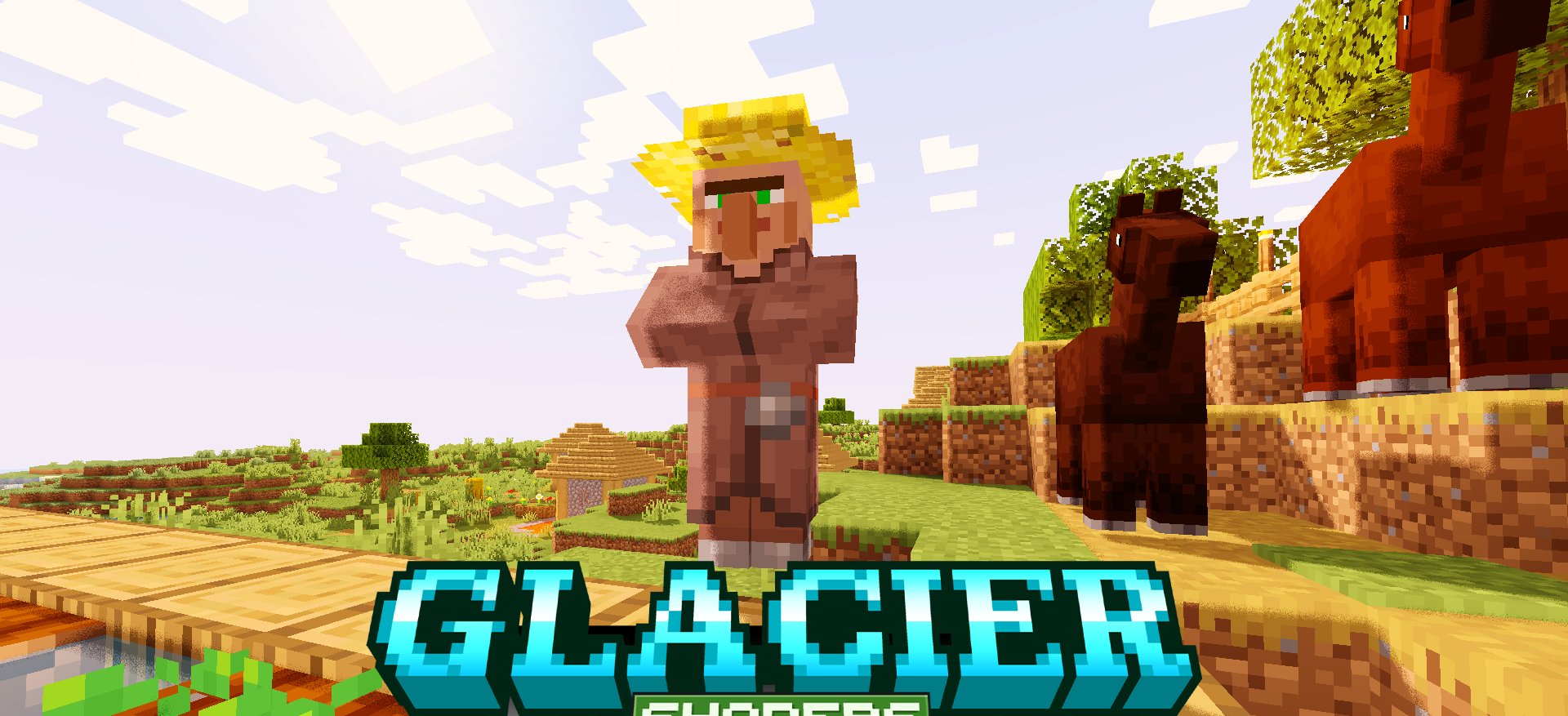
Glacier for Minecraft is a balanced improvement that lets you see the environment from a fresh perspective. The author introduced a number of lighting fixes and worked on visual effects. The improvements aren’t large-scale but are balanced and don’t affect performance.
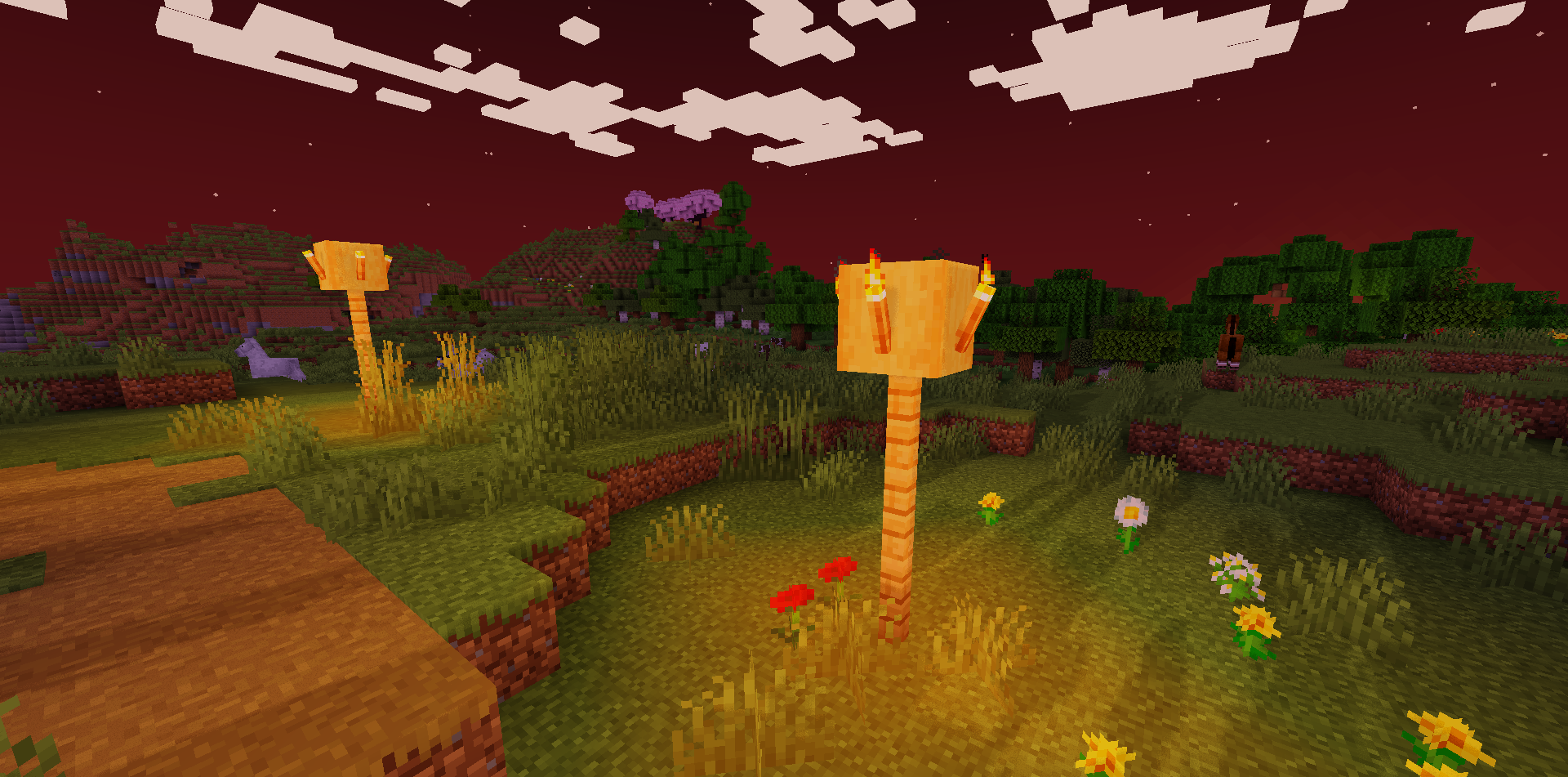
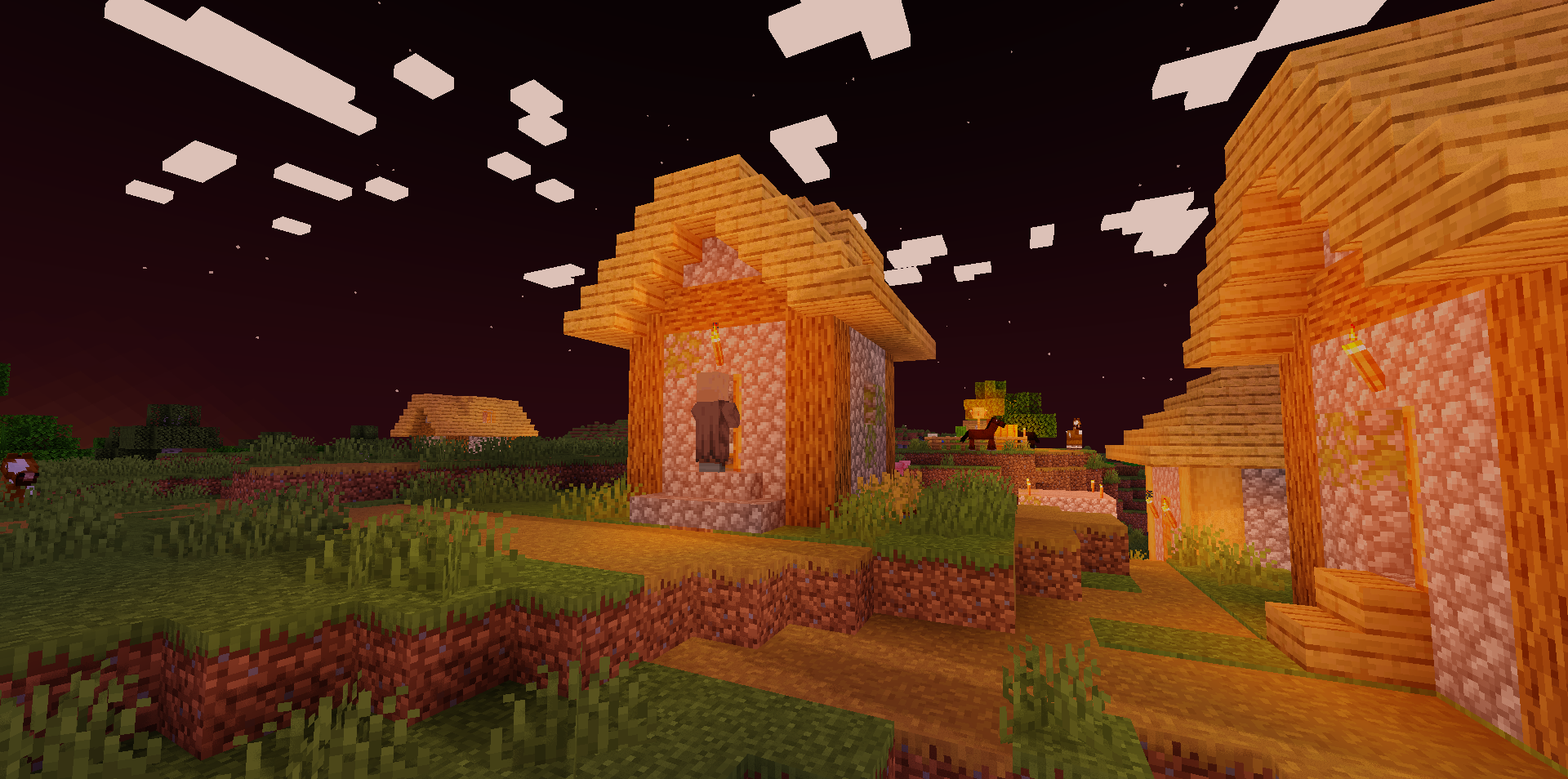
Lighting is now brighter, richer, and more pleasant, and the same applies to light sources. As for the visuals, the author mainly changed the texture and color combinations, which has a positive effect on the overall impression of the adventure.
How to install a shader:
First step: download the shader package from the link below.
Second step: Unpack the downloaded archive and copy the Glacier folder to c:\Users\User\AppData\Roaming\.minecraft\shaderpacks\(if this folder does not exist, create it yourself) (For Windows)
Third step: In the game, go to Settings, then to Graphics Settings. Select the "shaders" section and activate the shader pack of your choice.
Comments (2)