



Hadron Shaders for Minecraft 1.21.11for Minecraft 1.21.11
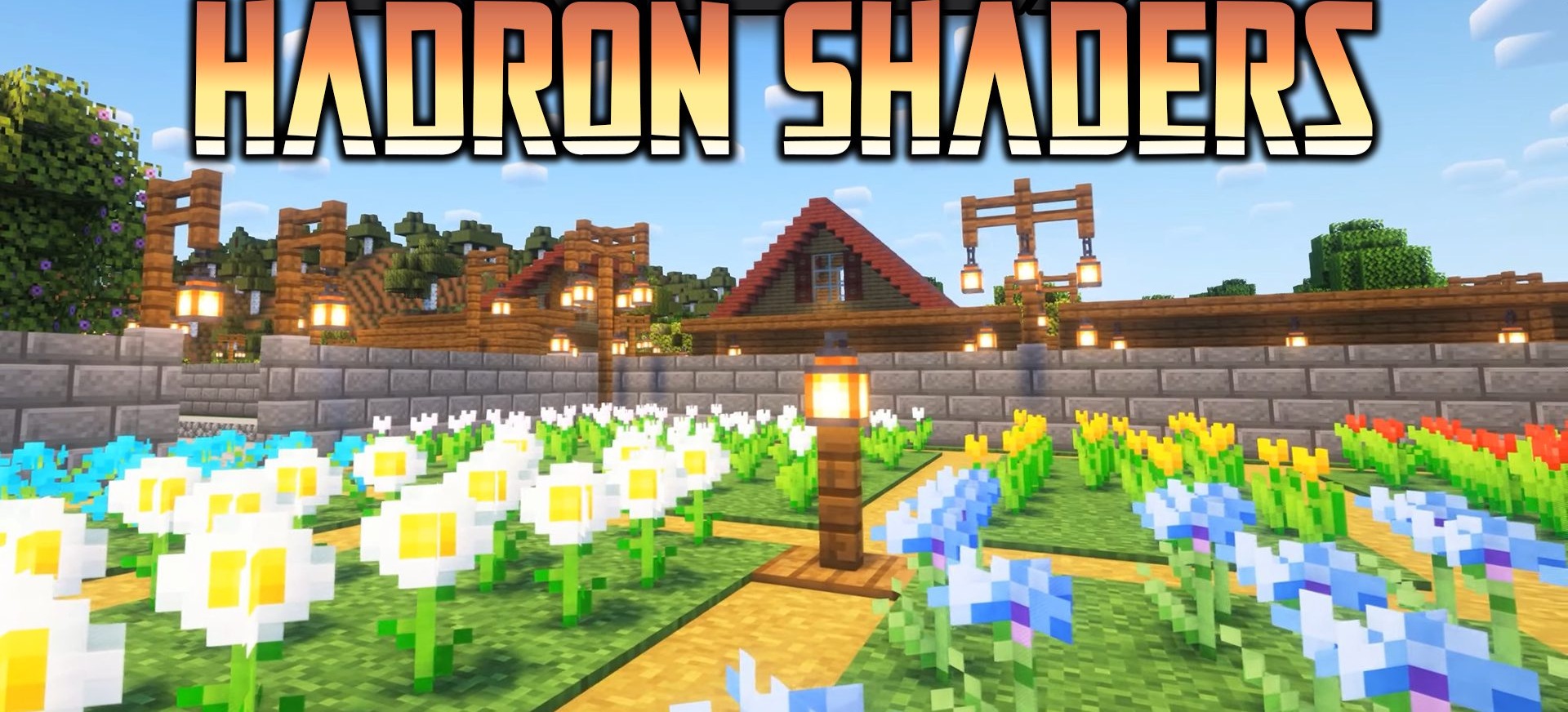
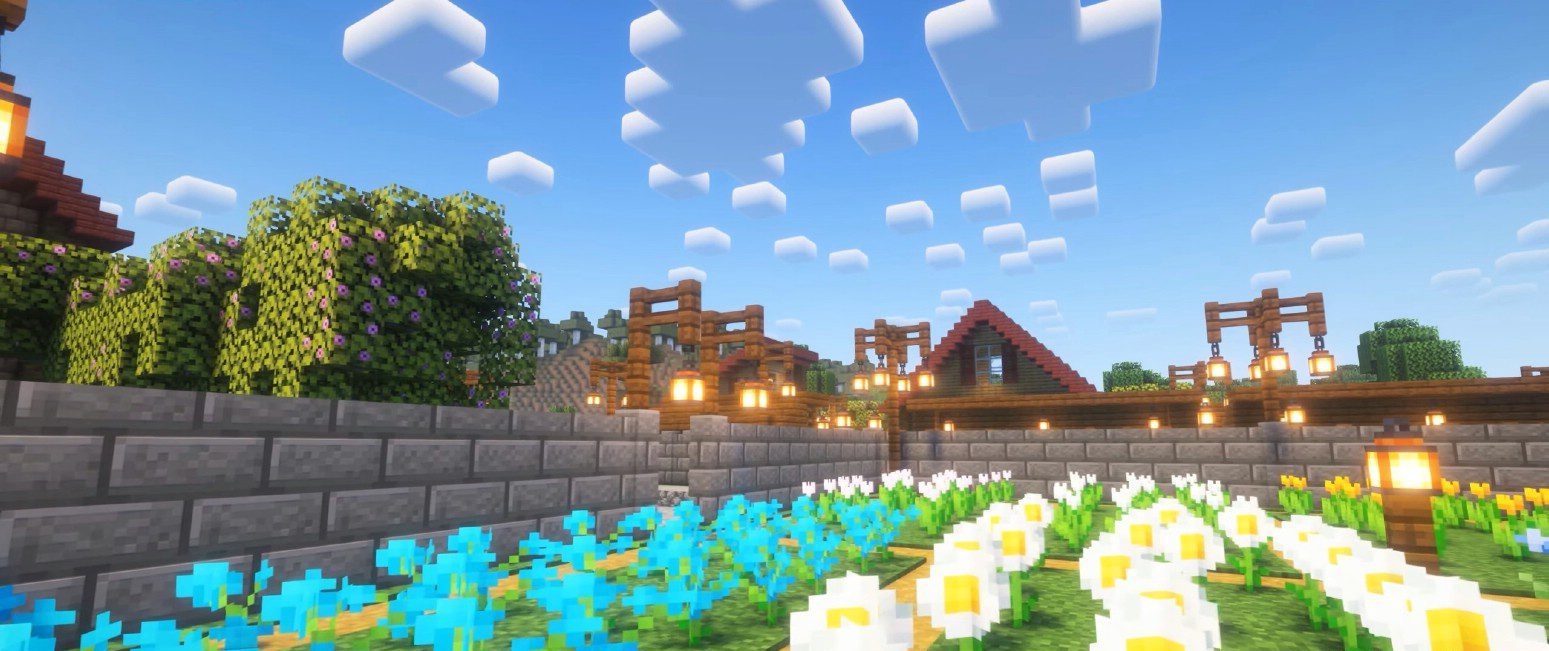
For those who value modern visuals without overloaded effects, there is a solution that can impress with its balance of quality and smoothness. This is exactly how Hadron Shaders feel. The image becomes crystal clear, light is softly distributed across the surfaces of blocks, and shadows add depth without making the scene feel heavy.
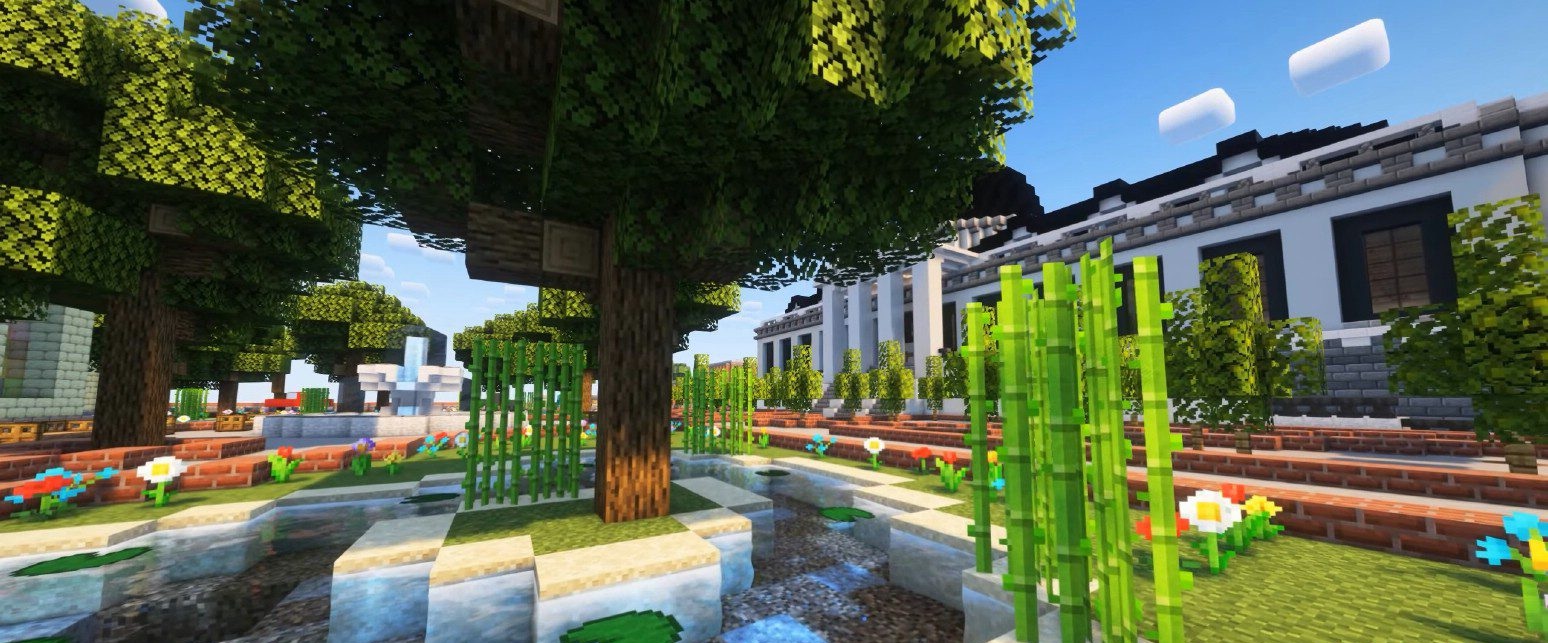
One of its main advantages is ease of configuration: even without fine-tuning, the image looks stable and clean. This shader is equally well suited for building and for exploring the world, creating a sense of a “pure” visual upgrade without unnecessary visual noise.
How to install a shader:
First step: download the shader package from the link below.
Second step: Unpack the downloaded archive and copy the Hadron Shaders folder to c:\Users\User\AppData\Roaming\.minecraft\shaderpacks\(if this folder does not exist, create it yourself) (For Windows)
Third step: In the game, go to Settings, then to Graphics Settings. Select the "shaders" section and activate the shader pack of your choice.
Comments (0)