



Hysteria for Minecraft 1.21.10
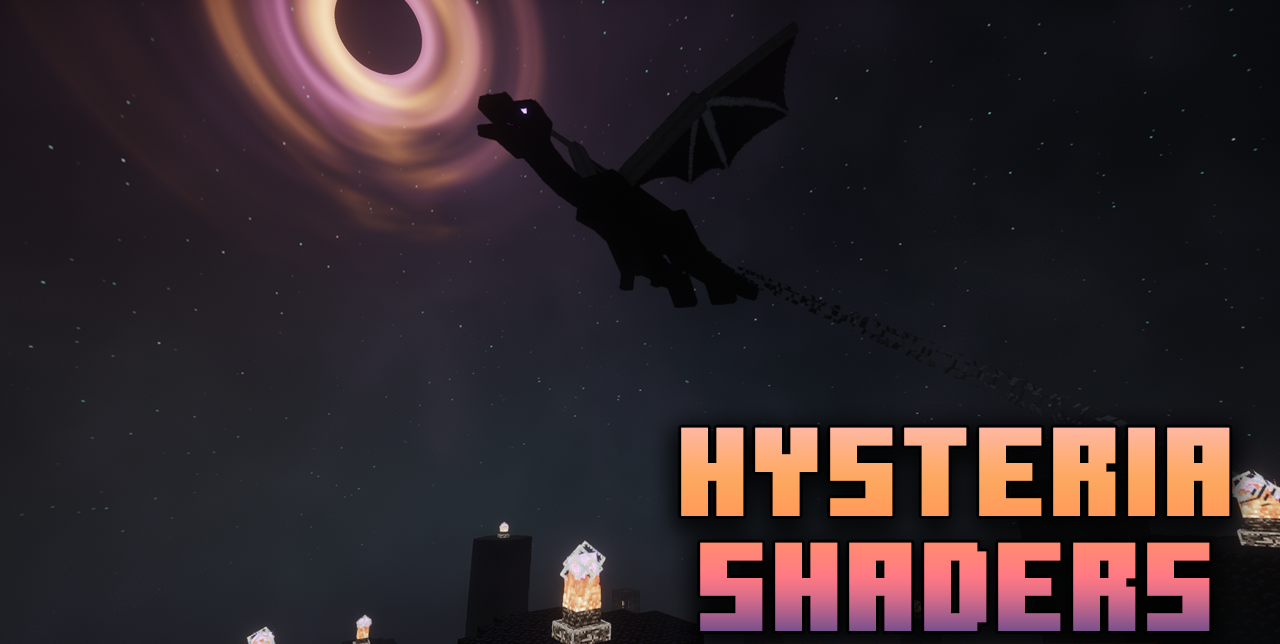
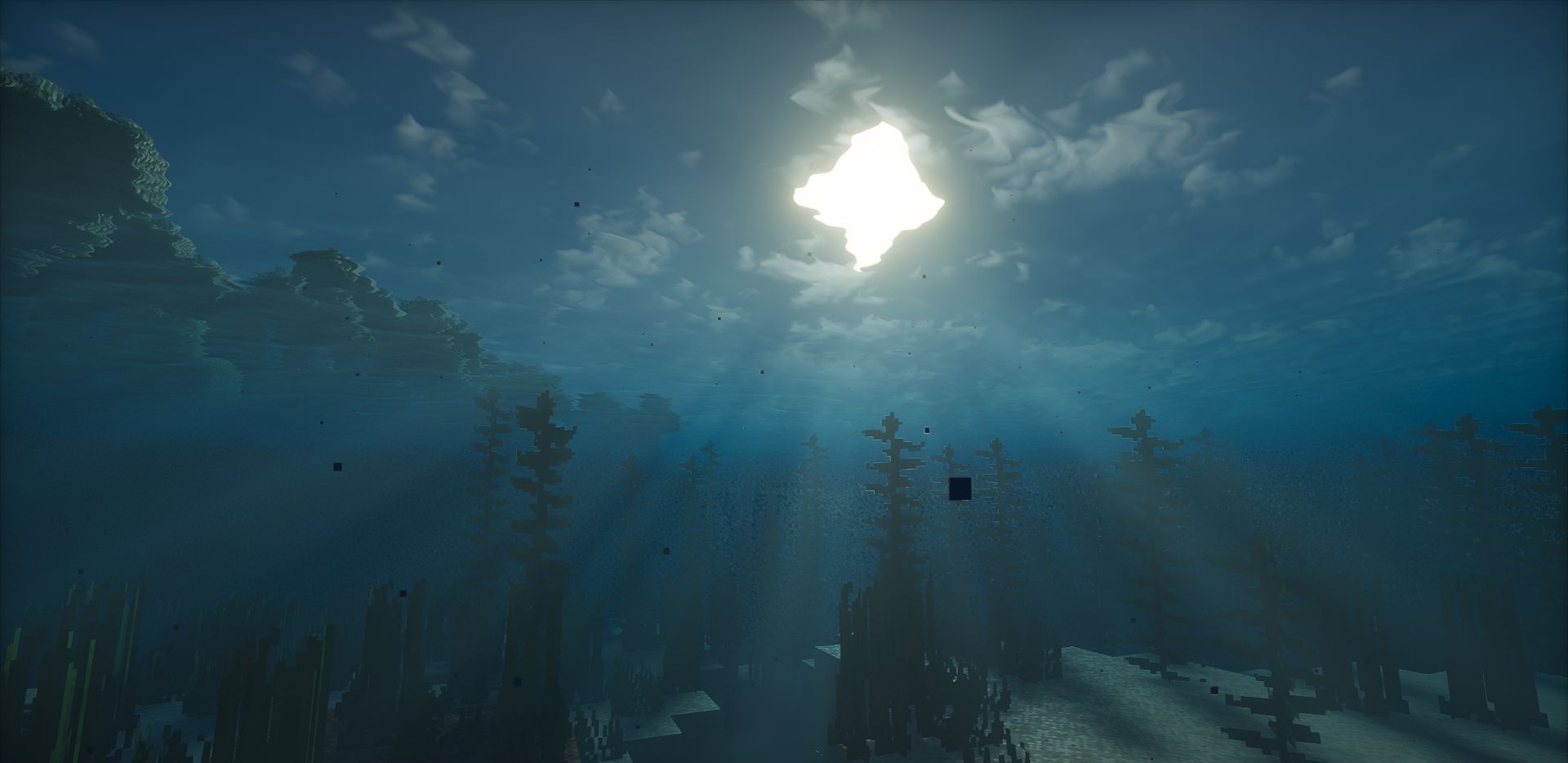
For players who prefer a dark, rich atmosphere, Hysteria Shaders is the perfect solution. This shader creates an eerie environment: dense fog, deep shadows, dim highlights, and sharp contrast transitions turn the standard world into a survival zone. Thanks to dynamic weather, each play session feels new — the sky changes, clouds grow thicker or tear apart in the wind, and lighting adapts to the conditions.
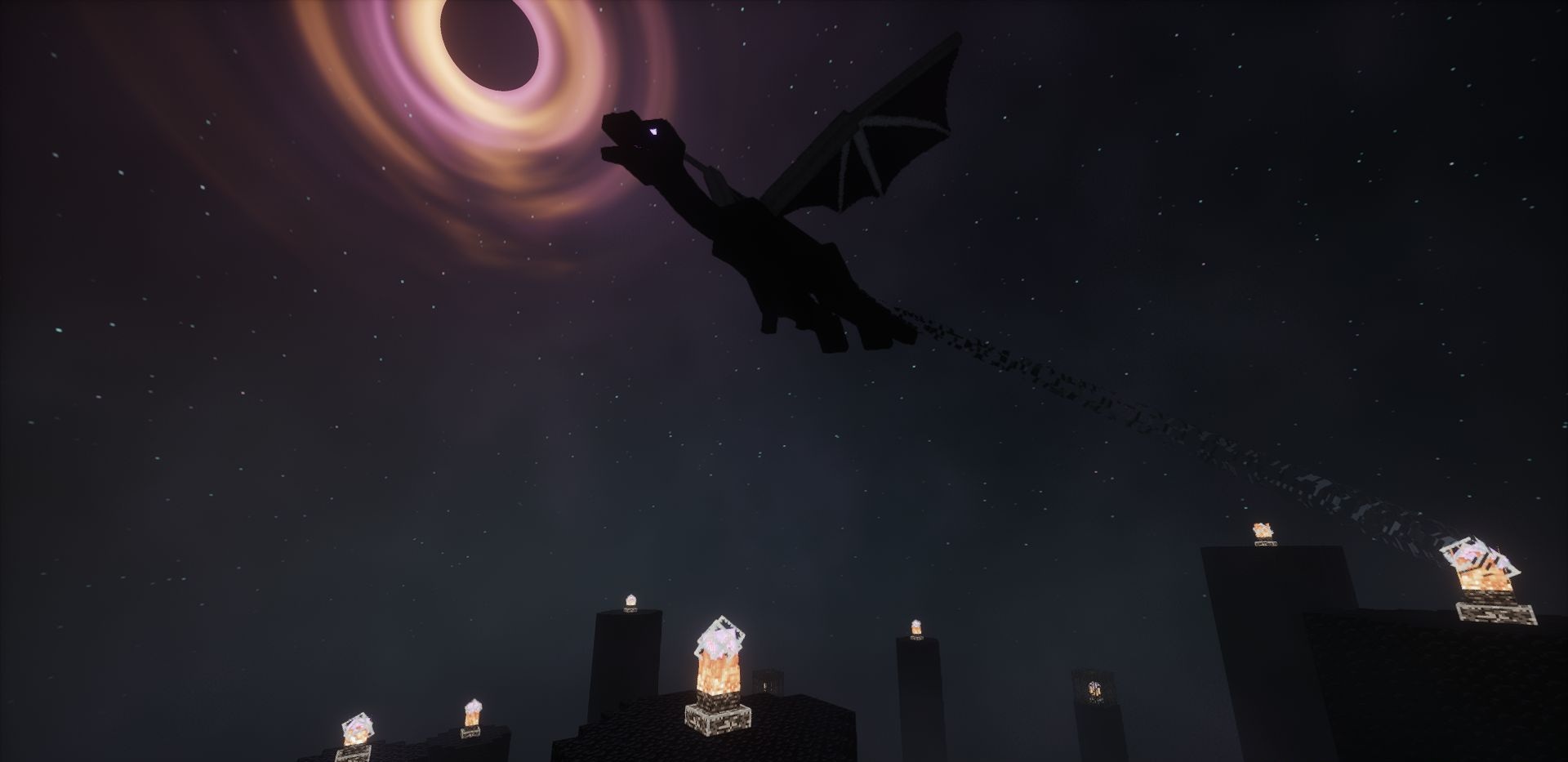
The pack supports Distant Horizons, allowing the atmosphere to remain intact even at long render distances. Its settings are more extensive than those of Photon, offering fine-tuned customization: from fog color to light behavior.
How to install a shader:
First step: download the shader package from the link below.
Second step: Unpack the downloaded archive and copy the Hysteria folder to c:\Users\User\AppData\Roaming\.minecraft\shaderpacks\(if this folder does not exist, create it yourself) (For Windows)
Third step: In the game, go to Settings, then to Graphics Settings. Select the "shaders" section and activate the shader pack of your choice.
Comments (0)