



I Like Vanilla for Minecraft 1.21.10

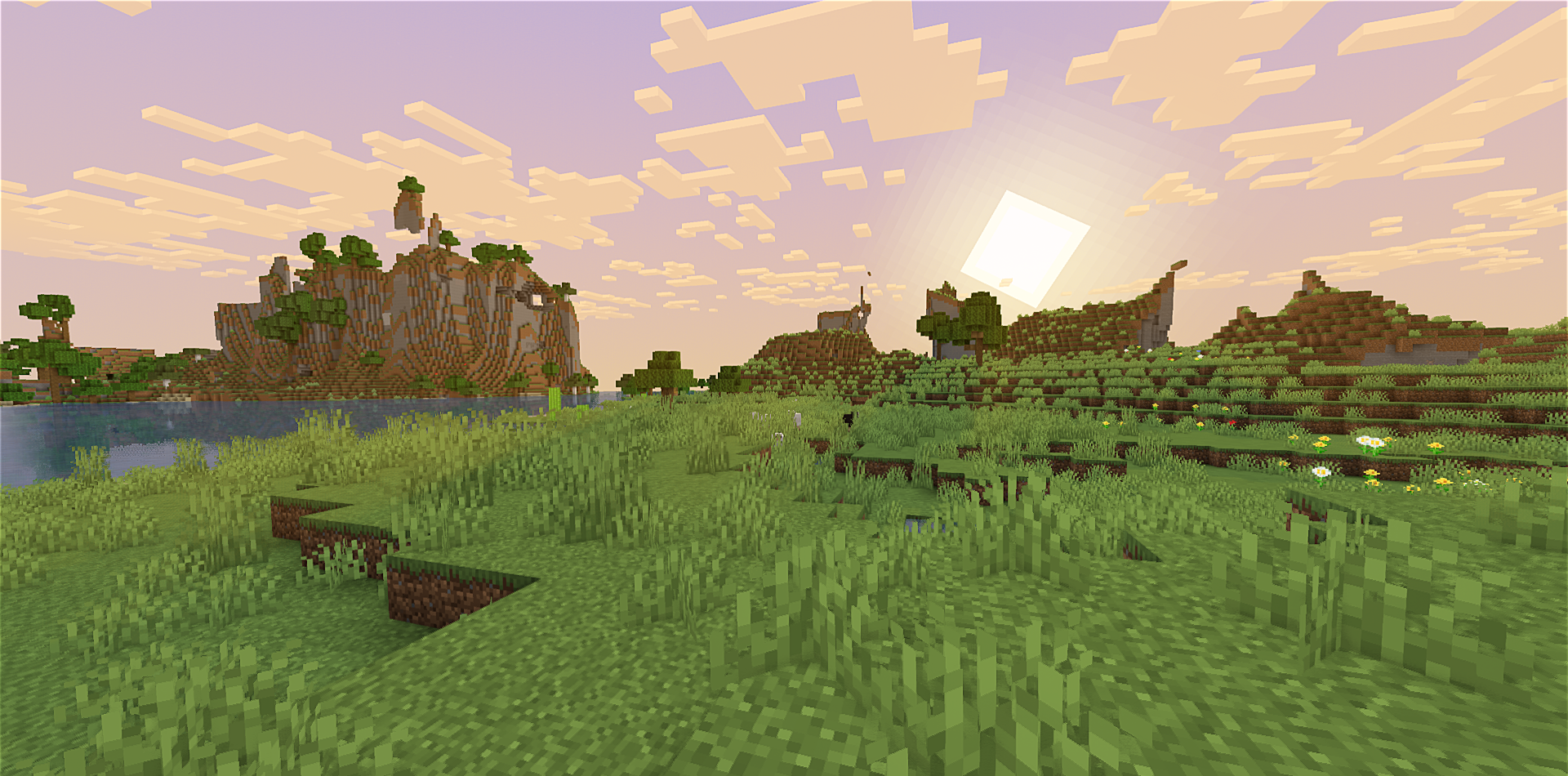
I Like Vanilla is a shader pack that feels as if it were made for players who appreciate the original Minecraft aesthetic but want to refresh the game’s visuals without any drastic changes. Its key idea is to make the picture cleaner, softer, and easier on the eyes while preserving that recognizable style.
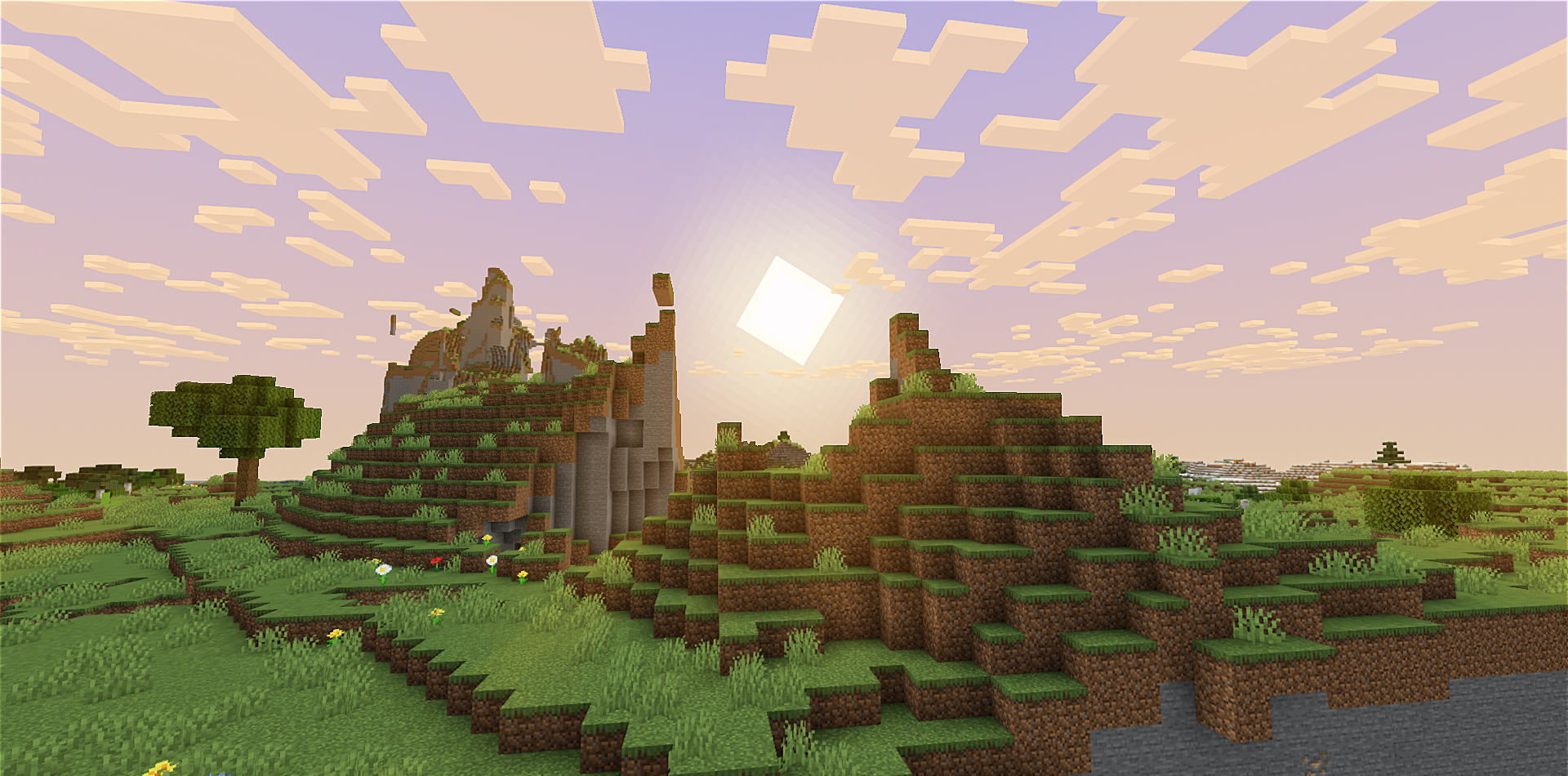
There’s no attempt to compete with heavy cinematic shaders; on the contrary, the effect is based on subtle touches that noticeably improve how the game looks without turning it into something foreign. Soft shadows, clear daytime lighting, and slightly more atmospheric night scenes all create the feeling of a renewed yet familiar world where you don’t need to adjust or relearn anything.
How to install a shader:
First step: download the shader package from the link below.
Second step: Unpack the downloaded archive and copy the I Like Vanilla folder to c:\Users\User\AppData\Roaming\.minecraft\shaderpacks\(if this folder does not exist, create it yourself) (For Windows)
Third step: In the game, go to Settings, then to Graphics Settings. Select the "shaders" section and activate the shader pack of your choice.
Comments (0)