



Inception Shaders for Minecraft 1.21.11
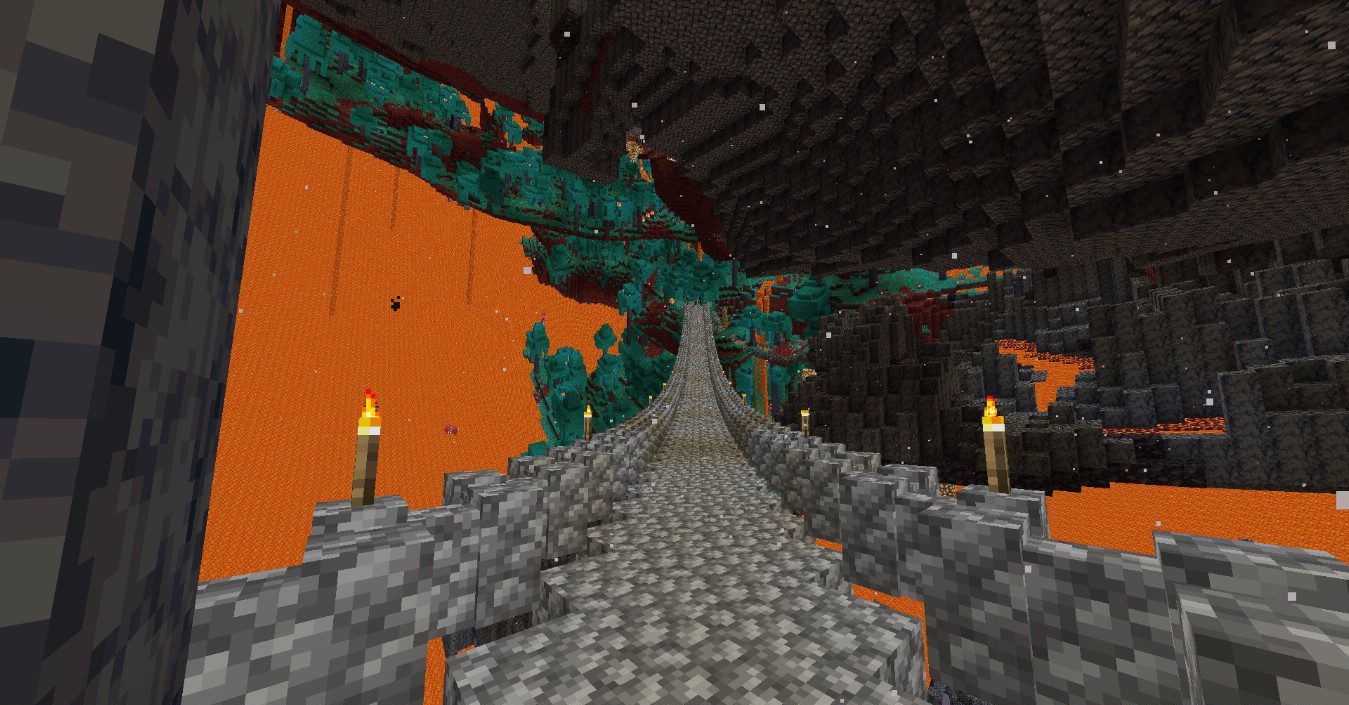
One of the most unusual visual experiments is Inception Shaders, as it changes not the lighting or colors, but the very geometry of the world. The surface of the land and objects bend along a smooth curve, creating the illusion that the world rises upward and breaks familiar laws of physics. This effect looks especially impressive while moving and works extremely well in VR, enhancing the feeling of disorientation and scale.
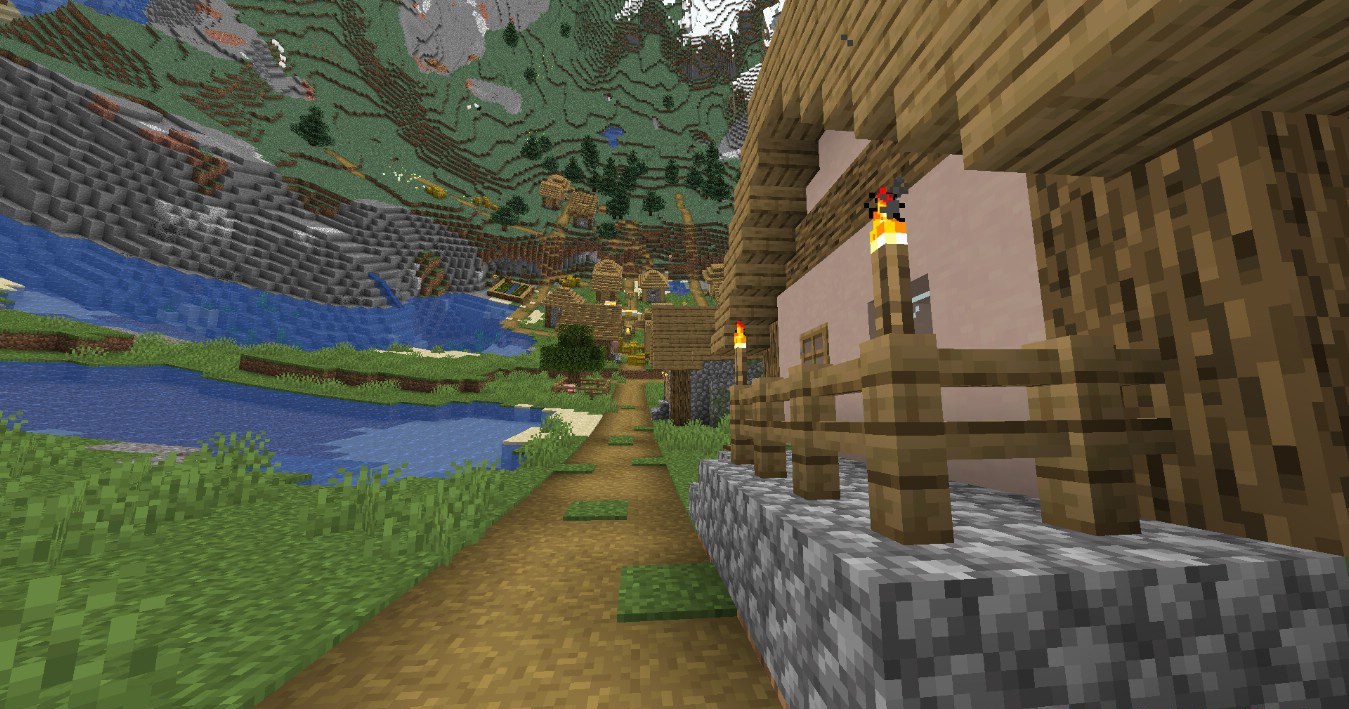
The experience is complemented by swaying leaves, waves on the water, and random visual effects that make everything even more surreal. This is not about standard gameplay, but about a visual experience that is perfect for exploration and walking around.
How to install a shader:
First step: download the shader package from the link below.
Second step: Unpack the downloaded archive and copy the Inception Shaders folder to c:\Users\User\AppData\Roaming\.minecraft\shaderpacks\(if this folder does not exist, create it yourself) (For Windows)
Third step: In the game, go to Settings, then to Graphics Settings. Select the "shaders" section and activate the shader pack of your choice.
Comments (0)