



Insanity Shaders for Minecraft 1.21.10
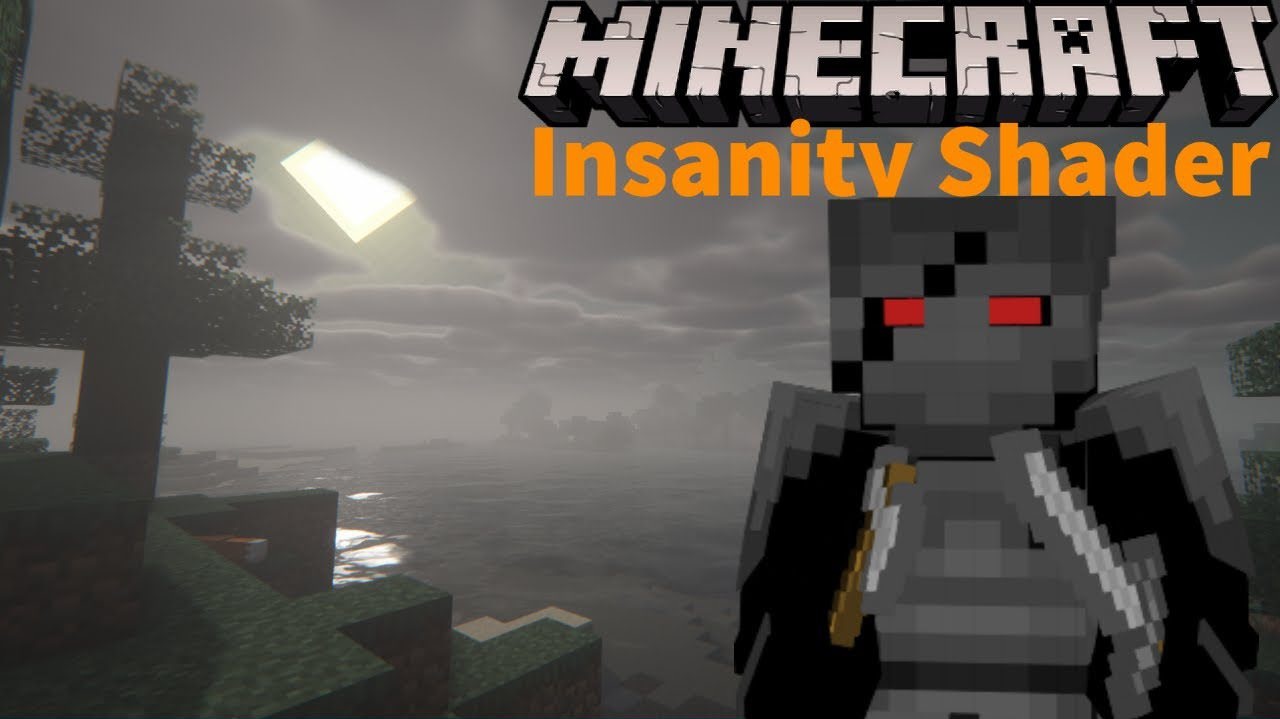
When you enable the Insanity Shaders pack in the game, an involuntary question arises: how can something so familiar suddenly become frightening? This pack, created in a horror style and based on BSL ideas, envelops the world in a dark atmosphere, turning even ordinary biomes into unsettling spaces. The lighting becomes harsh and dynamic, as if it is snatching fragments of the landscape out of the darkness.
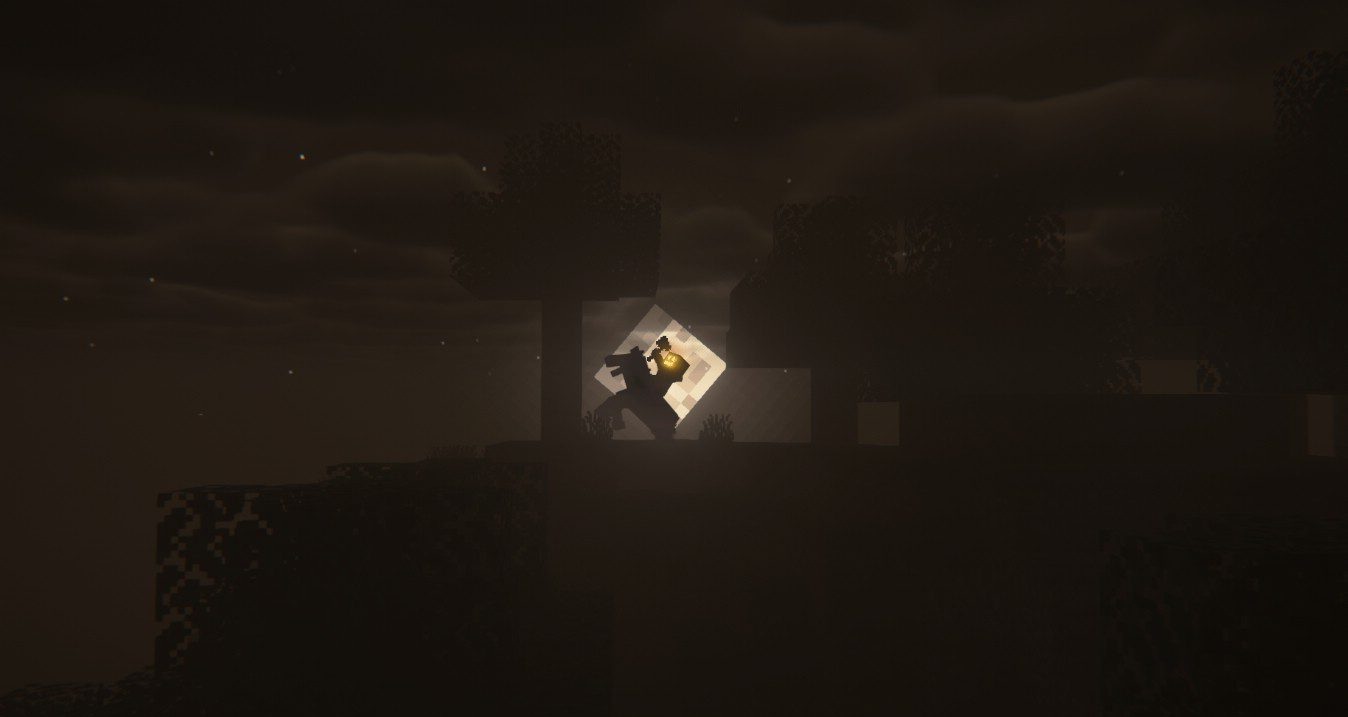
Shadows grow heavier and seem to move together with the player. Such visual effects intensify immersion, especially when combined with horror texture packs—night journeys through caves or forests turn into a real nightmare. This is not just a shader, but a way to rethink the world of Minecraft, making it ominous, tense, and unpredictable.
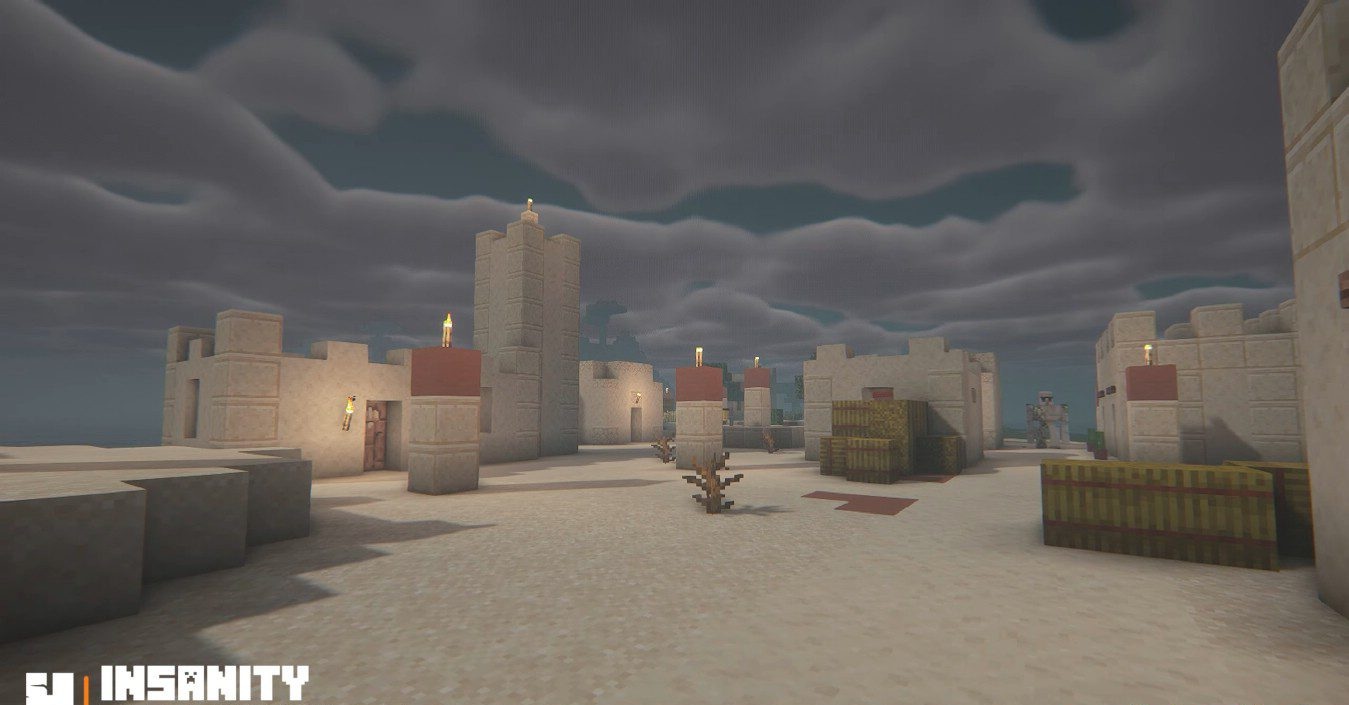
How to install a shader:
First step: download the shader package from the link below.
Second step: Unpack the downloaded archive and copy the Insanity Shaders folder to c:\Users\User\AppData\Roaming\.minecraft\shaderpacks\(if this folder does not exist, create it yourself) (For Windows)
Third step: In the game, go to Settings, then to Graphics Settings. Select the "shaders" section and activate the shader pack of your choice.
Comments (2)