



IterationRP for Minecraft 1.21.10
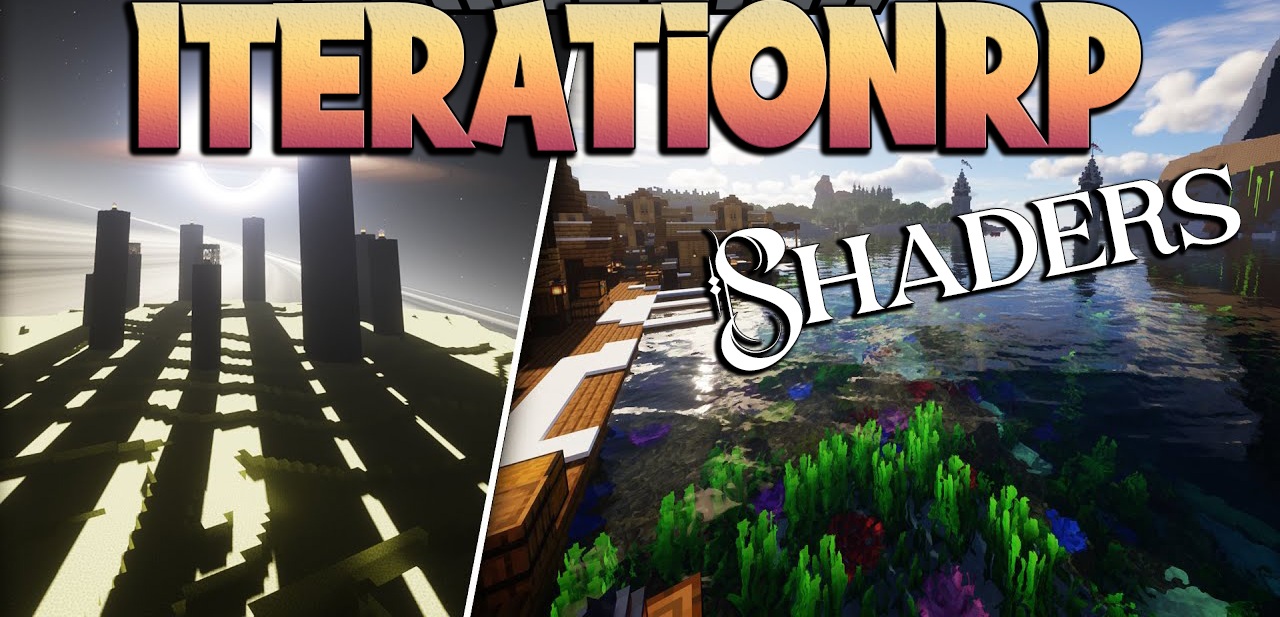
IterationRP is a shader pack that can be compared to an attempt to turn the Minecraft world into a living canvas, where light and shadow become the artist’s tools. Unlike classic realistic packs that simply add pretty lighting, IterationRP aims to create a unique, almost surreal atmosphere. Its visual style is rich, expressive, and sometimes even dramatic — every biome seems to gain its own character.
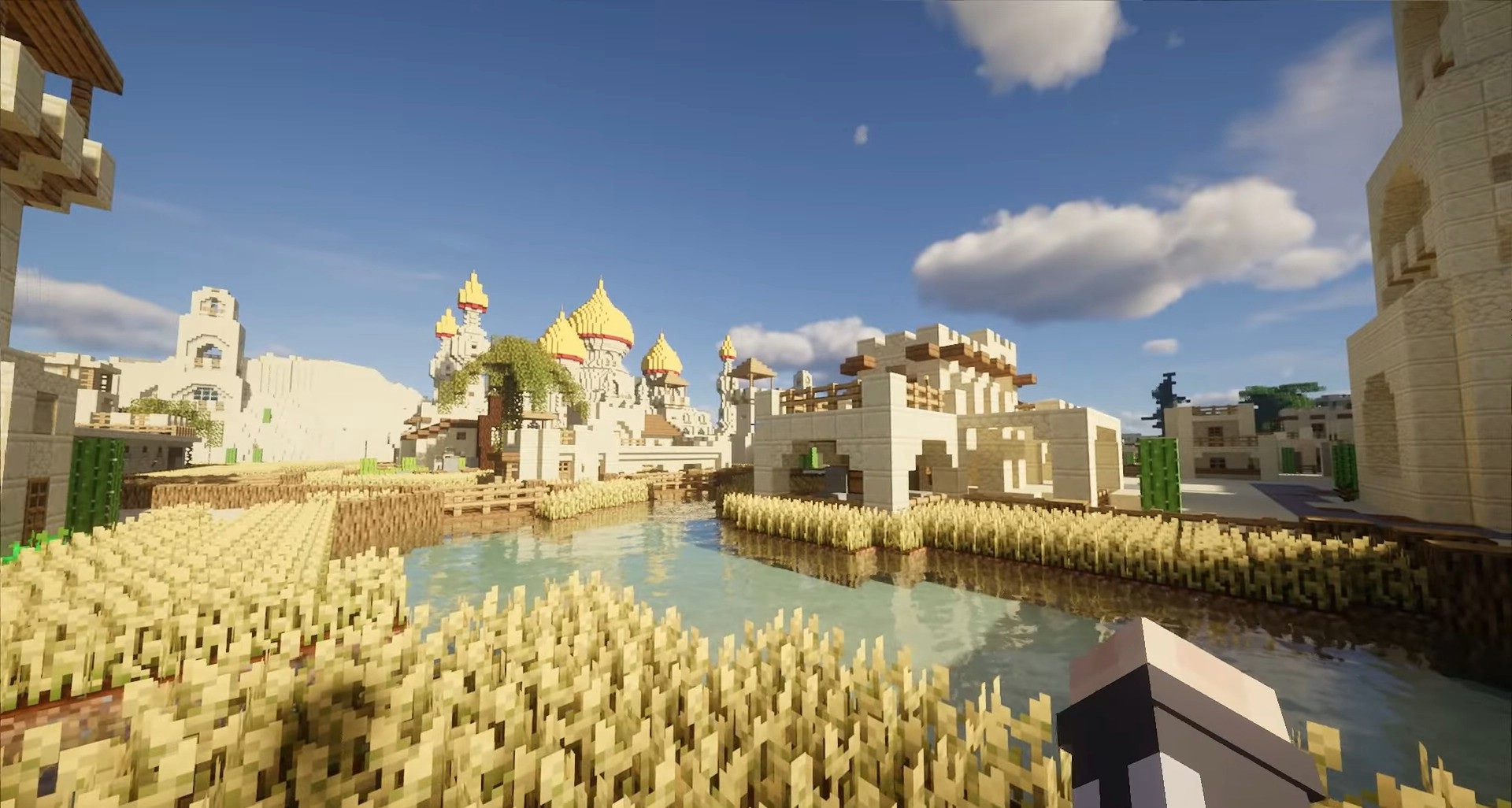
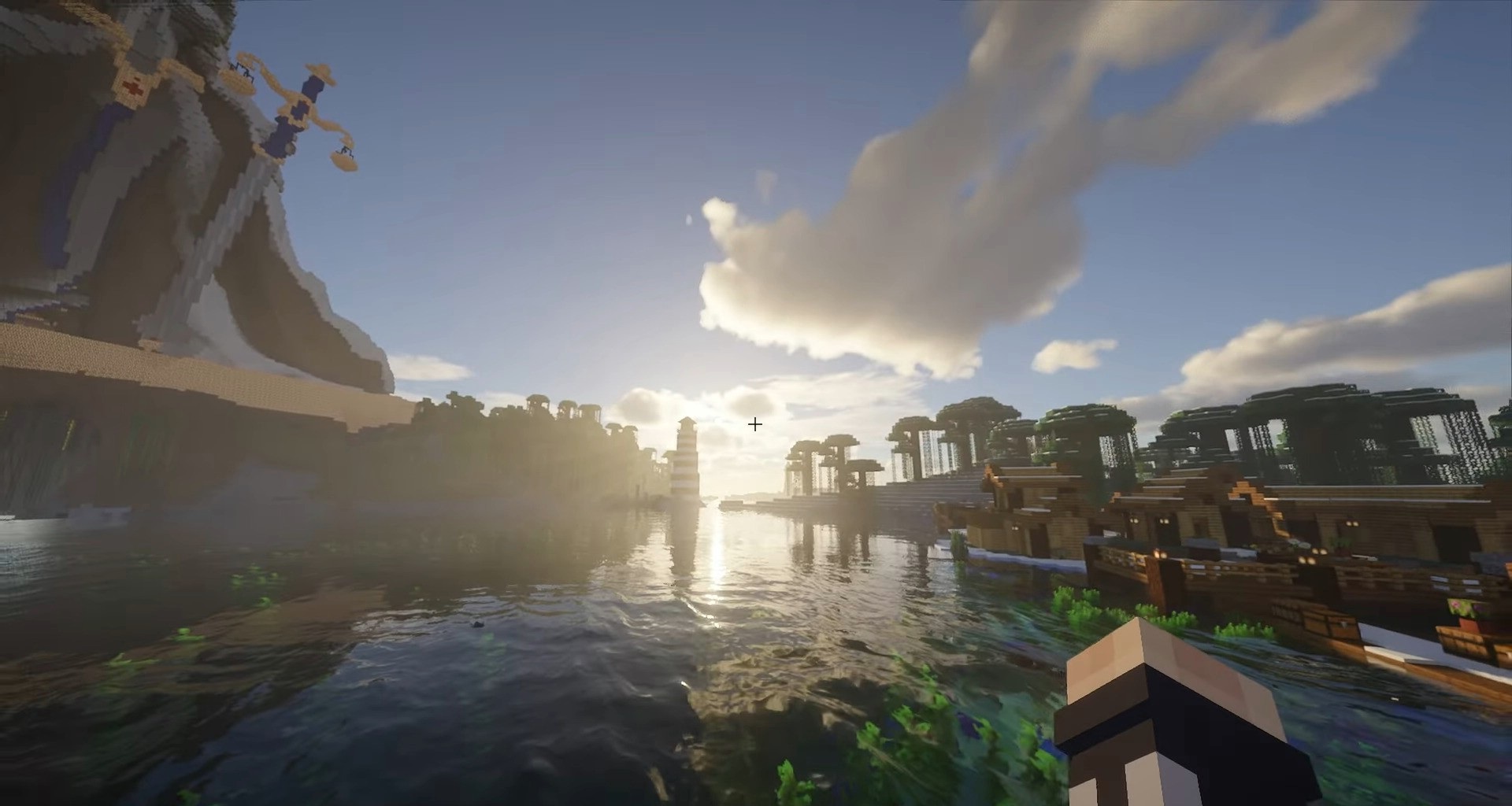
The most noticeable feature is the lighting. Morning rays have a soft golden tint, which gradually shifts into saturated orange and red highlights as sunset approaches.
How to install a shader:
First step: download the shader package from the link below.
Second step: Unpack the downloaded archive and copy the IterationRP folder to c:\Users\User\AppData\Roaming\.minecraft\shaderpacks\(if this folder does not exist, create it yourself) (For Windows)
Third step: In the game, go to Settings, then to Graphics Settings. Select the "shaders" section and activate the shader pack of your choice.
Comments (5)