



Lapuxa Shaders for Minecraft 1.21.11
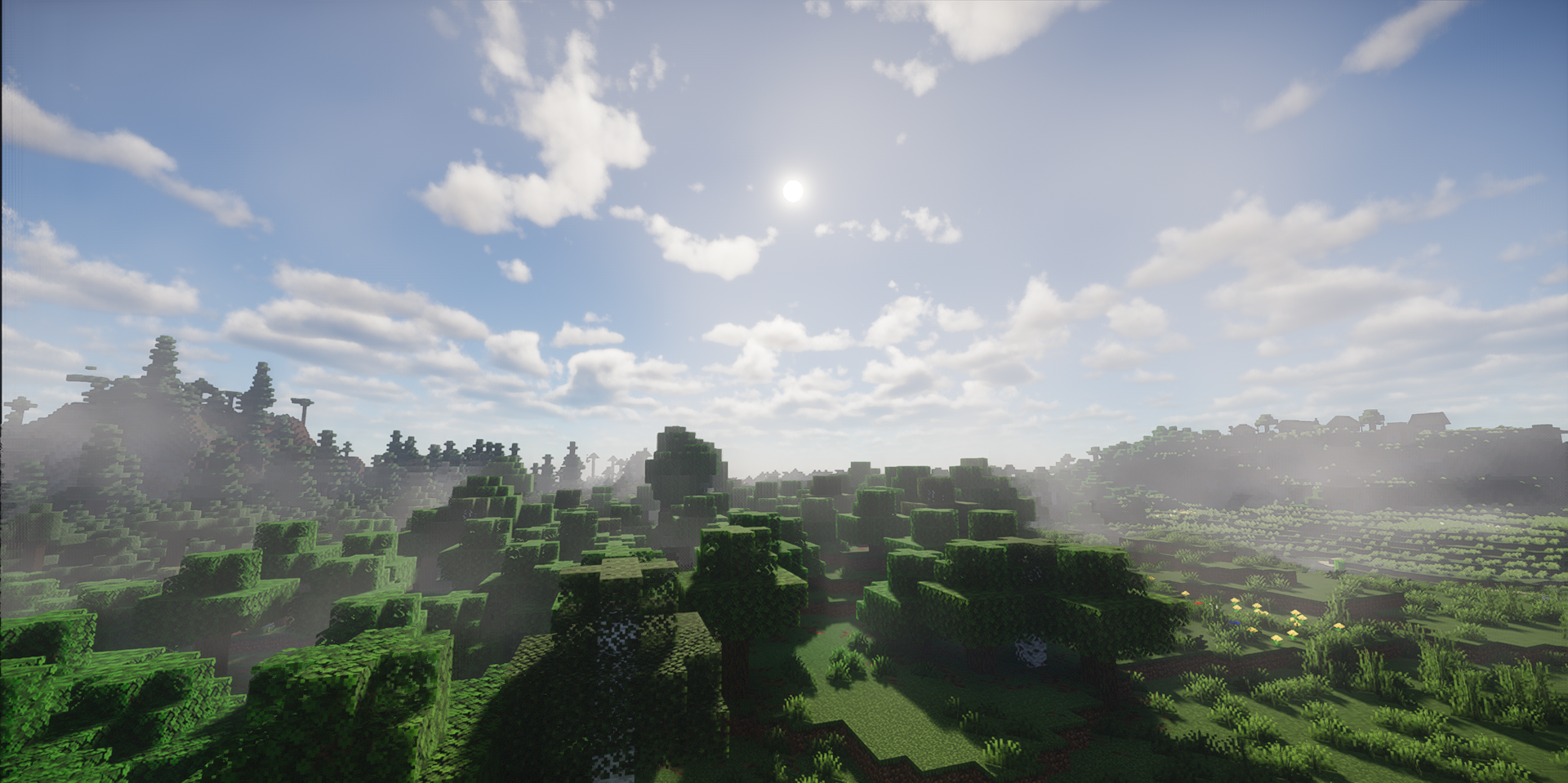
If you need a shader focused on full lighting and a modern set of graphical technologies, Lapuxa Shaders makes a very strong impression. It does not rely on one or two striking effects, but on a comprehensive visual rework: soft shadows, global illumination, screen-space shadows for distant objects, atmospheric scattering of sky color, and volumetric clouds create a truly deep image.
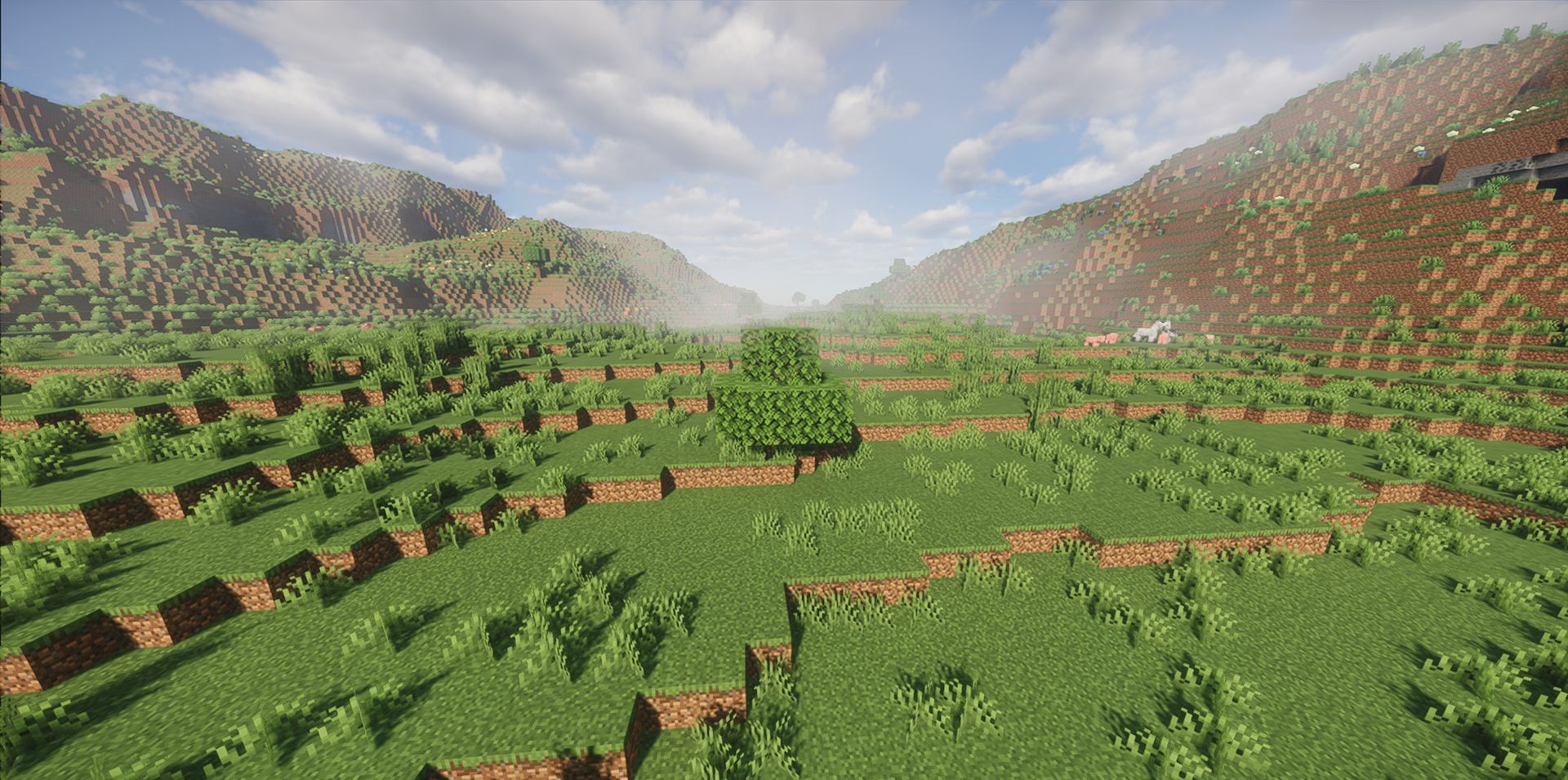
The water is also well developed: reflections, underwater fog, lighting effects, and more expressive lighting behavior noticeably improve both the surface and underwater scenes. Materials have not been forgotten either — support for normals, parallax, PBR, and TAA makes the image more detailed and more cohesive.
How to install a shader:
First step: download the shader package from the link below.
Second step: Unpack the downloaded archive and copy the Lapuxa Shaders folder to c:\Users\User\AppData\Roaming\.minecraft\shaderpacks\(if this folder does not exist, create it yourself) (For Windows)
Third step: In the game, go to Settings, then to Graphics Settings. Select the "shaders" section and activate the shader pack of your choice.
Comments (0)