



Loop Shaders for Minecraft 1.21.11
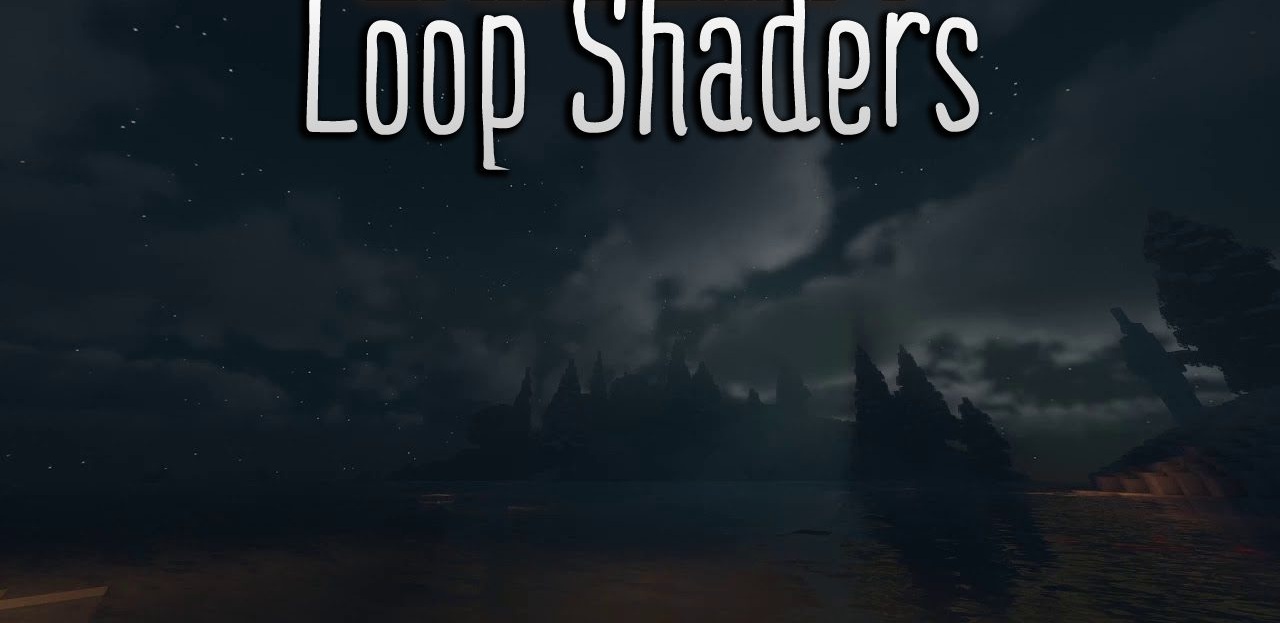
With Loop Shaders, the End dimension stops being just empty and becomes a dark, atmospheric world with a distinct artistic style. The color palette is dark and high-contrast, and the landscapes look wild and mysterious, creating a sense of dangerous, alien space. The shader emphasizes screen-space reflections and extended appearance settings, allowing fine control over the atmosphere.
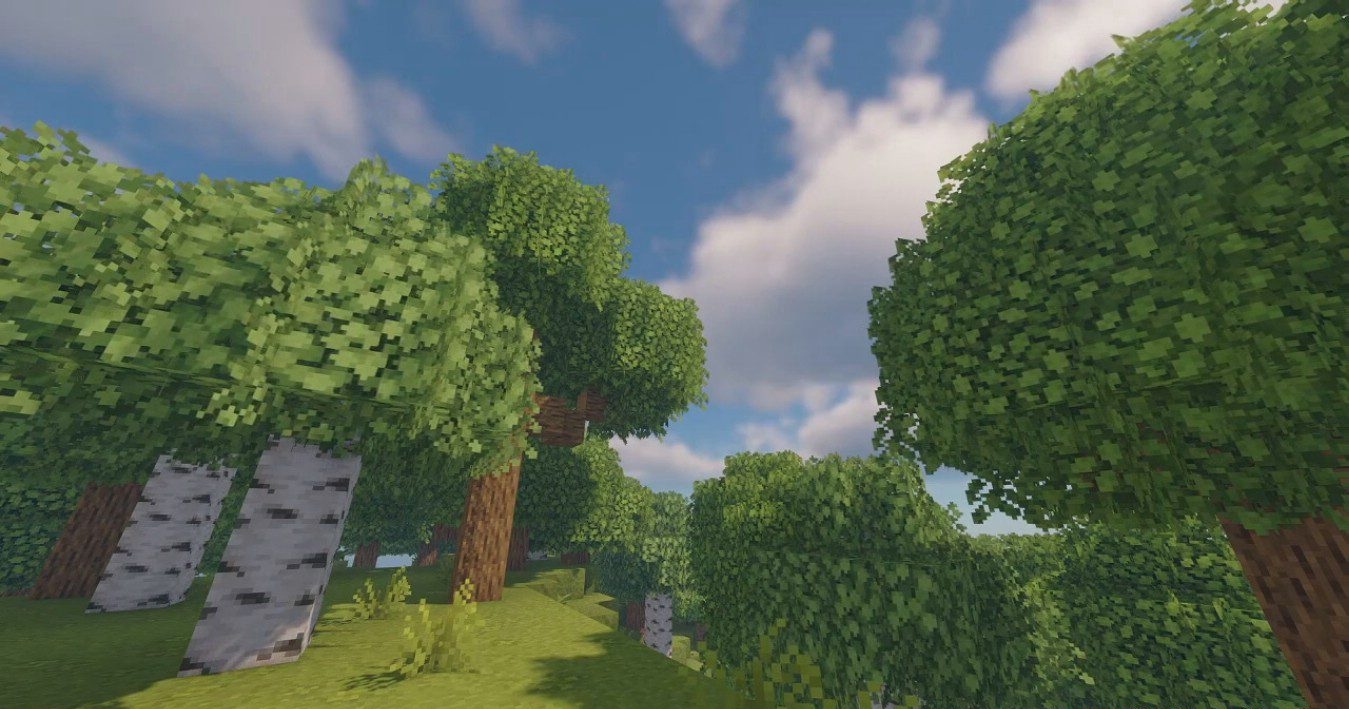
The visual style is clearly inspired by fantasy worlds where nature feels harsh and almost hostile. This pack is suitable for those who want to completely change their perception of the End and make it more cinematic.
How to install a shader:
First step: download the shader package from the link below.
Second step: Unpack the downloaded archive and copy the Loop Shaders folder to c:\Users\User\AppData\Roaming\.minecraft\shaderpacks\(if this folder does not exist, create it yourself) (For Windows)
Third step: In the game, go to Settings, then to Graphics Settings. Select the "shaders" section and activate the shader pack of your choice.
Comments (2)