



Luminara Shader Spooky Shaders for Minecraft 1.21.11
If you want the game world to look not just darker, but truly more unsettling, it is worth paying attention to Luminara Shader Spooky Shaders. This pack clearly bets on a Halloween atmosphere: the colors here are muted, in places almost faded, and the green-purple shades create a sense of strange, unhealthy glowing.
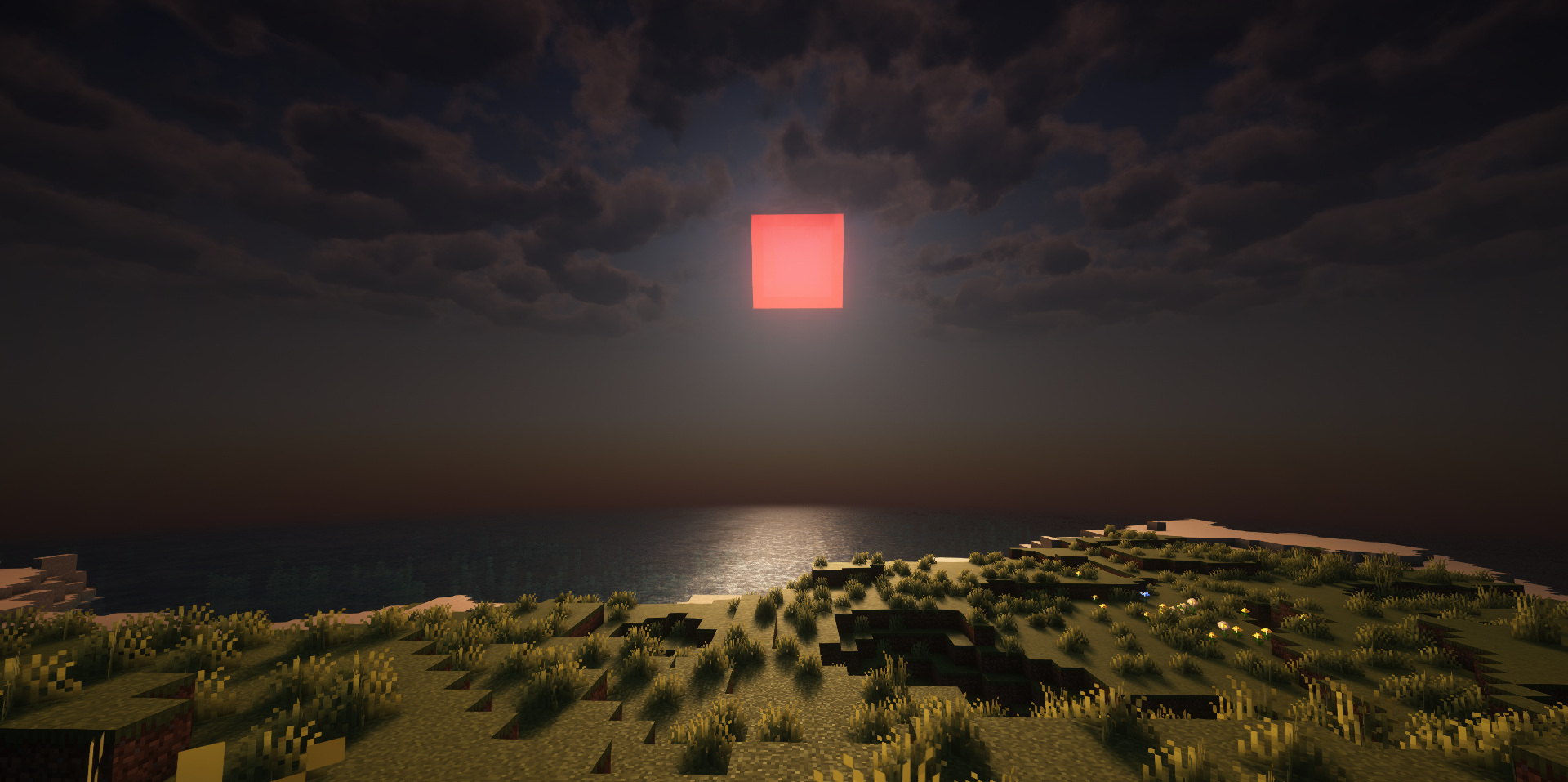
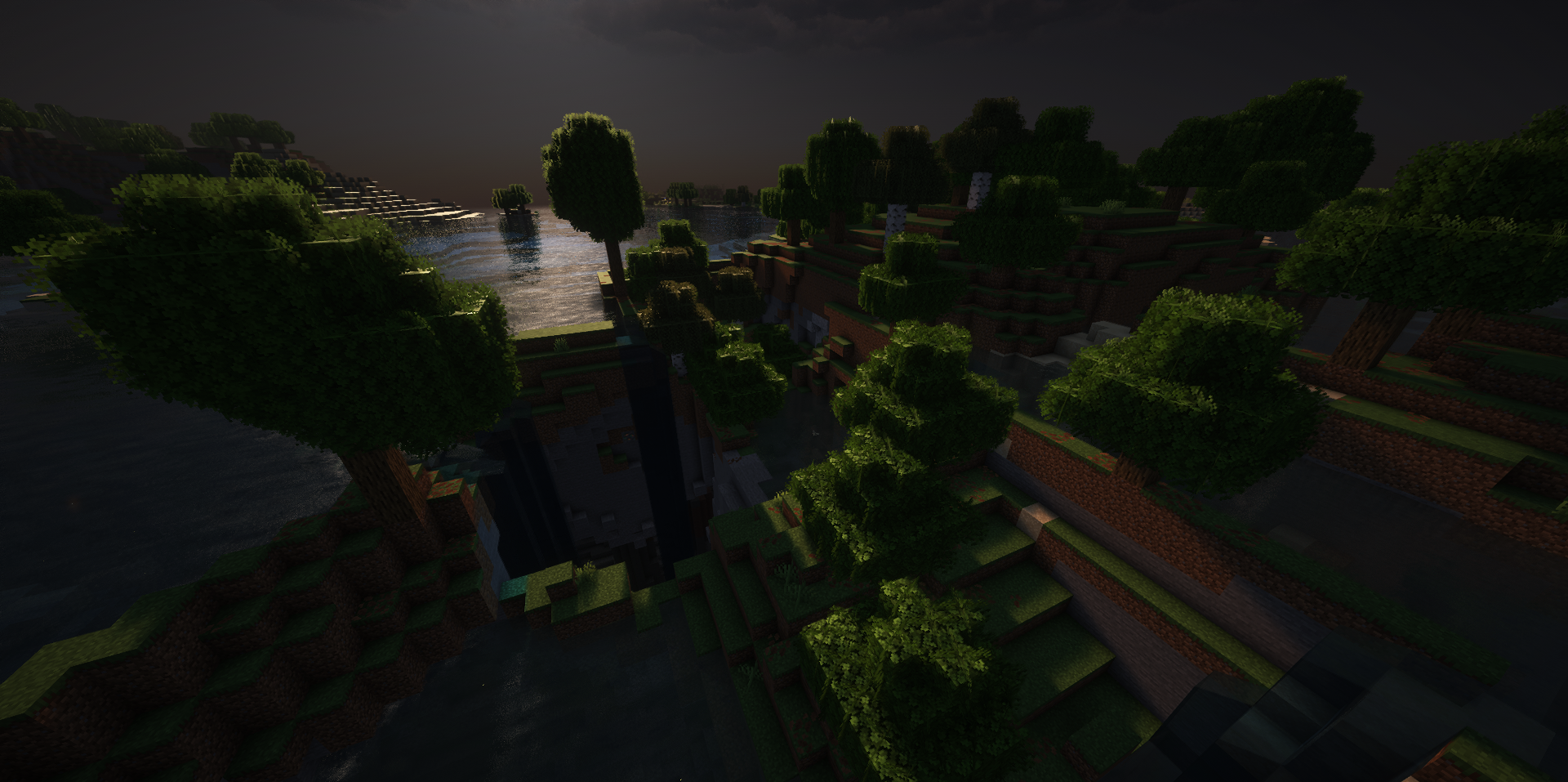
The shader reveals itself especially well at night and in caves, where enhanced shadows and dense fog noticeably change the perception of familiar locations. Small details like flickering lanterns and atmospheric particles also play an additional role — they are exactly what make the picture not just gloomy, but alive and tense.
How to install a shader:
First step: download the shader package from the link below.
Second step: Unpack the downloaded archive and copy the Luminara Shader Spooky Shaders folder to c:\Users\User\AppData\Roaming\.minecraft\shaderpacks\(if this folder does not exist, create it yourself) (For Windows)
Third step: In the game, go to Settings, then to Graphics Settings. Select the "shaders" section and activate the shader pack of your choice.
Comments (0)