



MakeUp Ultra Fast for Minecraft 1.21.10
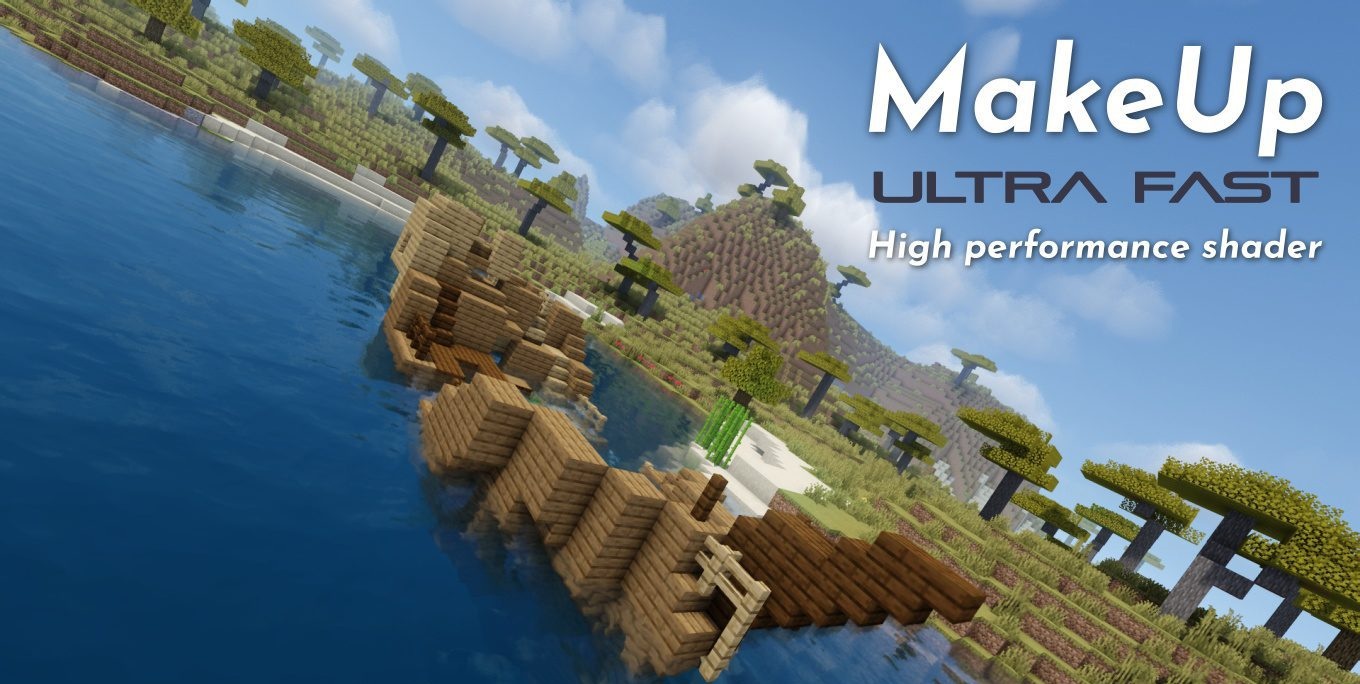
Some shaders impose their style on the player. MakeUp Ultra Fast does the opposite: it offers dozens of settings, allowing you to choose what the world will look like. And it’s this flexibility that players value most. Every feature, from basic shadows to depth of field, can be turned on or off manually, so the result depends entirely on your preferences.
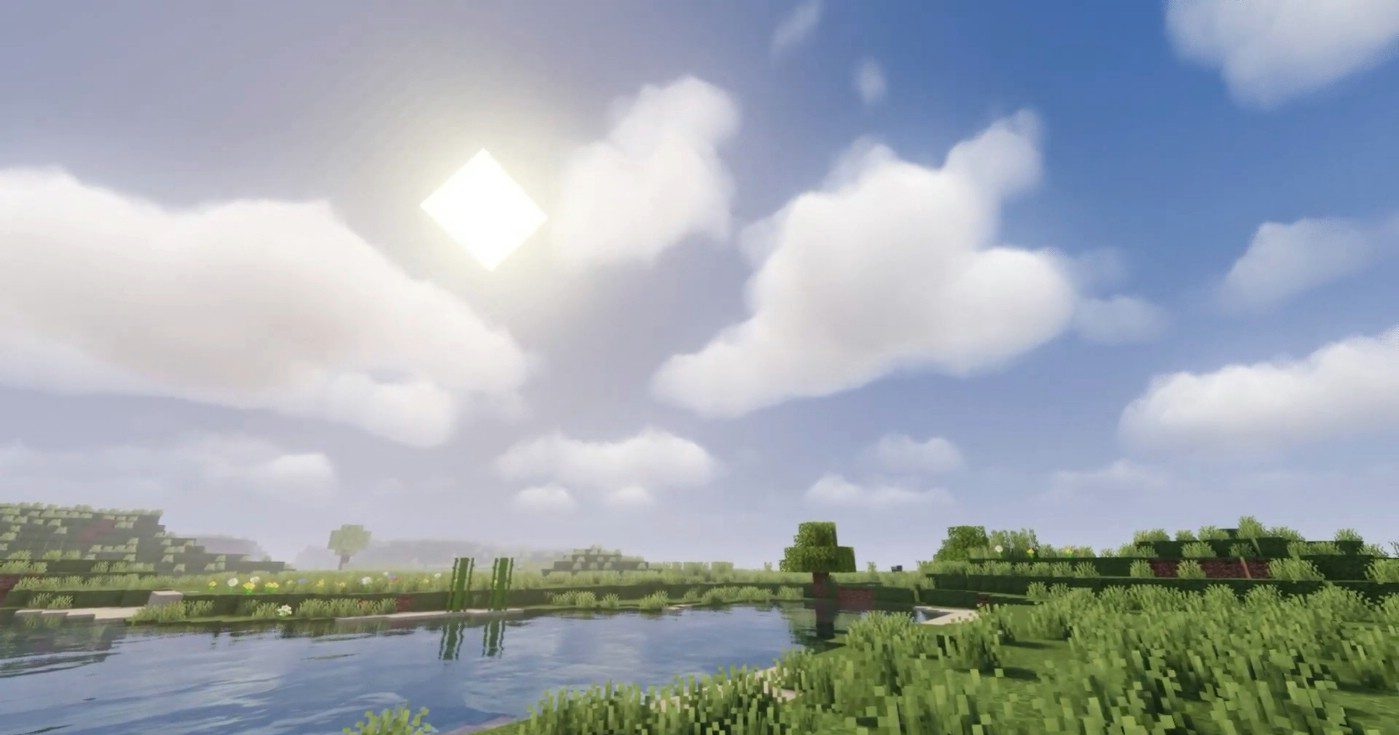
The effects are diverse: waving grass, volumetric clouds, sharp shadows, soft occlusion, motion blur, smooth anti-aliasing, reflections, and extended color correction. You can create a warm, sweet “sunset” atmosphere or a cold minimalist visual — all it takes is adjusting a few settings.
How to install a shader:
First step: download the shader package from the link below.
Second step: Unpack the downloaded archive and copy the MakeUp Ultra Fast folder to c:\Users\User\AppData\Roaming\.minecraft\shaderpacks\(if this folder does not exist, create it yourself) (For Windows)
Third step: In the game, go to Settings, then to Graphics Settings. Select the "shaders" section and activate the shader pack of your choice.
Comments (1)