



Mellow for Minecraft 1.21.10

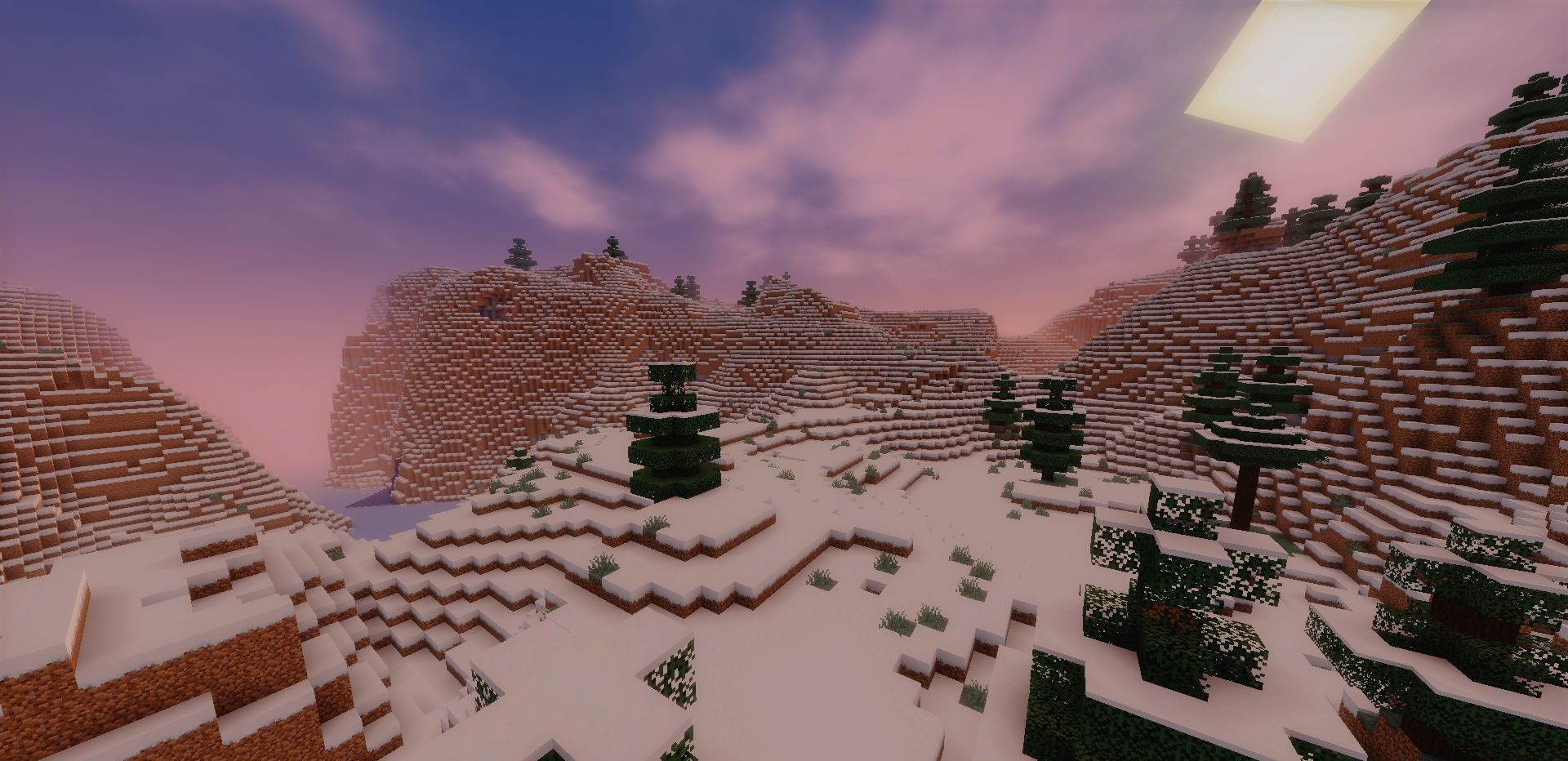
Some shaders try to impress with their complexity, but not Mellow, which stands out with its simplicity. Light color adjustments, a realistic sky, smooth fog, and slightly improved water — and suddenly Minecraft looks much nicer while almost not losing performance. The visual style can be described as semi-realistic.
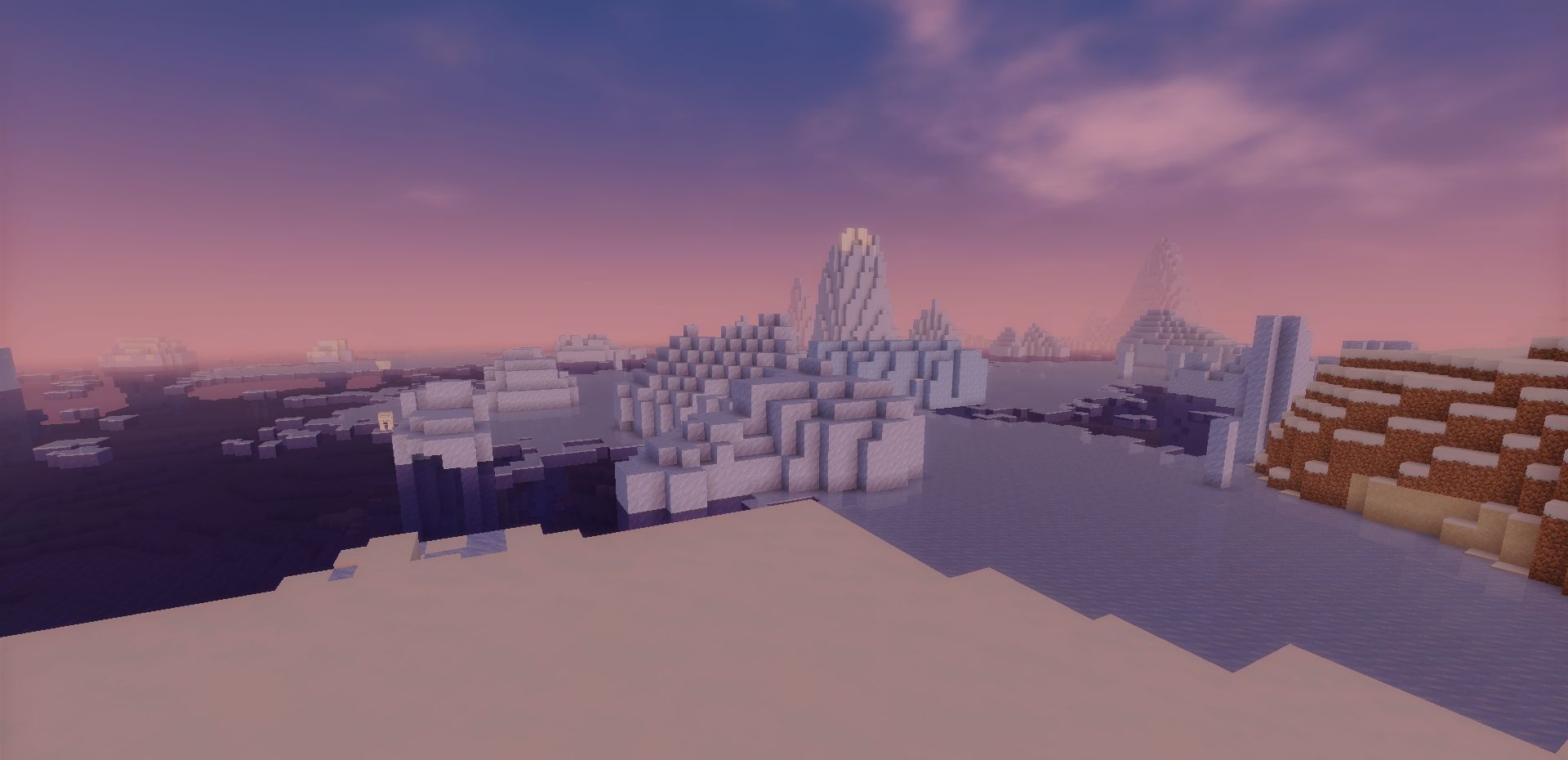
There’s no heavy volumetric lighting or cinematic filters, but there is a natural atmosphere reminiscent of fresh morning air. Rain falls at an angle, trees gently sway in the wind, and water foams along the shore — these small details are enough to make the game feel alive.
How to install a shader:
First step: download the shader package from the link below.
Second step: Unpack the downloaded archive and copy the Mellow folder to c:\Users\User\AppData\Roaming\.minecraft\shaderpacks\(if this folder does not exist, create it yourself) (For Windows)
Third step: In the game, go to Settings, then to Graphics Settings. Select the "shaders" section and activate the shader pack of your choice.
Comments (0)