



MemeTX Shaders for Minecraft 1.21.10
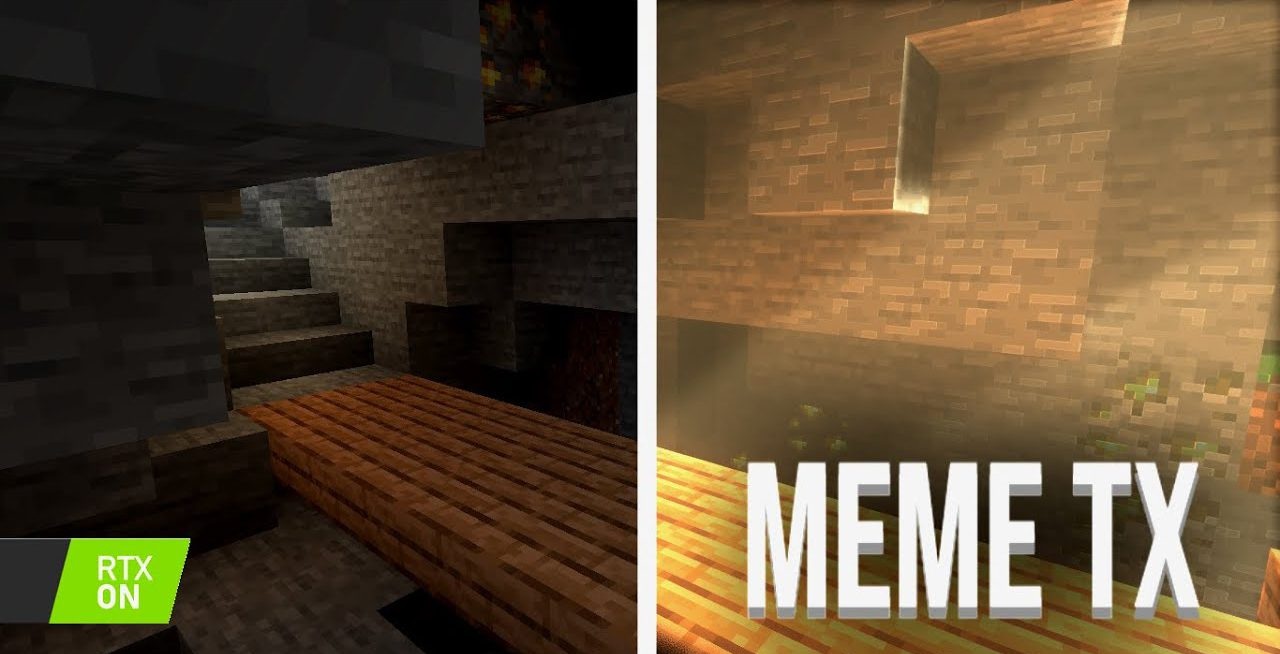
Is it possible to bring the Java version of Minecraft closer to the RTX look of Bedrock? MemeTX Shaders answer this question by offering a bright, saturated lighting palette and convincing reflections. The lighting creates deep shadows, emphasizes the relief of blocks, and produces a modern graphical feel without altering the game’s mechanics. In caves, light begins to behave differently: dark corridors become more dramatic, and torches form chains of warm highlights.
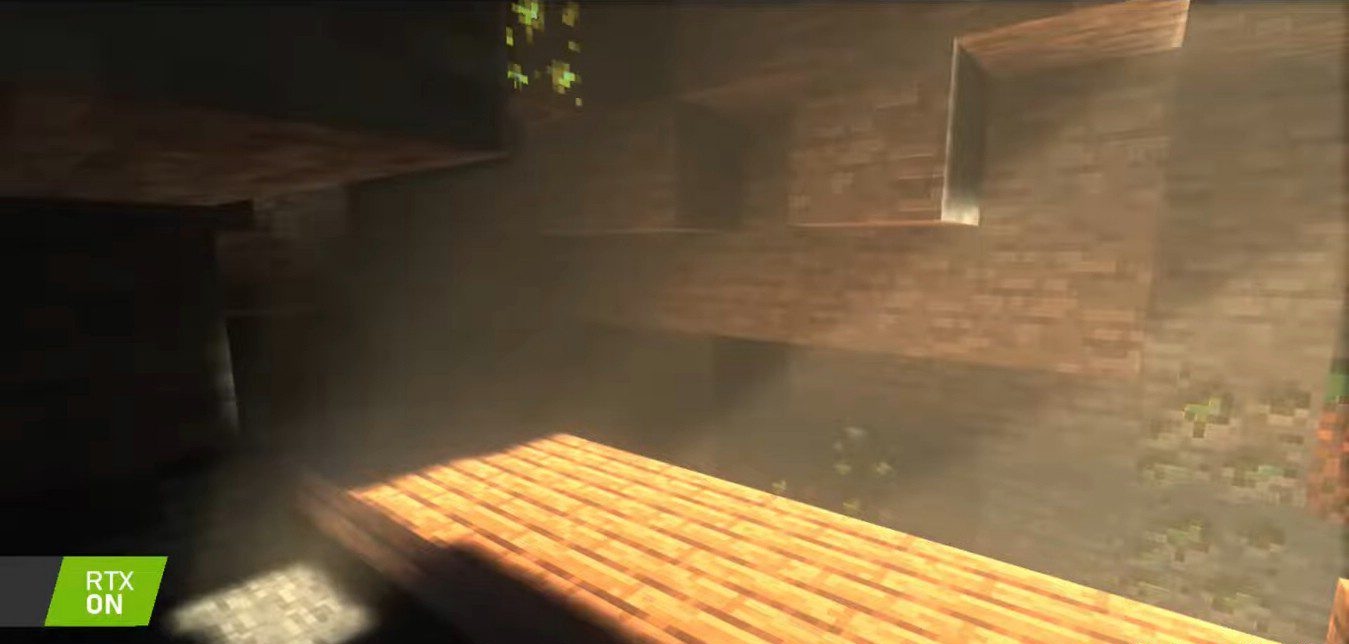
Metal and mineral surfaces gain a distinct shine, while water reflects its surroundings as if it has become a thin mirror. This approach makes familiar scenes far more structured, adding a sense of technological sophistication.
How to install a shader:
First step: download the shader package from the link below.
Second step: Unpack the downloaded archive and copy the MemeTX Shaders folder to c:\Users\User\AppData\Roaming\.minecraft\shaderpacks\(if this folder does not exist, create it yourself) (For Windows)
Third step: In the game, go to Settings, then to Graphics Settings. Select the "shaders" section and activate the shader pack of your choice.
Comments (0)