



Mist Shaders for Minecraft 1.21.11
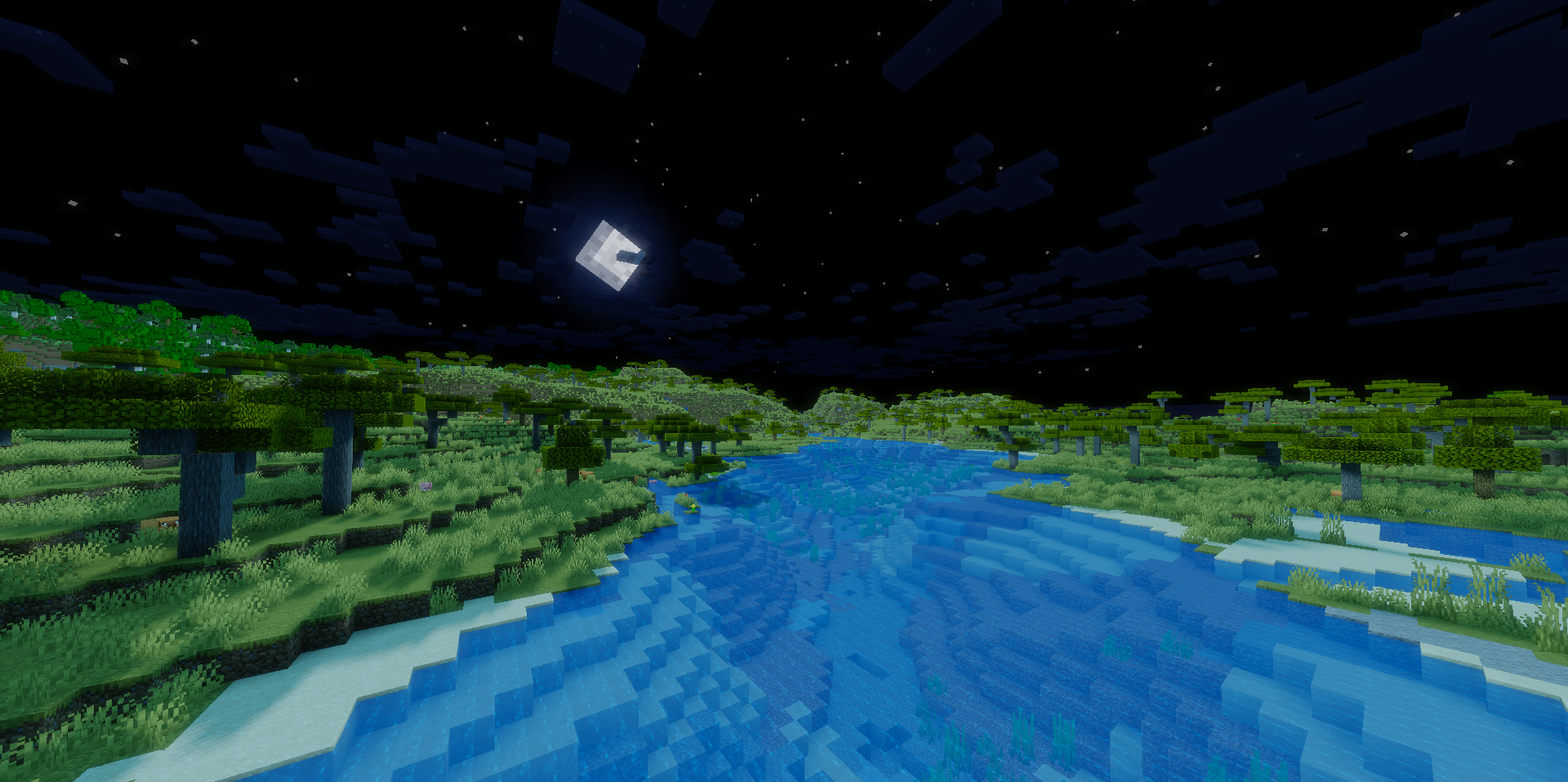
Sometimes the best visual upgrade is the one that does not try too hard to draw attention to itself. That is exactly the main feature of Mist Shaders. It does not remake the game from scratch, does not change the familiar look of water, blocks, and textures, but works much more subtly: it adds a soft glow to the world and makes the overall image smoother.
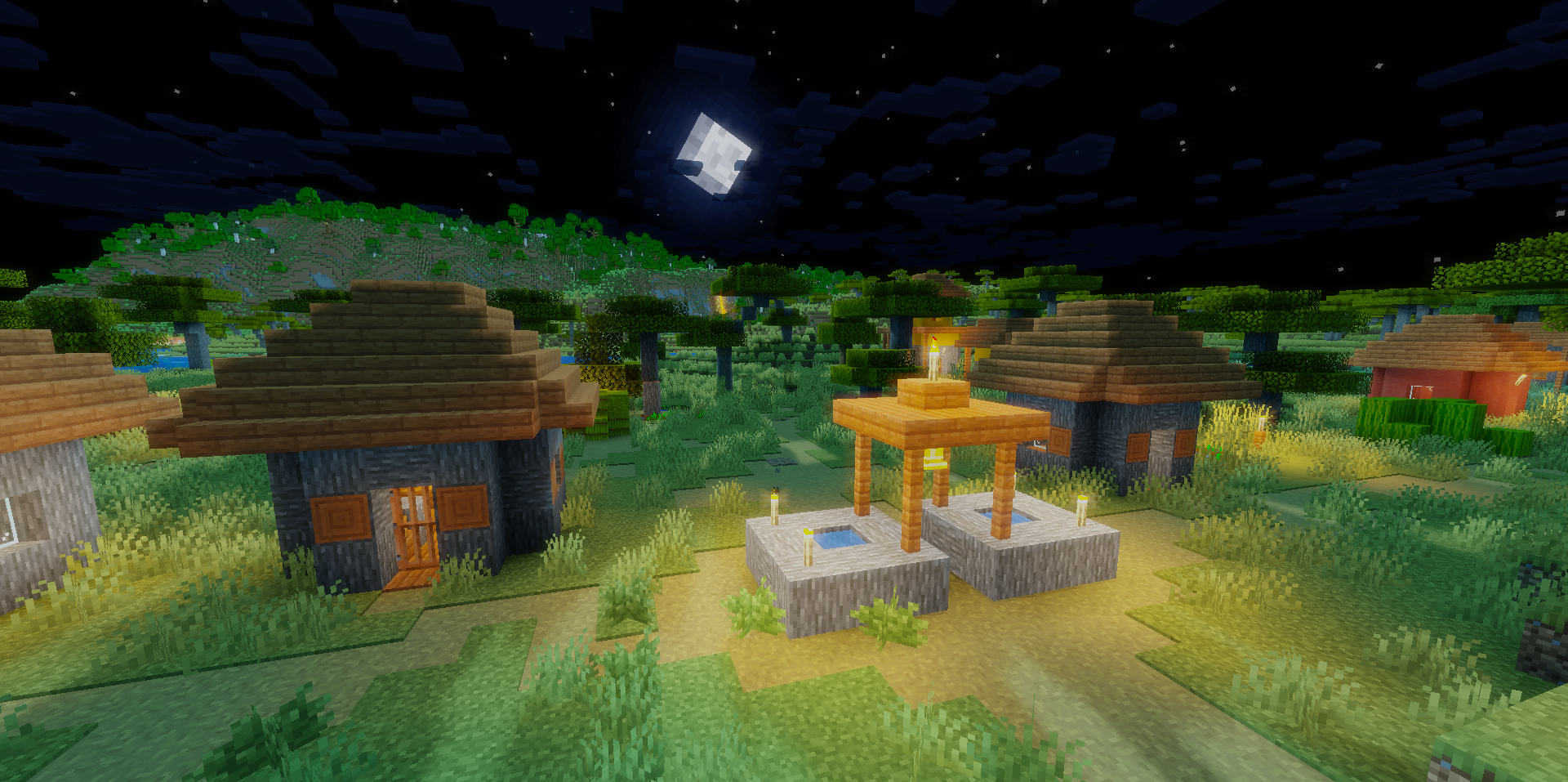
Because of this approach, the environment feels calmer, transitions between colors look less harsh, and landscapes and the sky receive a light, almost imperceptible atmospheric treatment. That is why this shader suits those who like vanilla Minecraft, but want it to look a little softer and more pleasant to the eyes.
How to install a shader:
First step: download the shader package from the link below.
Second step: Unpack the downloaded archive and copy the Mist Shaders folder to c:\Users\User\AppData\Roaming\.minecraft\shaderpacks\(if this folder does not exist, create it yourself) (For Windows)
Third step: In the game, go to Settings, then to Graphics Settings. Select the "shaders" section and activate the shader pack of your choice.
Comments (0)