



MollyVX Shaders for Minecraft 1.21.10
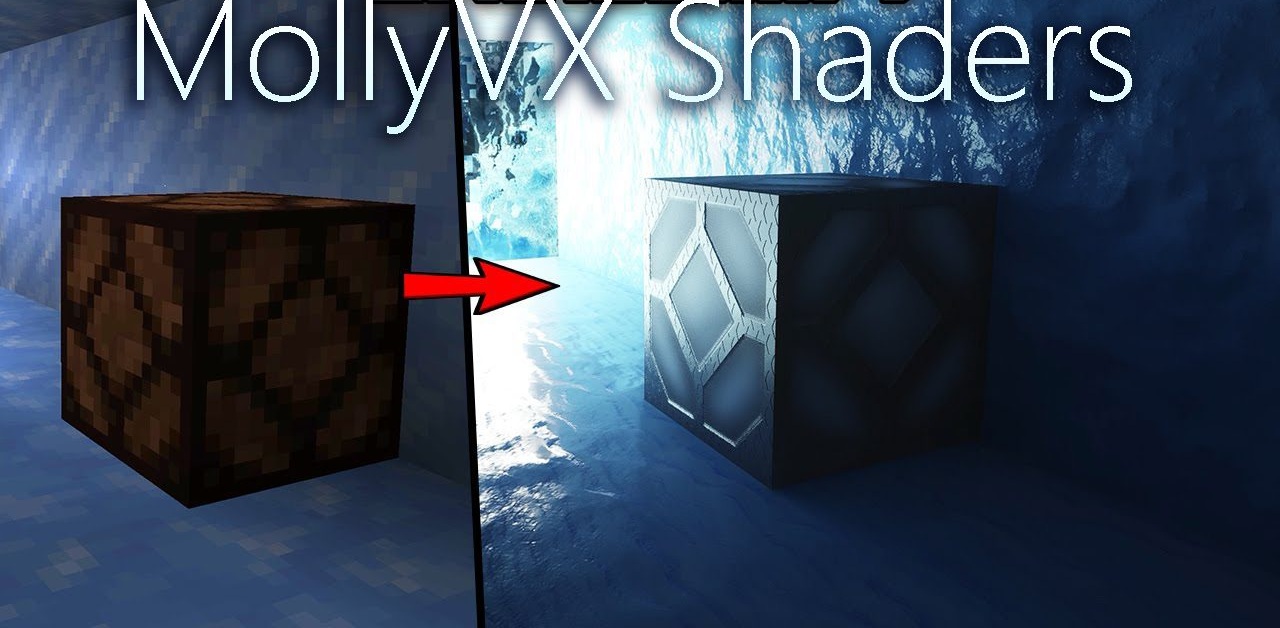
Is a single idea enough to completely transform a game? MollyVX Shaders prove that it is—if that idea is full path tracing. Light behaves here as it does in reality: it reflects, scatters, tints surfaces with subtle hues, and changes the mood of each frame. Caves appear dark yet rich in depth; daylight flows softly through openings; nighttime scenes become deep blue and layered.
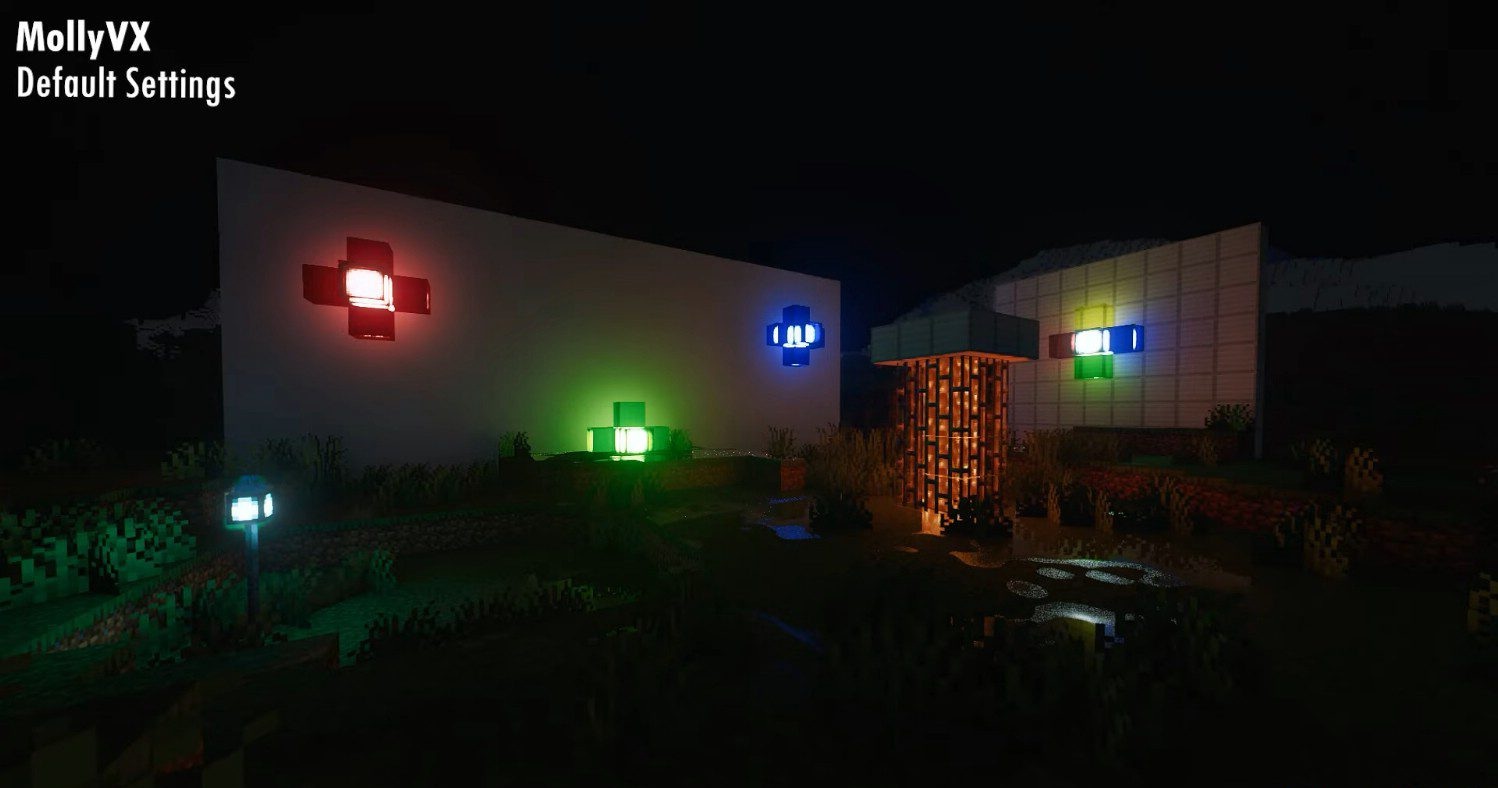
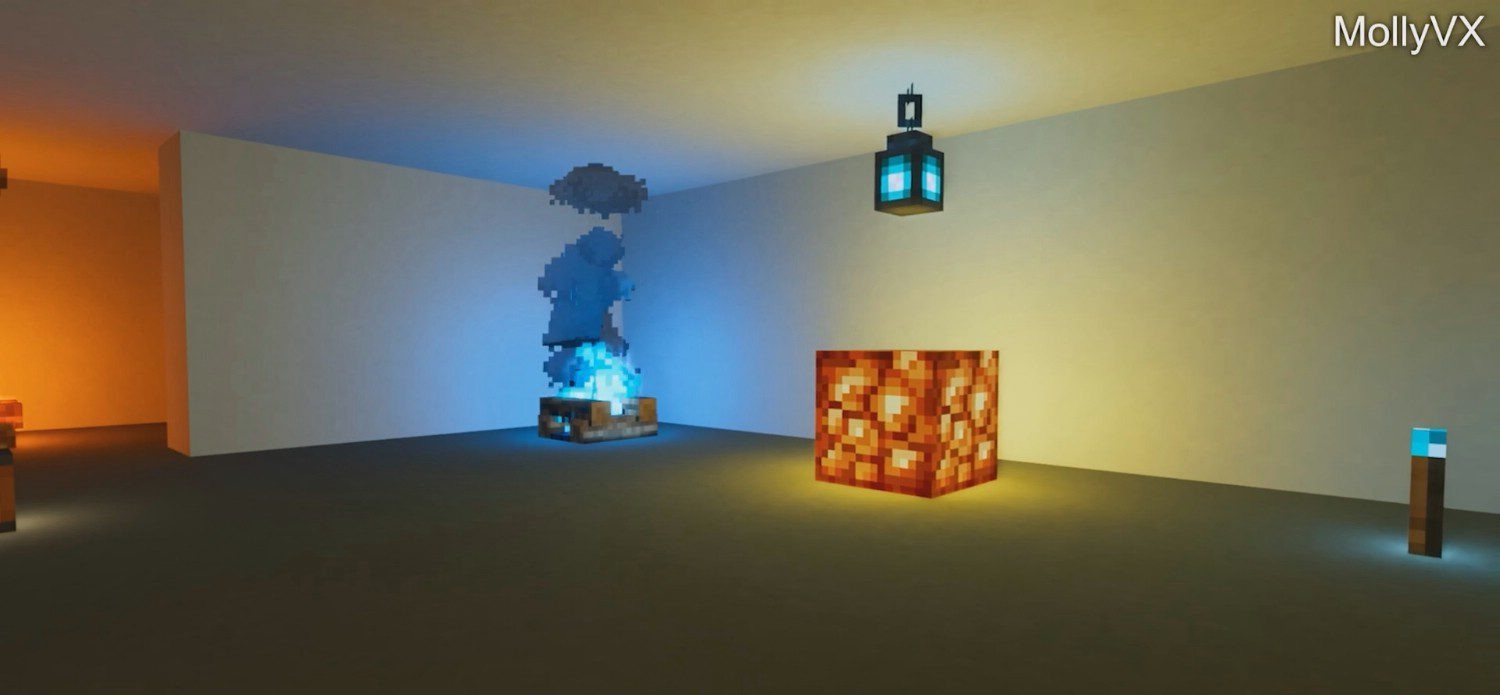
Global illumination adapts to every light source—the sun, the moon, and torches alike. At the same time, the shader demands serious GPU power, with a minimum of a GTX 1080. Thanks to this, however, the world becomes so expressive that it resembles artistic renders.
How to install a shader:
First step: download the shader package from the link below.
Second step: Unpack the downloaded archive and copy the MollyVX Shaders folder to c:\Users\User\AppData\Roaming\.minecraft\shaderpacks\(if this folder does not exist, create it yourself) (For Windows)
Third step: In the game, go to Settings, then to Graphics Settings. Select the "shaders" section and activate the shader pack of your choice.
Comments (1)