



MollyVX Shaders for Minecraft 1.21.11
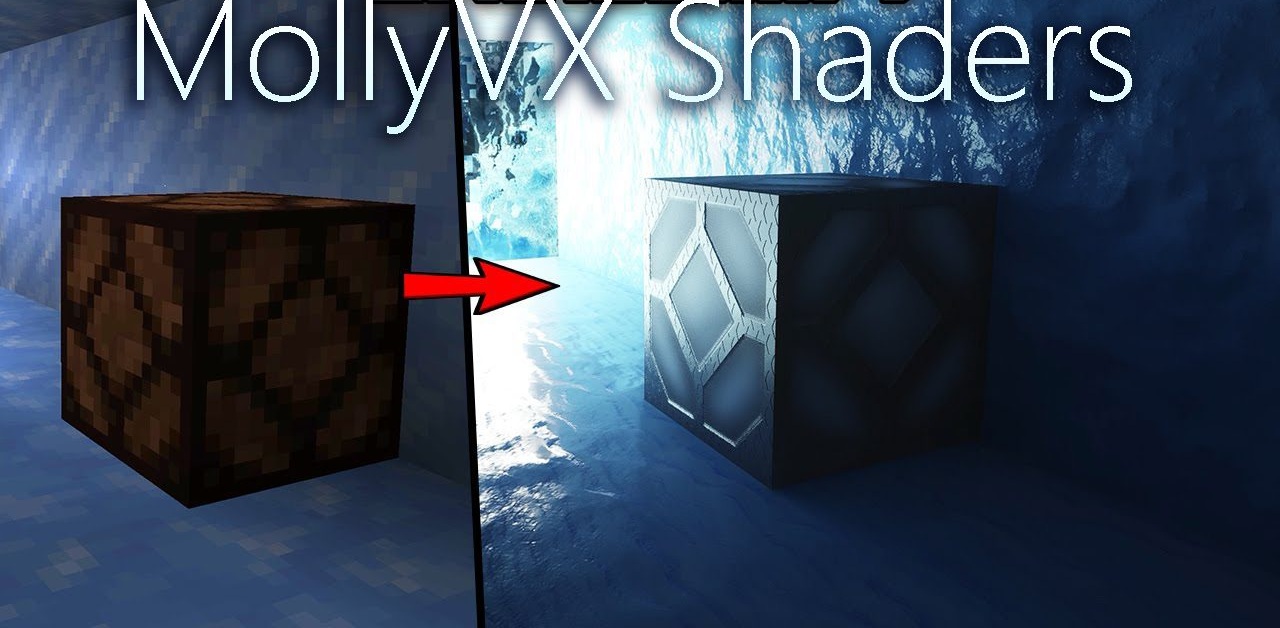
If you want to see Minecraft in a completely different light, MollyVX Shaders offers maximum immersion through ray tracing. The lighting behaves almost like in real life: light reflects off surfaces, softly fills the space, and creates impressive volume. The sun, moon, and even the sky become full-fledged sources of global illumination.
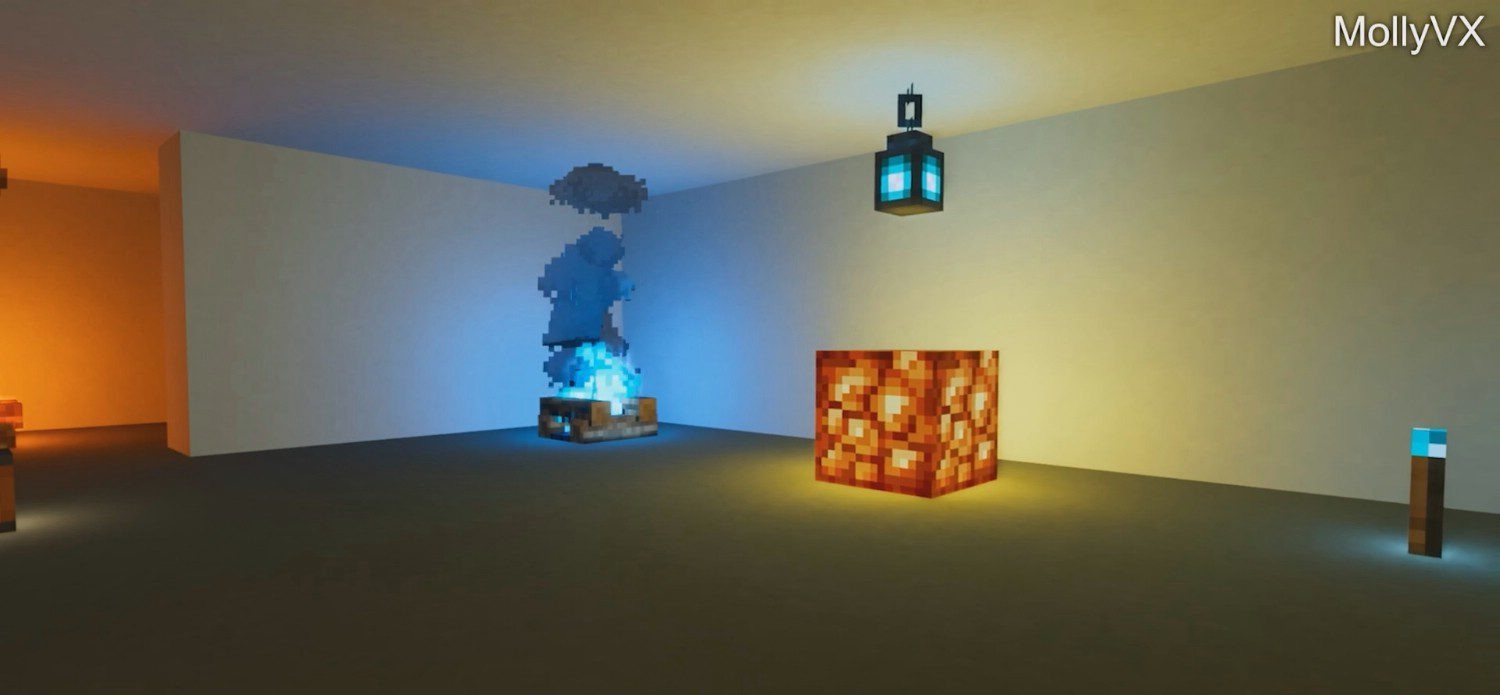
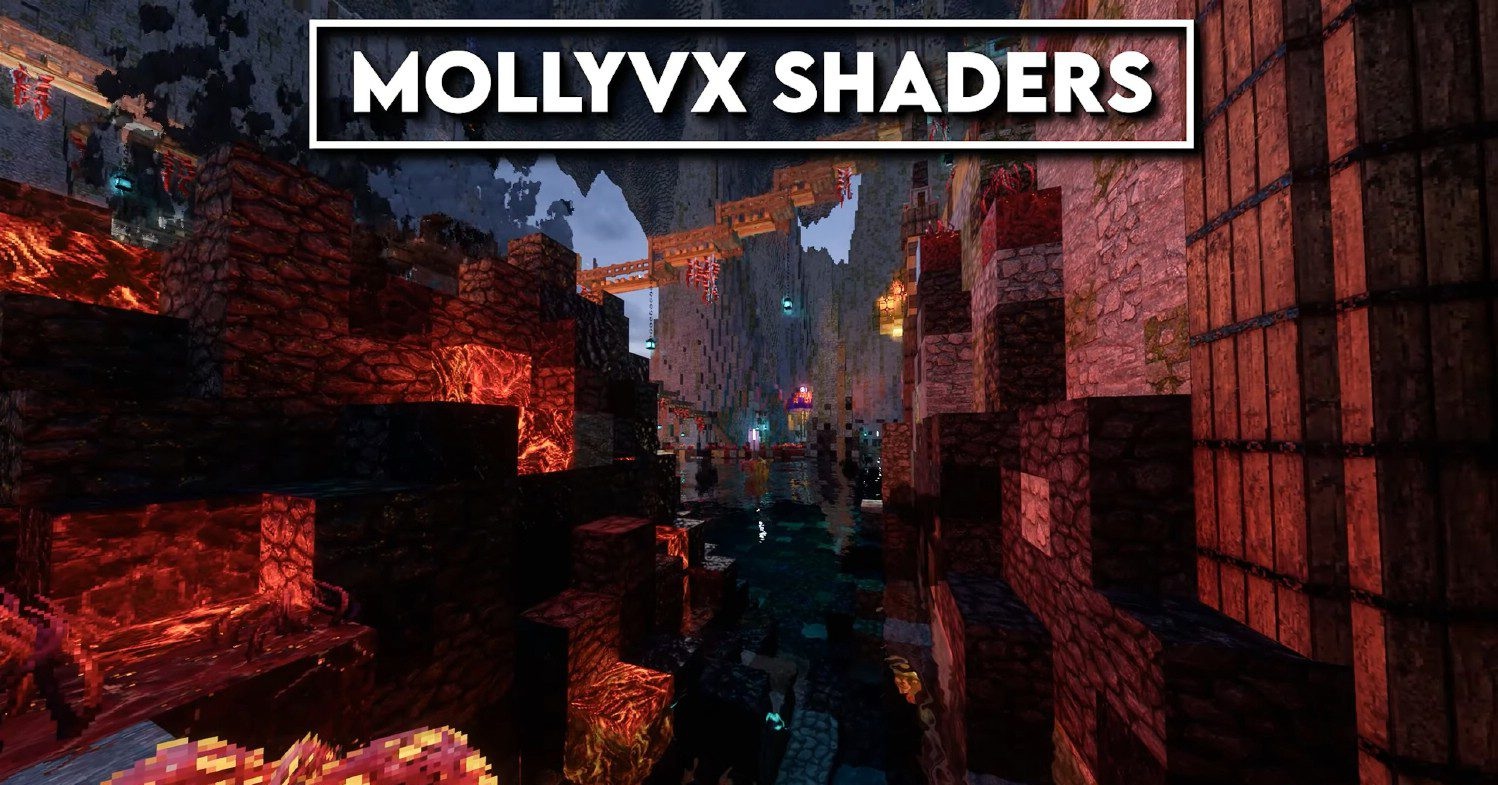
The shader stands out with well-developed reflections, detailed water, advanced shadows, and camera effects, including bloom and anti-aliasing. Clouds and the atmosphere look dense and alive, while nebula-like effects and weather effects add depth to scenes.
How to install a shader:
First step: download the shader package from the link below.
Second step: Unpack the downloaded archive and copy the MollyVX Shaders folder to c:\Users\User\AppData\Roaming\.minecraft\shaderpacks\(if this folder does not exist, create it yourself) (For Windows)
Third step: In the game, go to Settings, then to Graphics Settings. Select the "shaders" section and activate the shader pack of your choice.
Comments (0)