



MrMeep_x3’s Shaders for Minecraft 1.21.11
When it comes to warmth and expressiveness of the color palette, MrMeep_x3’s Shaders confidently occupies its own niche. The world is filled with golden, orange, and red tones, creating the feeling of a constant sunset or a warm summer evening. At the same time, cooler colors also find their place, keeping the image balanced and deep.
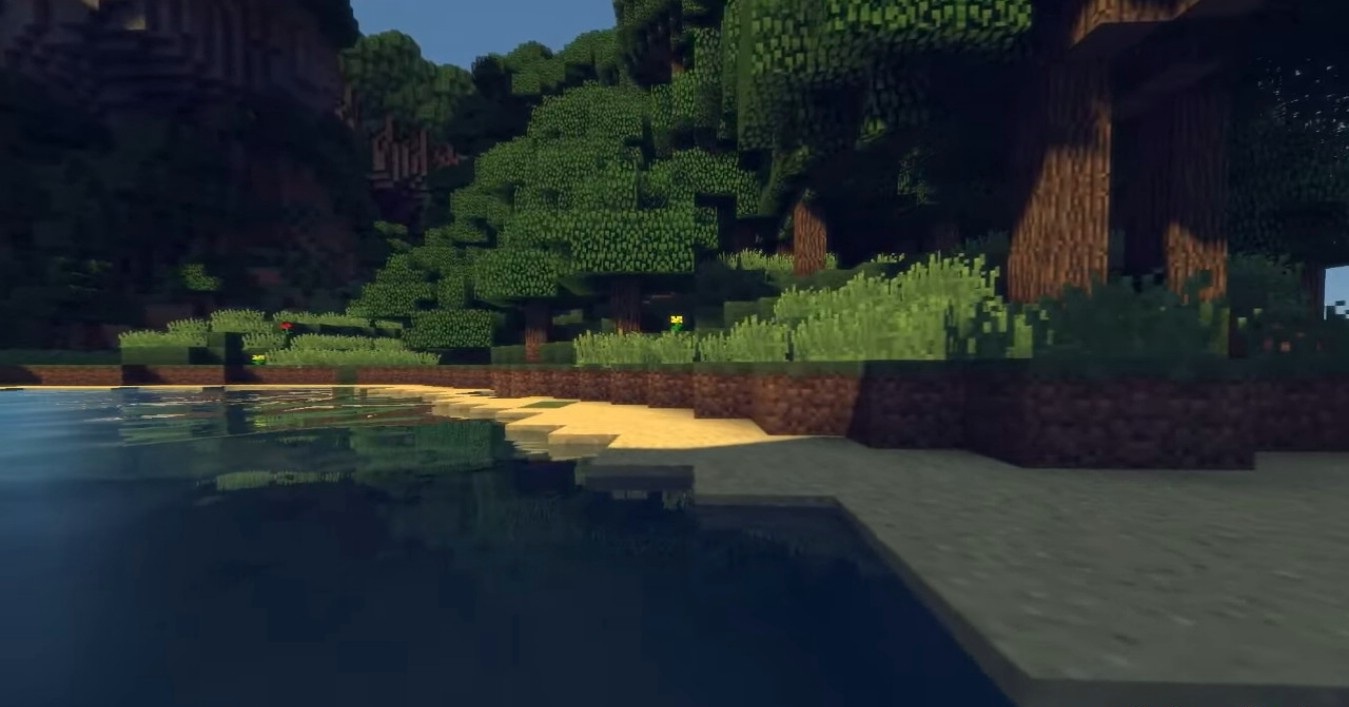
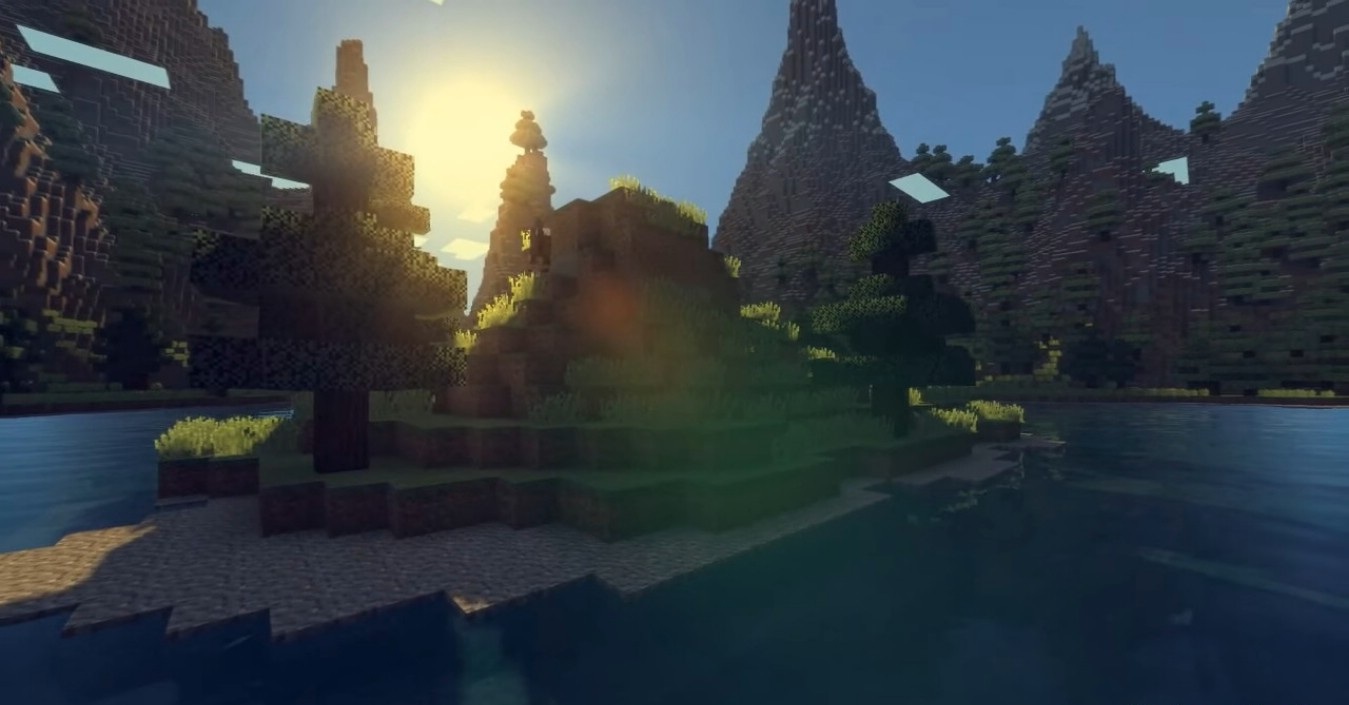
Lighting looks soft yet насыщенным, reflections on water add liveliness, and shadows emphasize the shape of the landscape. This shader makes the game not just beautiful, but truly cozy and easy on the eyes, especially during long survival sessions or calm building.
How to install a shader:
First step: download the shader package from the link below.
Second step: Unpack the downloaded archive and copy the MrMeep_x3’s Shaders folder to c:\Users\User\AppData\Roaming\.minecraft\shaderpacks\(if this folder does not exist, create it yourself) (For Windows)
Third step: In the game, go to Settings, then to Graphics Settings. Select the "shaders" section and activate the shader pack of your choice.
Comments (15)