



Night Vision Fix Shaders for Minecraft 1.21.11
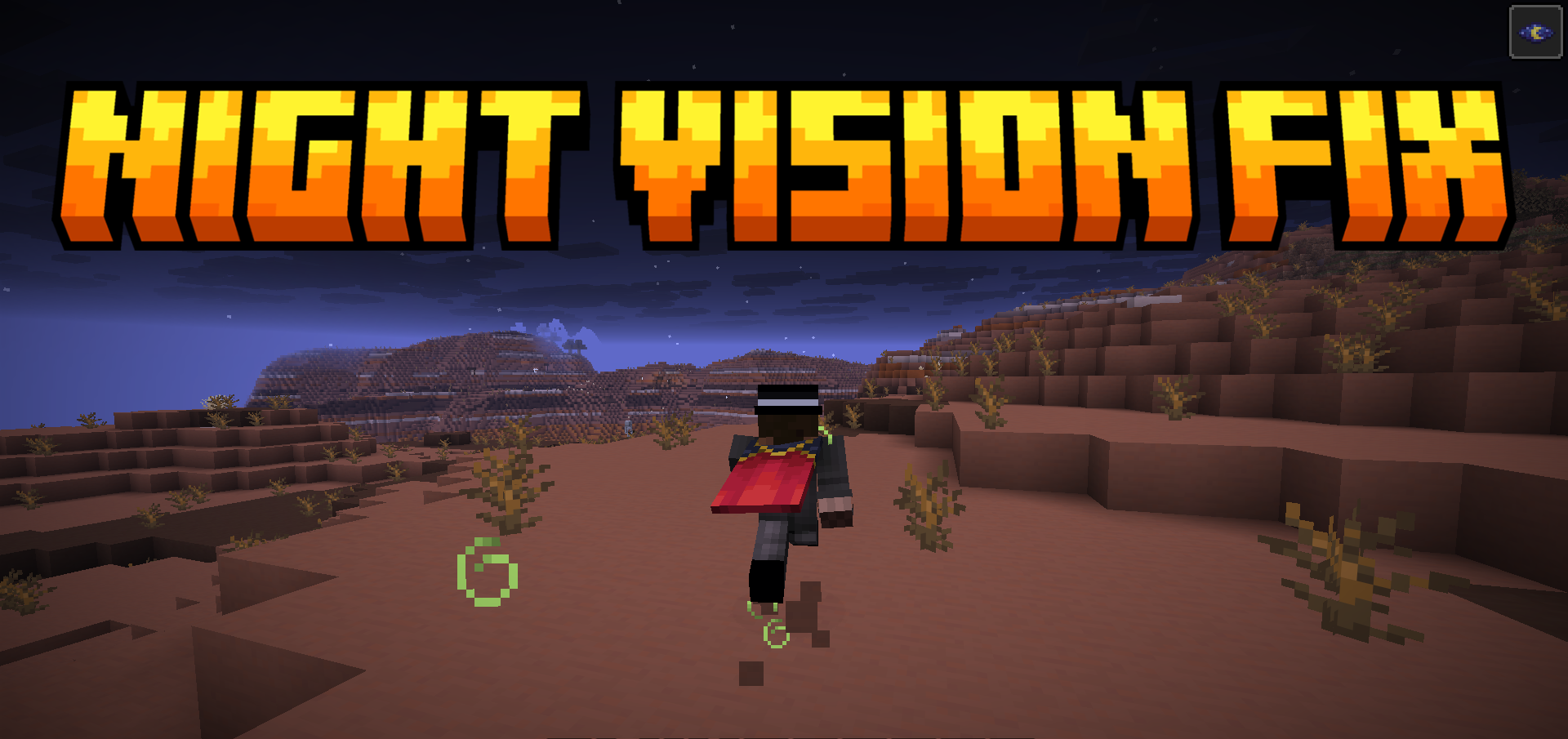
Sometimes a shader is needed not for beauty, but to restore normal visual behavior to the game. Night Vision Fix Shaders is exactly one of those useful solutions. Its task is extremely clear: to fix the way night vision works after changes that made the image darker and harder to read.
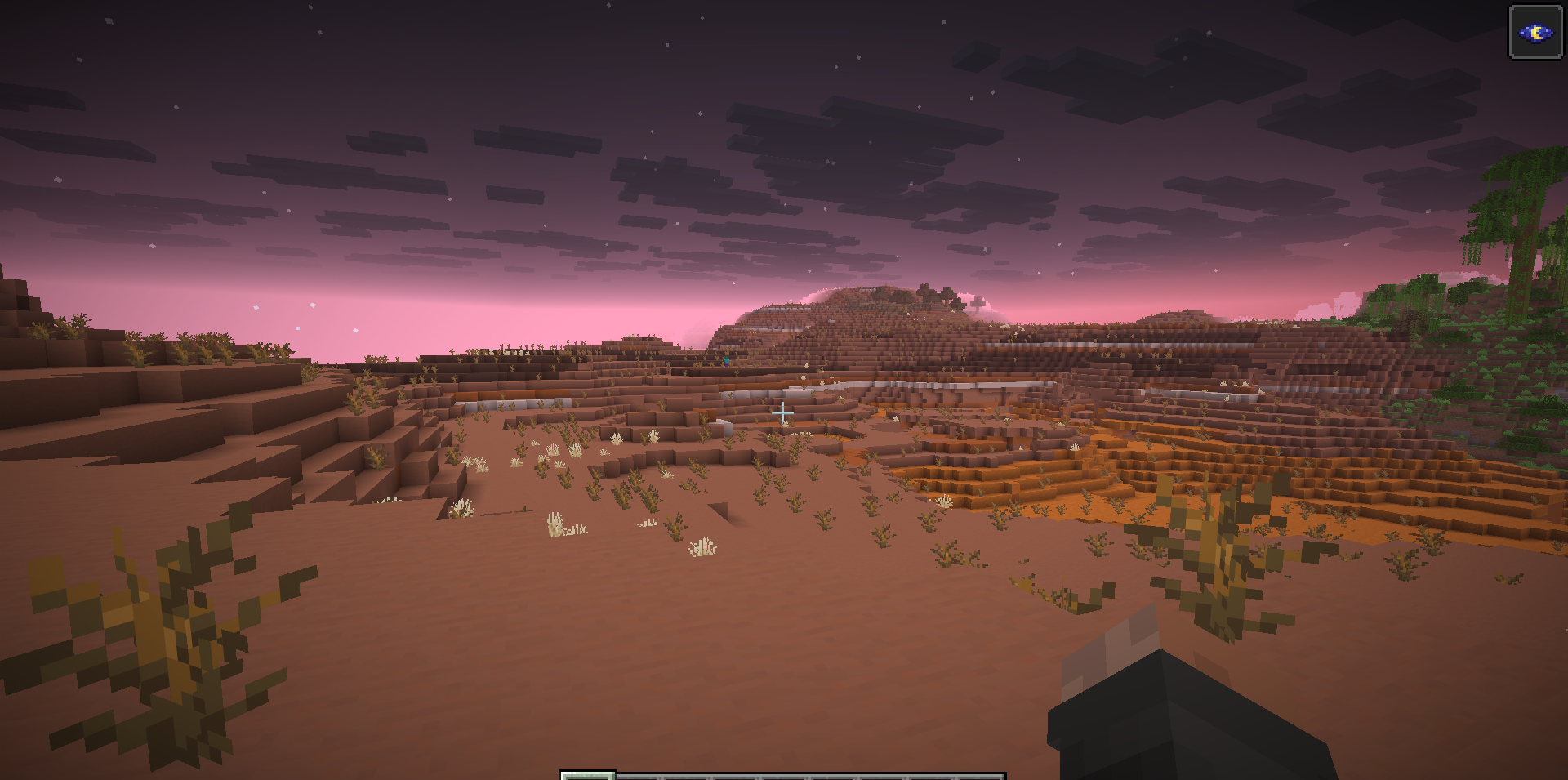
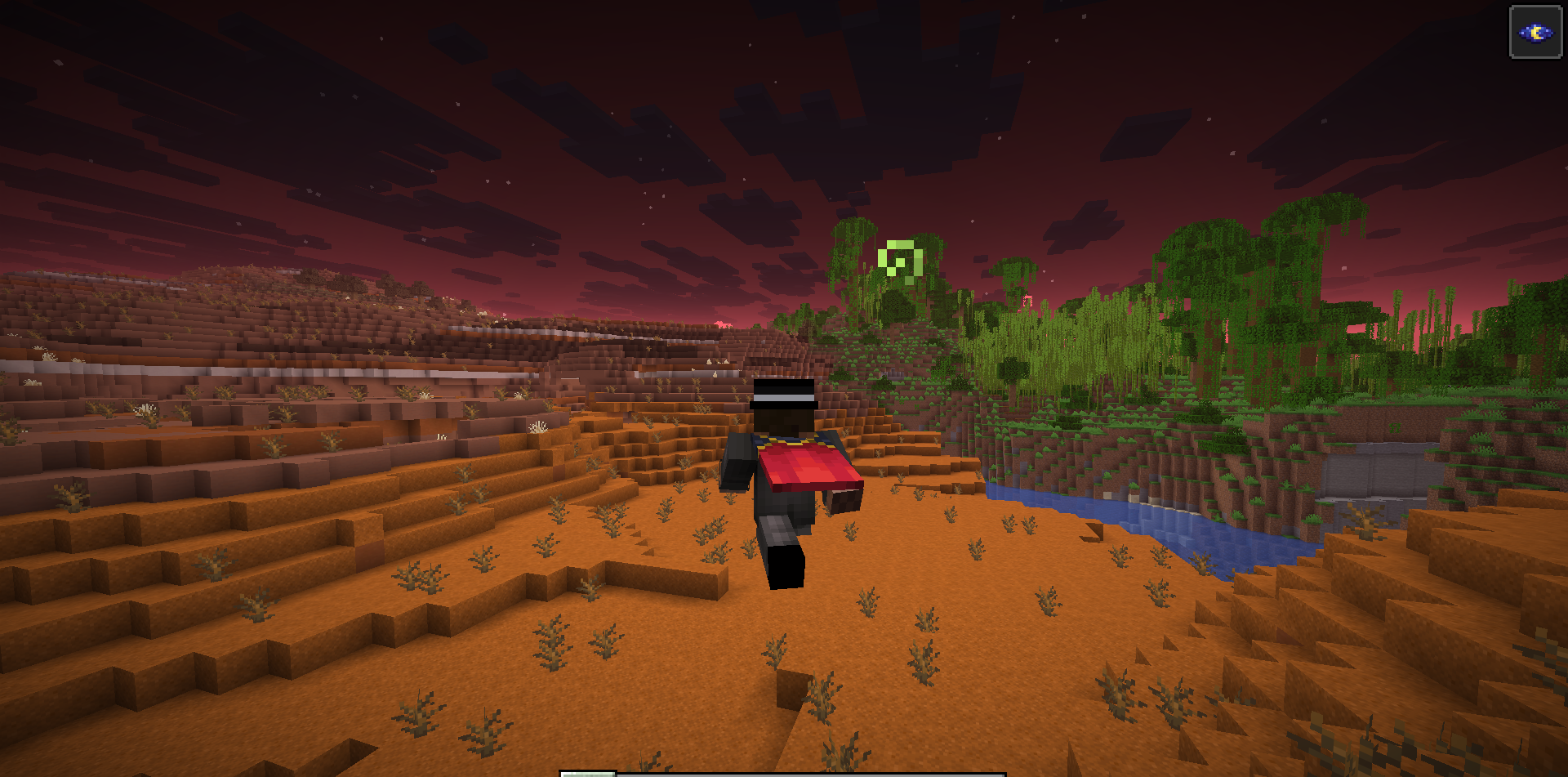
Instead of a muted and inconvenient picture, the shader brings back a more familiar perception of the world, in which the night vision effect once again truly helps with navigating in the dark. Most importantly, the pack is not overloaded with unnecessary visual decorations and does not try to turn a fix into a full graphical overhaul.
How to install a shader:
First step: download the shader package from the link below.
Second step: Unpack the downloaded archive and copy the Night Vision Fix Shaders folder to c:\Users\User\AppData\Roaming\.minecraft\shaderpacks\(if this folder does not exist, create it yourself) (For Windows)
Third step: In the game, go to Settings, then to Graphics Settings. Select the "shaders" section and activate the shader pack of your choice.
Comments (1)