



Noble for Minecraft 1.21.10
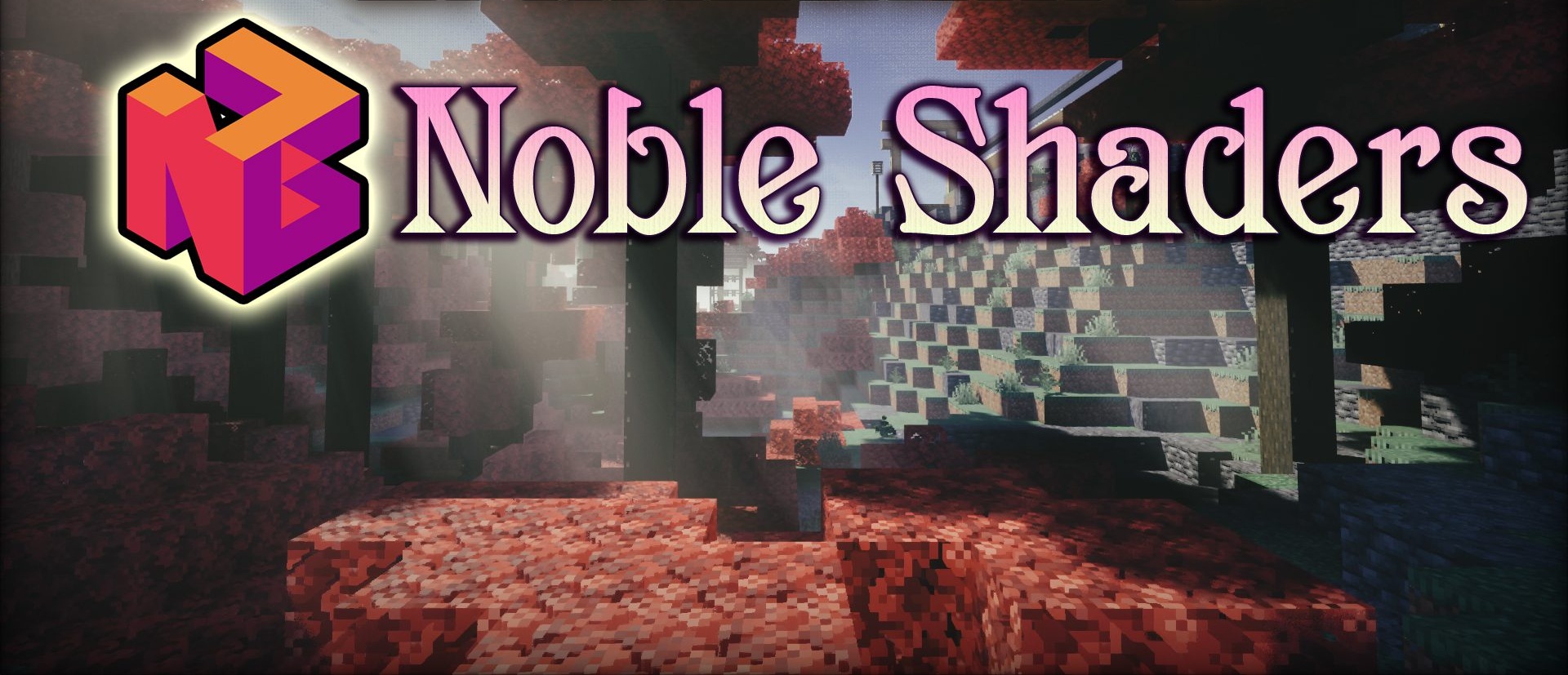
Noble stands out by offering a sense of neat, pleasant realism without overloading the image with effects. The lighting is soft and even, yet expressive enough to highlight the details of buildings and terrain. Daytime scenes look clean and natural, and dusk feels deep and atmospheric. Shadows are sharp but not too harsh.
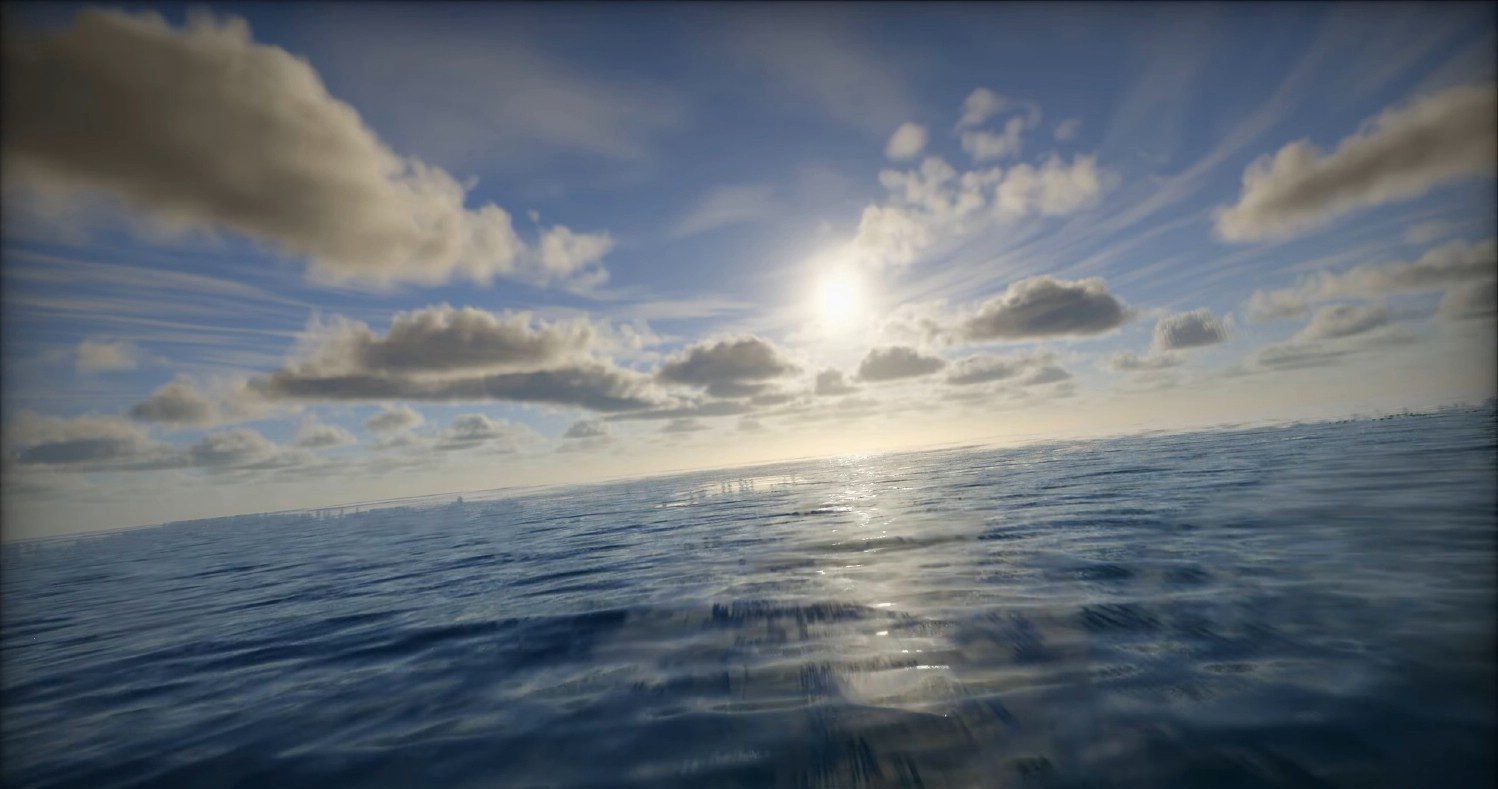
Light is distributed evenly, giving the world a slight “cinematic” quality without excessive dramatization. When used with high-quality textures, the shader becomes even more impressive: materials gain depth, and surfaces look more convincing.
How to install a shader:
First step: download the shader package from the link below.
Second step: Unpack the downloaded archive and copy the Noble folder to c:\Users\User\AppData\Roaming\.minecraft\shaderpacks\(if this folder does not exist, create it yourself) (For Windows)
Third step: In the game, go to Settings, then to Graphics Settings. Select the "shaders" section and activate the shader pack of your choice.
Comments (0)