



Noble for Minecraft 1.21.8
Noble for Minecraft is a great opportunity to transform the environment in your adventure. This addon reworks lighting by adding plenty of glare and bright light effects, and also offers a whole collection of high-resolution textures.
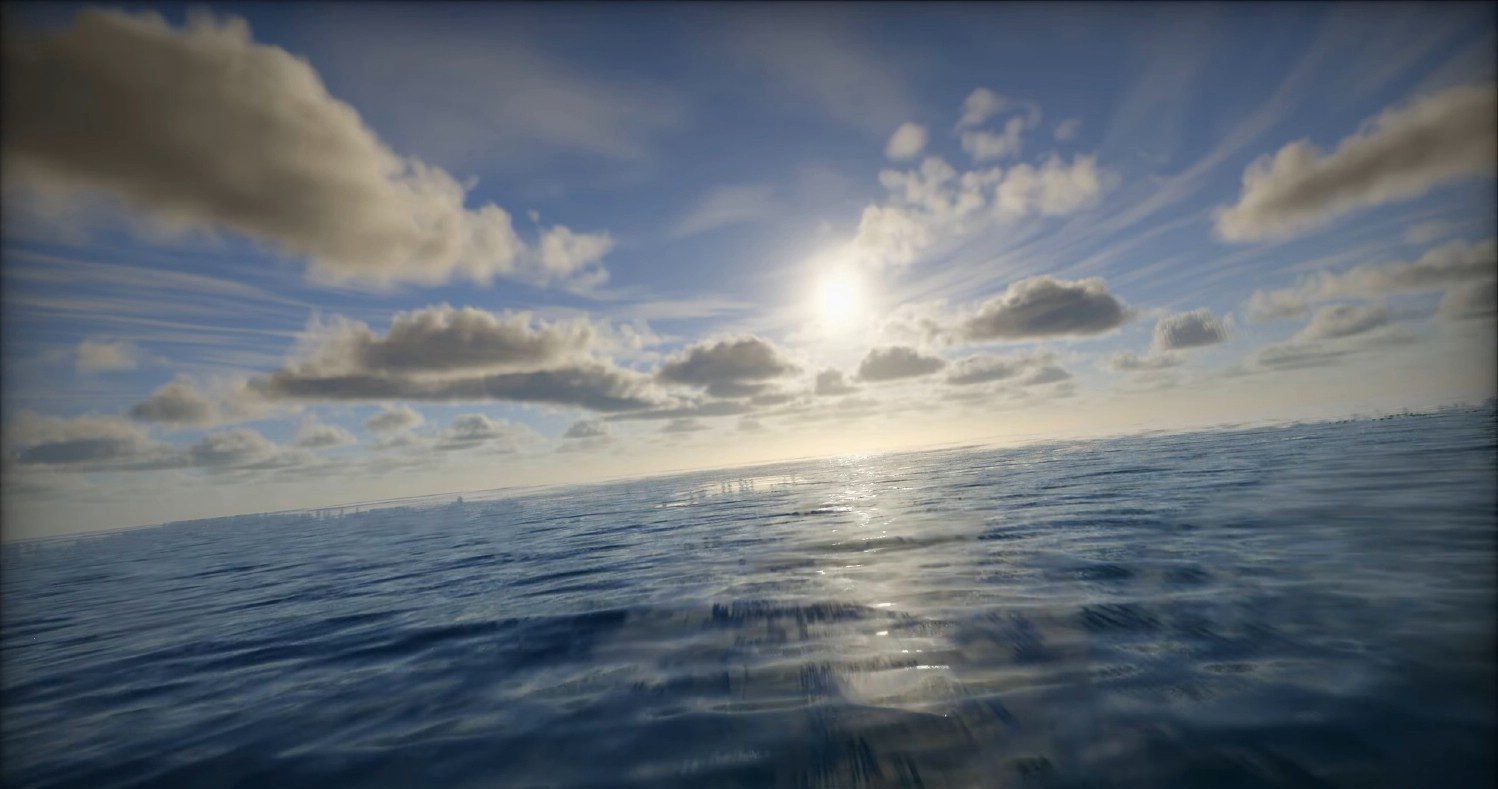
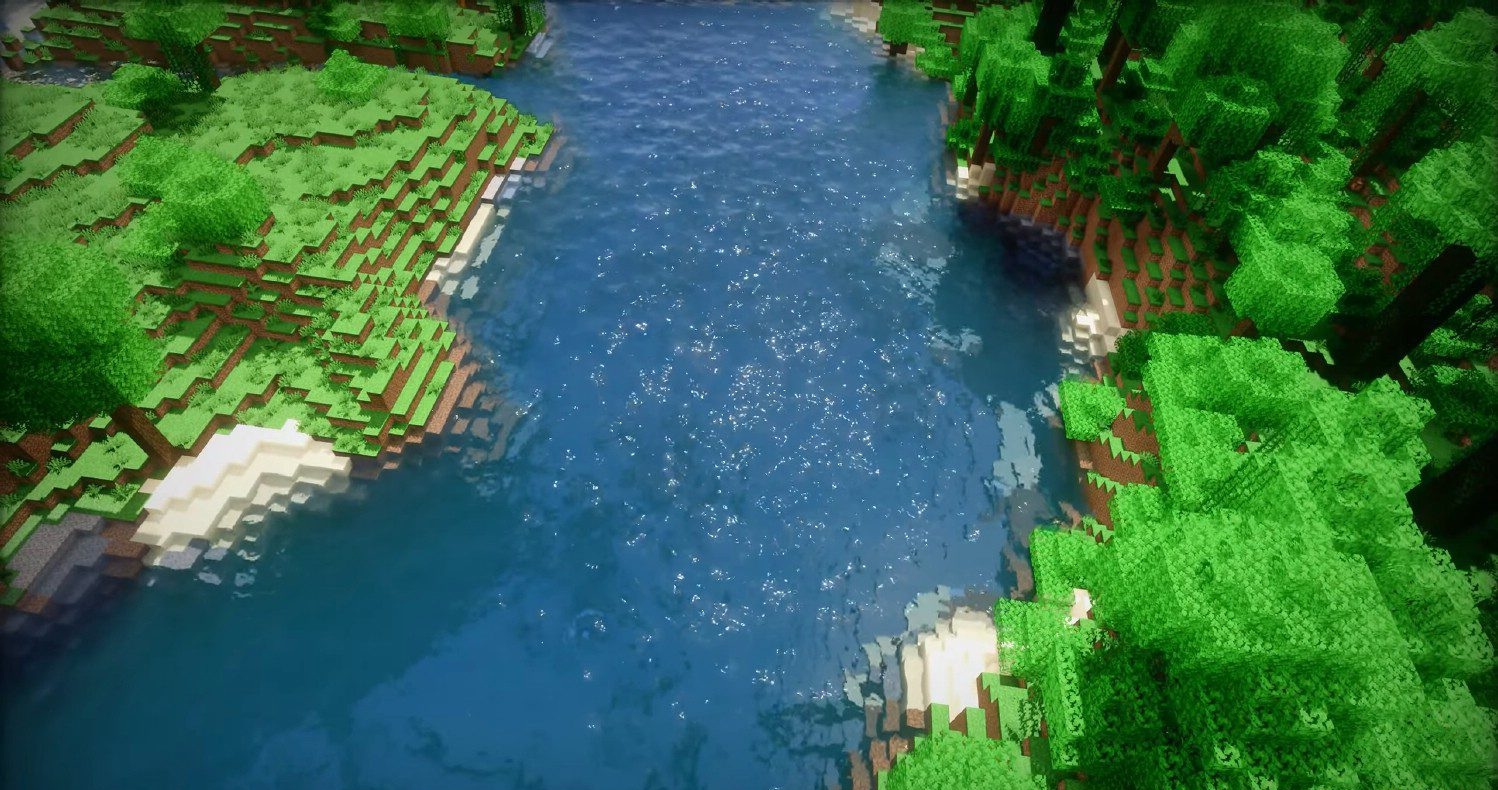
Combined, these improvements deliver a high-quality and detailed picture that pleases the eye without putting too much load on your system during gameplay. You’ll now have a beautiful world at your disposal with balanced effects and excellent performance.
How to install a shader:
First step: download the shader package from the link below.
Second step: Unpack the downloaded archive and copy the Noble folder to c:\Users\User\AppData\Roaming\.minecraft\shaderpacks\(if this folder does not exist, create it yourself) (For Windows)
Third step: In the game, go to Settings, then to Graphics Settings. Select the "shaders" section and activate the shader pack of your choice.
Comments (0)