



Nostalgia-Ultra Shaders for Minecraft 1.21.11
Not every retro shader is truly capable of bringing back the feeling of old Minecraft, but Nostalgia-Ultra Shaders handles this task very confidently. Everything here works toward a familiar mood: warm rich colors, a bright blue sky, lush grass, soft light, and a cozy overall palette that recalls the classic era of the game.
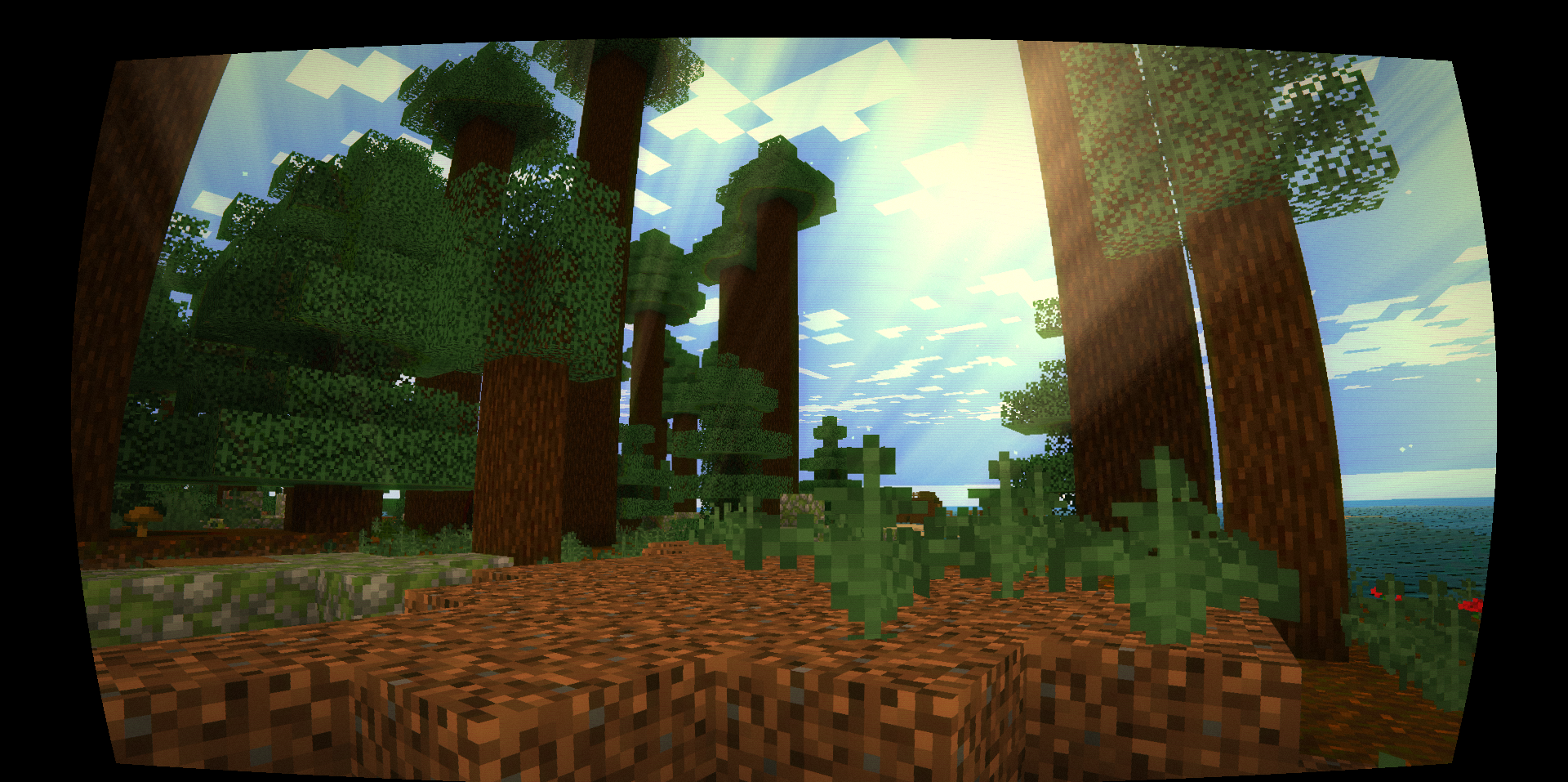
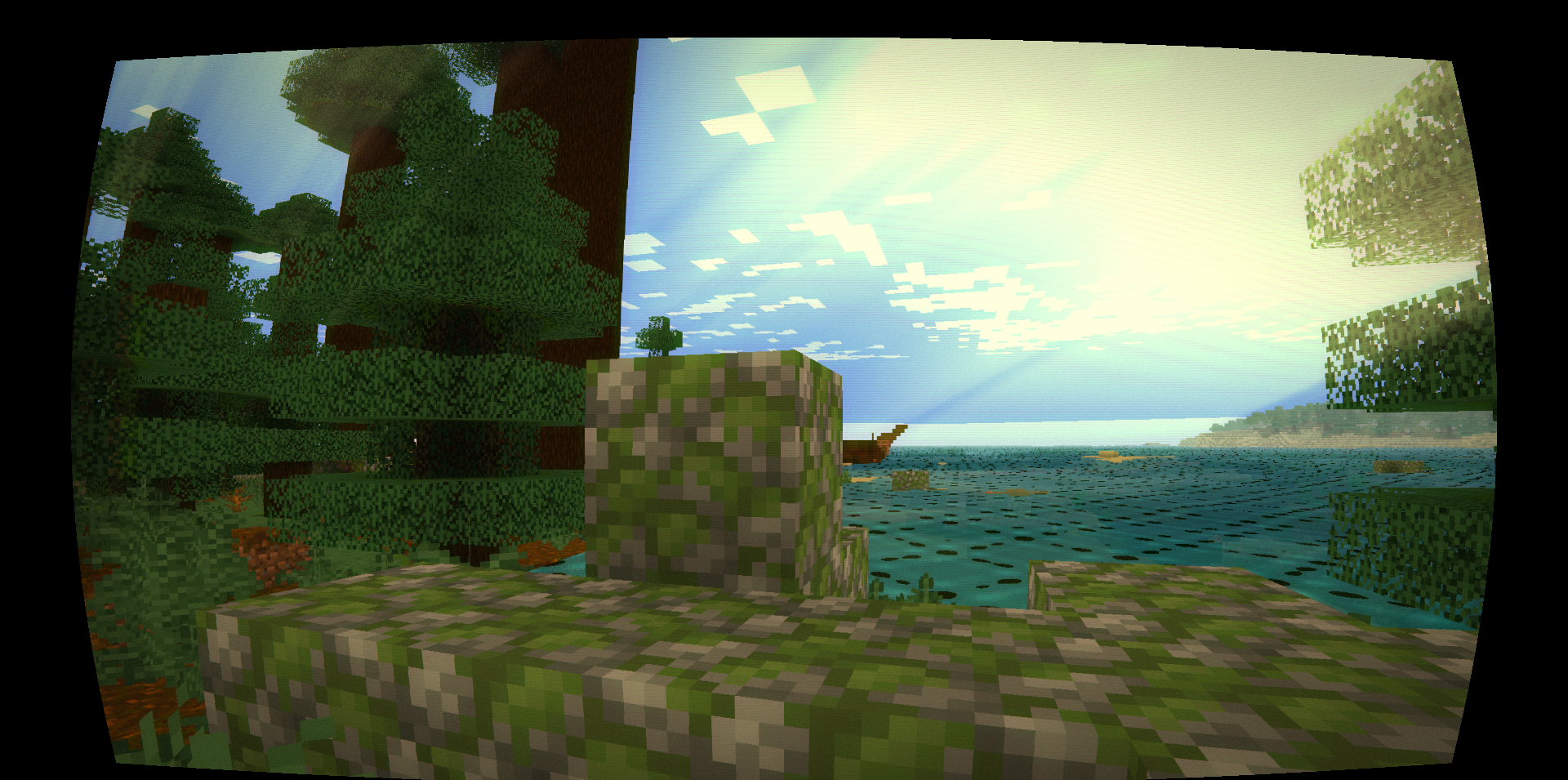
The shader conveys the atmosphere of old packs especially well through details: the water looks turquoise and semi-transparent, the sun seems larger and more expressive, and torch lighting adds a pleasant orange tint. The retro effect is further strengthened by visual elements styled after old screens.
How to install a shader:
First step: download the shader package from the link below.
Second step: Unpack the downloaded archive and copy the Nostalgia-Ultra Shaders folder to c:\Users\User\AppData\Roaming\.minecraft\shaderpacks\(if this folder does not exist, create it yourself) (For Windows)
Third step: In the game, go to Settings, then to Graphics Settings. Select the "shaders" section and activate the shader pack of your choice.
Comments (0)