



Oceano Shaders for Minecraft 1.21.10
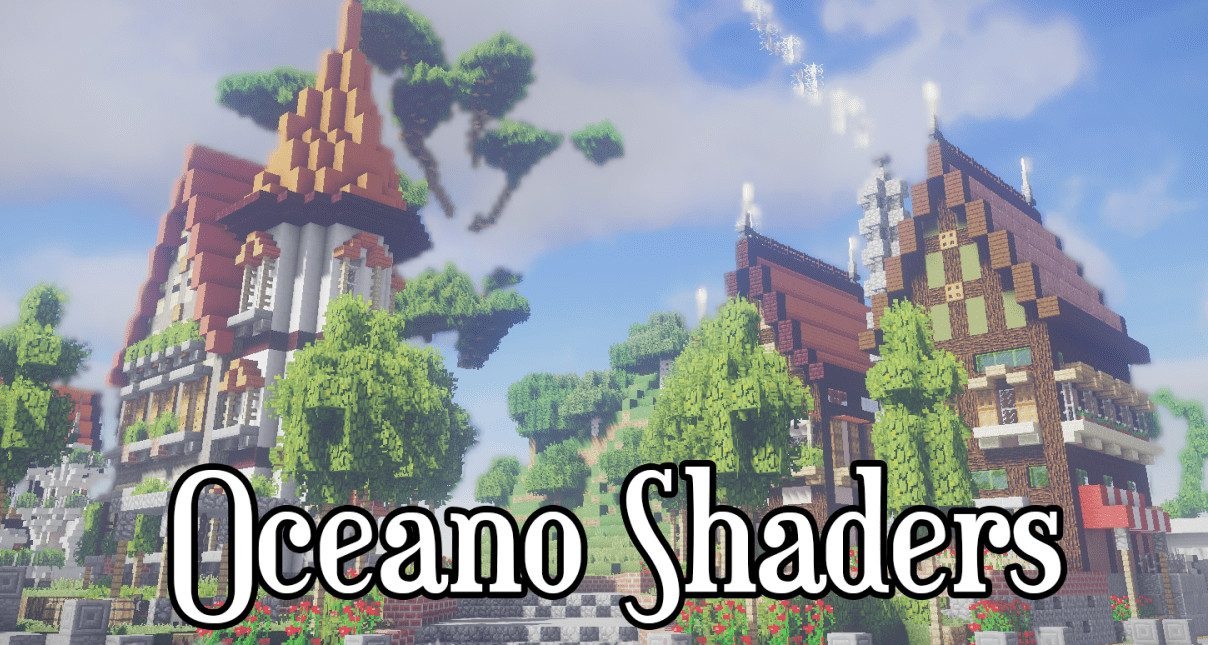
When you first encounter Oceano Shaders, it becomes clear that the main idea of this pack is to give water its own character. Waves play across the surface as if reacting to every gust of wind, while the underwater world fills with depth and soft, diffused light.
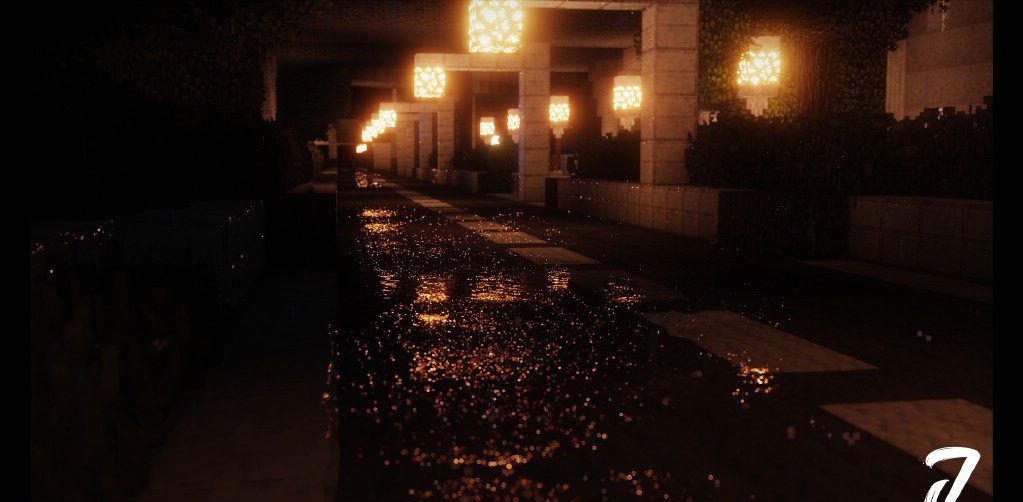
Lightning during a storm looks almost cinematic: bright, sharp, with precisely detailed branching that greatly enhances the atmosphere. Even a simple walk along the shore feels different, as if the landscape has become richer in emotion. Despite such visual richness, the shader is surprisingly stable on average systems, maintaining smoothness and a natural visual rhythm.
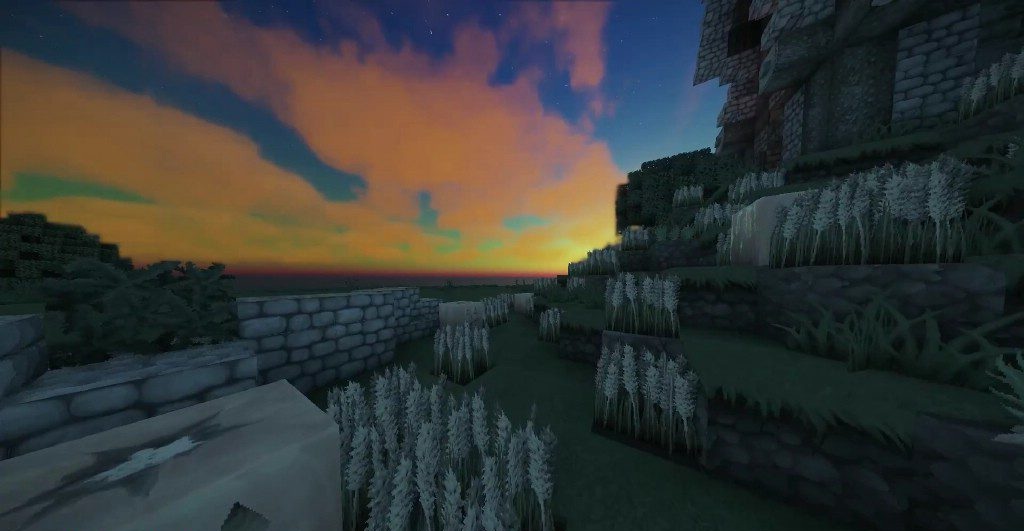
How to install a shader:
First step: download the shader package from the link below.
Second step: Unpack the downloaded archive and copy the Oceano Shaders folder to c:\Users\User\AppData\Roaming\.minecraft\shaderpacks\(if this folder does not exist, create it yourself) (For Windows)
Third step: In the game, go to Settings, then to Graphics Settings. Select the "shaders" section and activate the shader pack of your choice.
Comments (0)