



OPAL for Minecraft 1.21.10
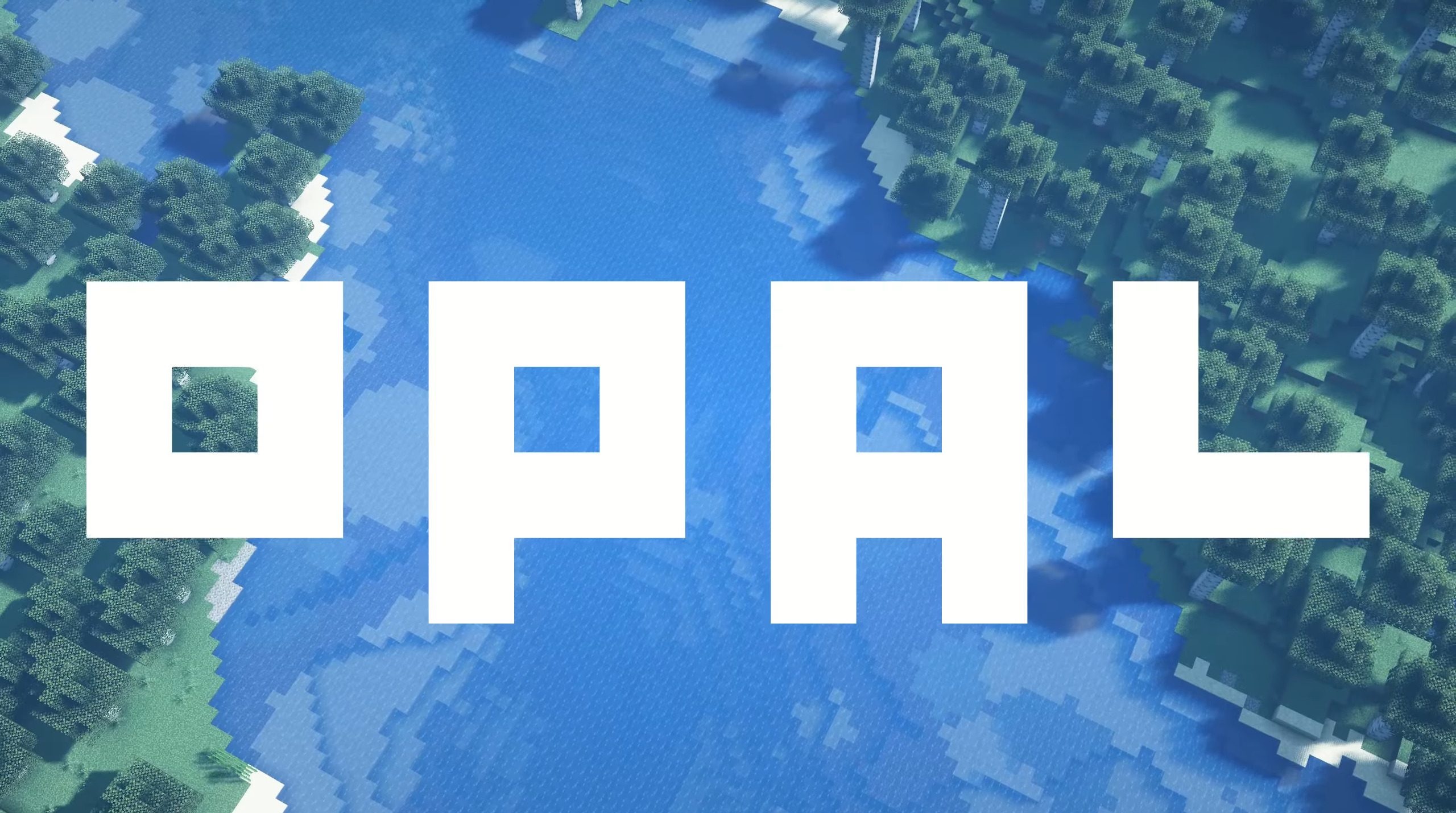
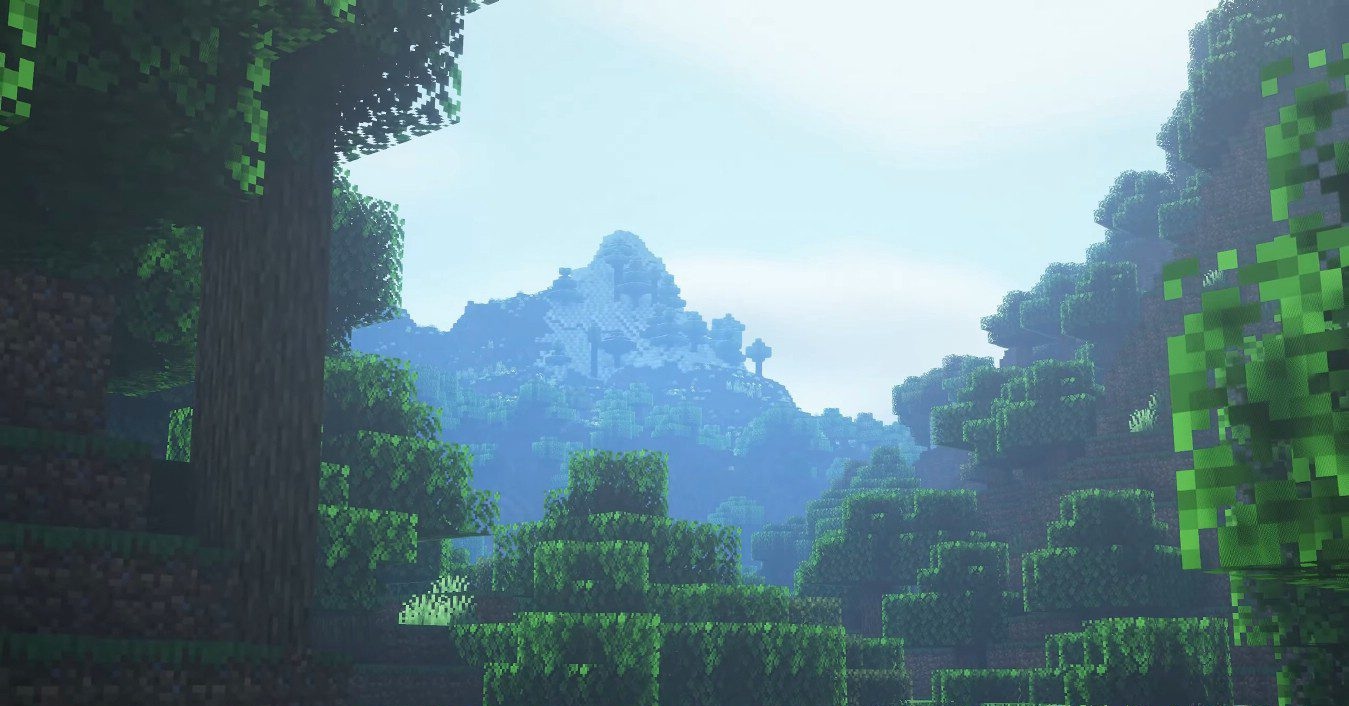
Unlike many shaders that strive for maximum realism, OPAL offers an artistic approach. Here, hyperrealism is not the goal — instead, it focuses on blending Minecraft’s original style with soft, fantasy-like tones. Colors become warmer, contrast more expressive, and lighting more atmospheric, making landscapes resemble concept art.
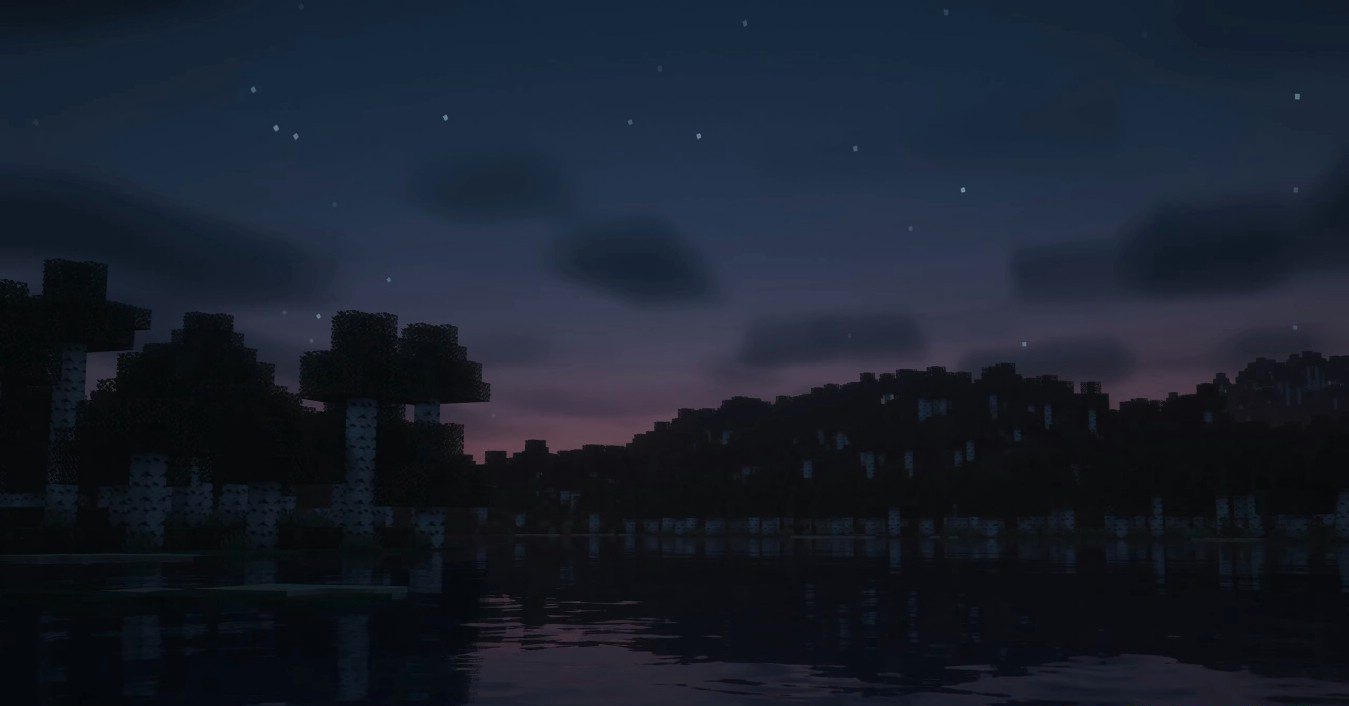
The pack treats the structural aesthetics of the vanilla world with care: no excessive saturation, no harsh shadows — everything is smooth and harmonious. At the same time, the shader doesn’t require a powerful PC, maintaining good performance even on mid-range systems.
How to install a shader:
First step: download the shader package from the link below.
Second step: Unpack the downloaded archive and copy the OPAL folder to c:\Users\User\AppData\Roaming\.minecraft\shaderpacks\(if this folder does not exist, create it yourself) (For Windows)
Third step: In the game, go to Settings, then to Graphics Settings. Select the "shaders" section and activate the shader pack of your choice.
Comments (0)