



Pegasus for Minecraft 1.21.10
Among universal shaders, Pegasus holds a special place. It doesn’t impose a single style but allows the player to adapt the visuals to their own taste — from gentle vanilla aesthetics to bright cartoonish or fully realistic world rendering.
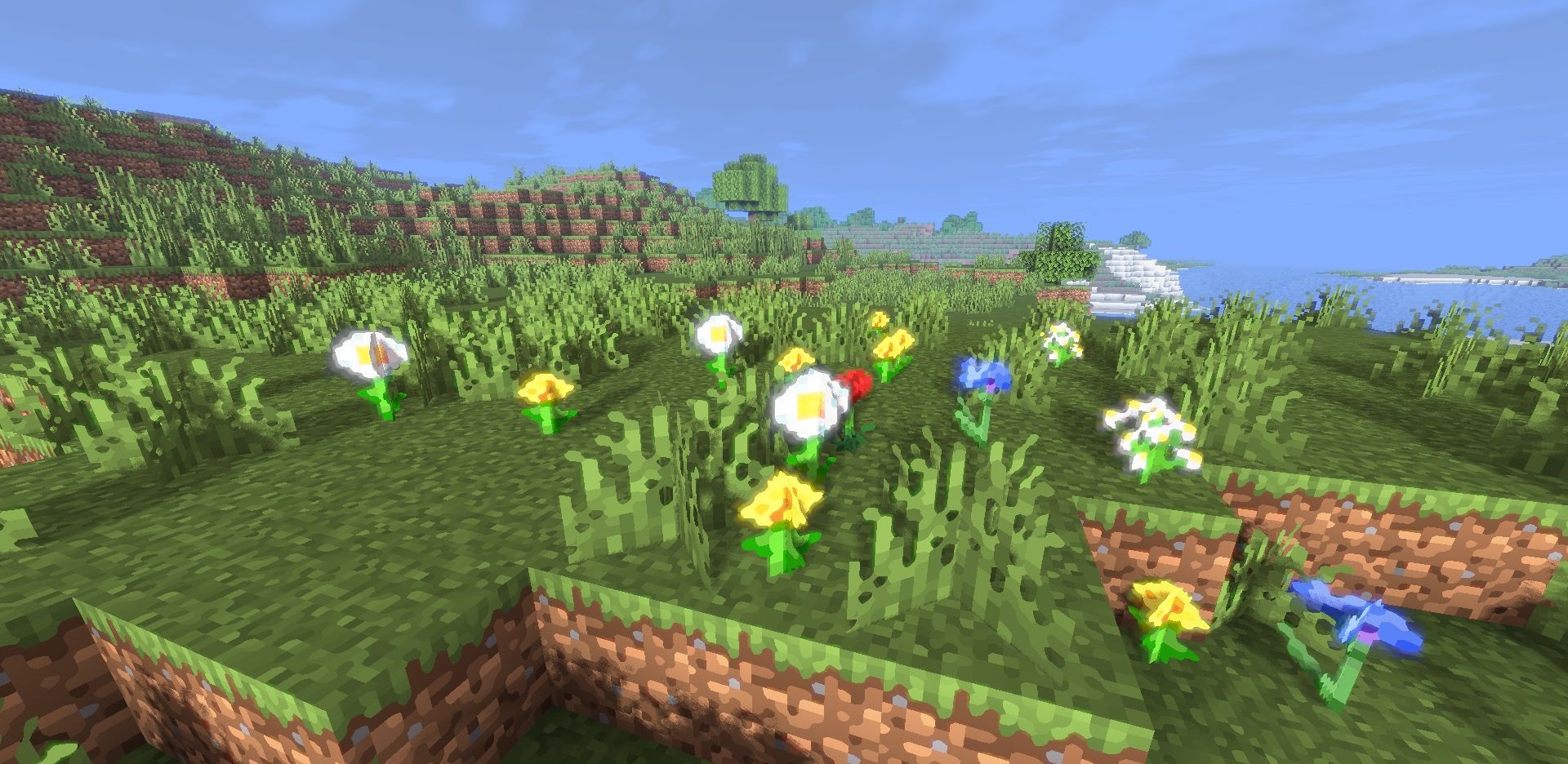
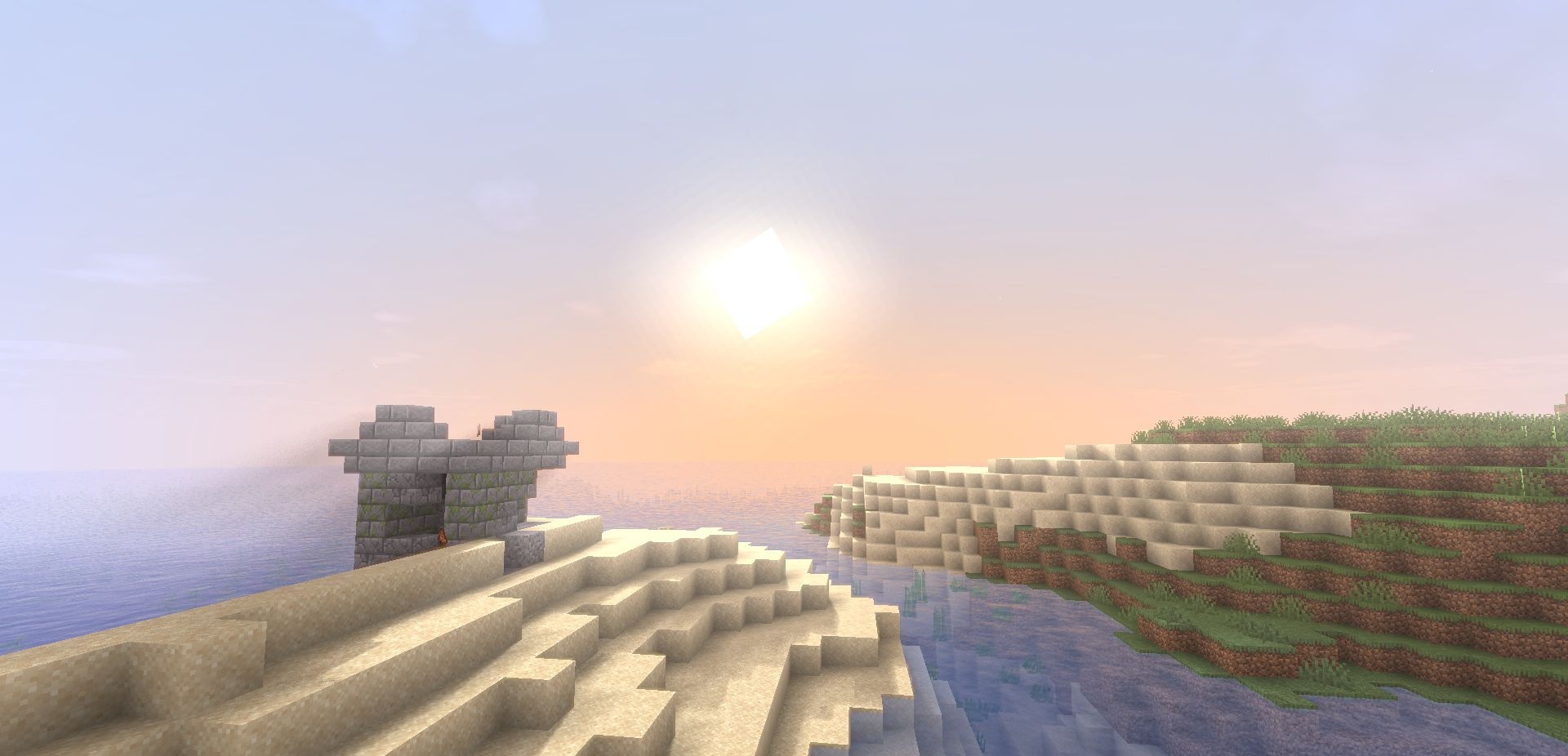
The shader pack works wonderfully with Distant Horizons, maintaining stable FPS even at huge render distances, which makes it especially useful for large worlds and builds. Support for the pack adds realism to water and objects, creating a more lively environment. The lighting effects are finely tuned: no overexposure, proper shadows, and smooth color transitions.
How to install a shader:
First step: download the shader package from the link below.
Second step: Unpack the downloaded archive and copy the Pegasus folder to c:\Users\User\AppData\Roaming\.minecraft\shaderpacks\(if this folder does not exist, create it yourself) (For Windows)
Third step: In the game, go to Settings, then to Graphics Settings. Select the "shaders" section and activate the shader pack of your choice.
Comments (1)