



Photon for Minecraft 1.21.10

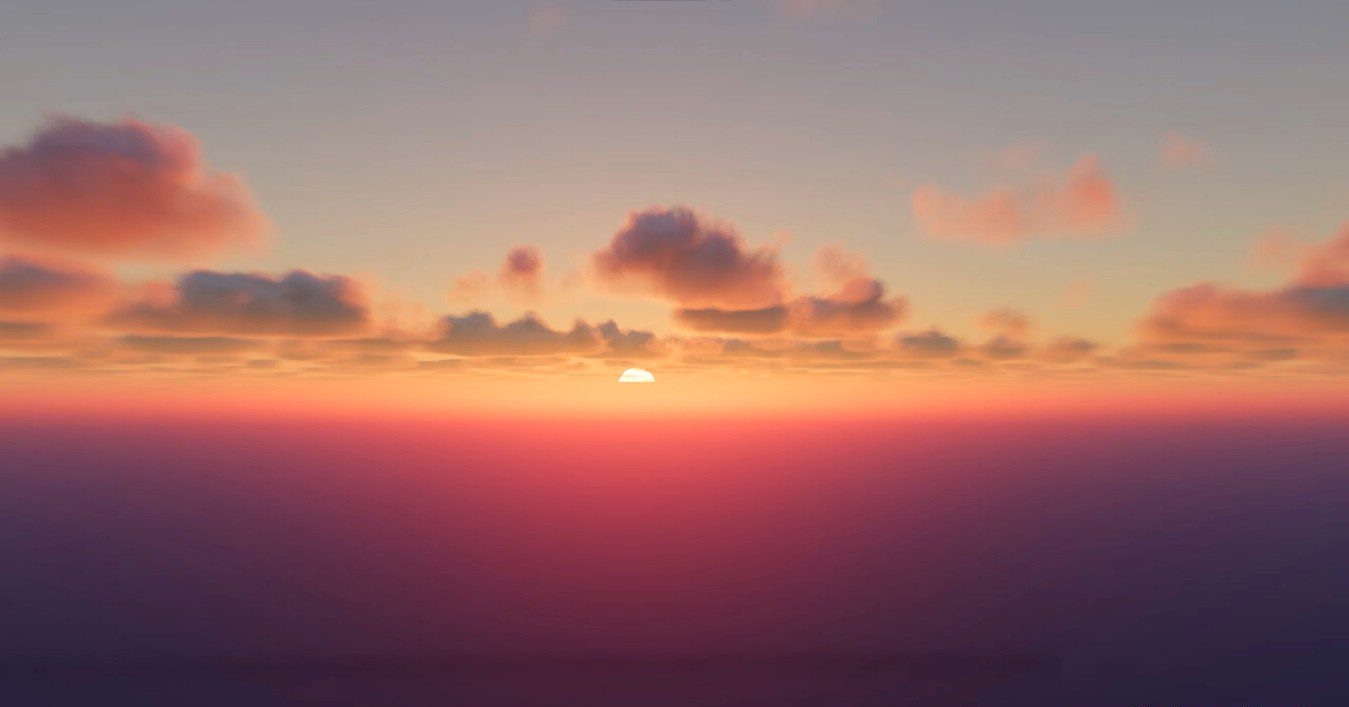
It’s always pleasant when a lightweight shader can deliver an impressive effect. Photon is exactly that kind of shader: it doesn’t use heavy technologies, yet it creates an incredibly airy and natural picture. The main focus here is on sky scenes. Clouds are one of the strongest elements. They change shape, density, and shade, reacting to the weather.
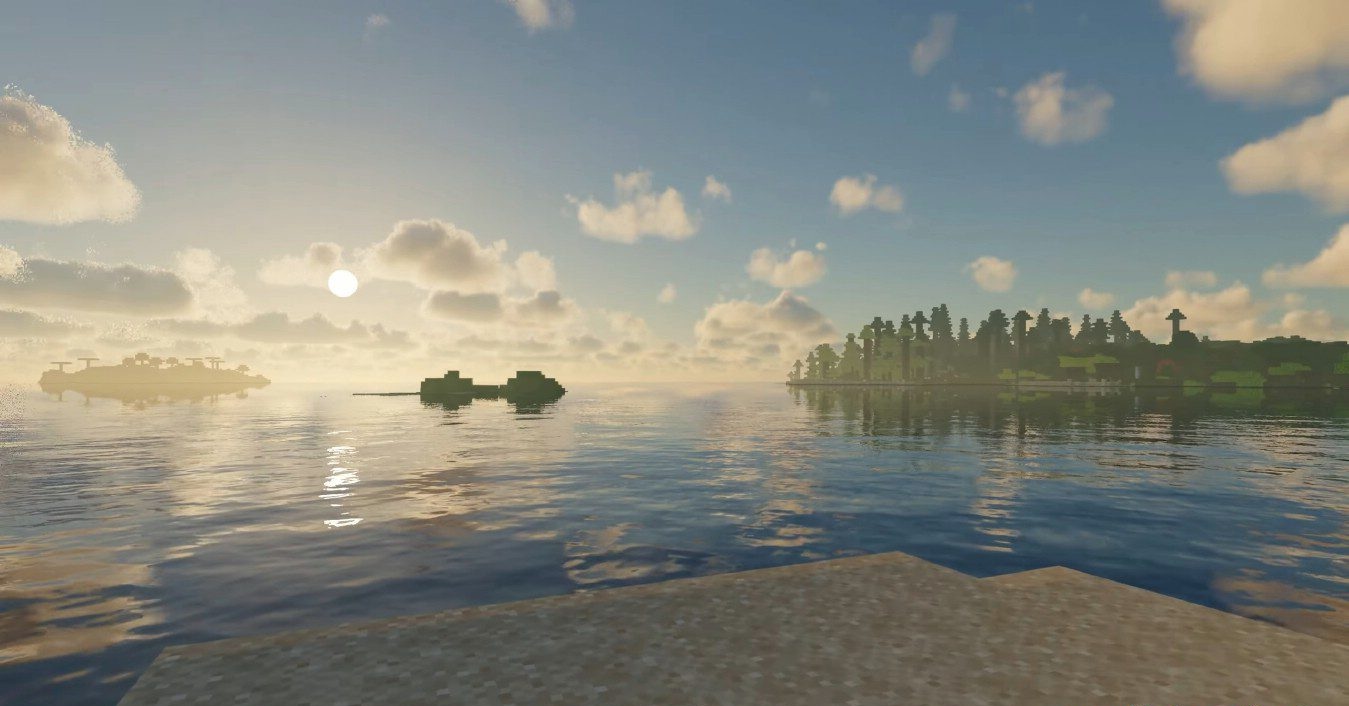
Sunsets with this shader feel like an event of their own: color transitions are smooth and multilayered, and if you rise higher, the world looks almost like frames from aerial cinematography. The water is transparent and reflects light softly and naturally. It conveys subtle movement, shimmers, and creates a beautiful play of highlights.
How to install a shader:
First step: download the shader package from the link below.
Second step: Unpack the downloaded archive and copy the Photon folder to c:\Users\User\AppData\Roaming\.minecraft\shaderpacks\(if this folder does not exist, create it yourself) (For Windows)
Third step: In the game, go to Settings, then to Graphics Settings. Select the "shaders" section and activate the shader pack of your choice.
Comments (0)