



Photon Shaders for Minecraft 1.21.11
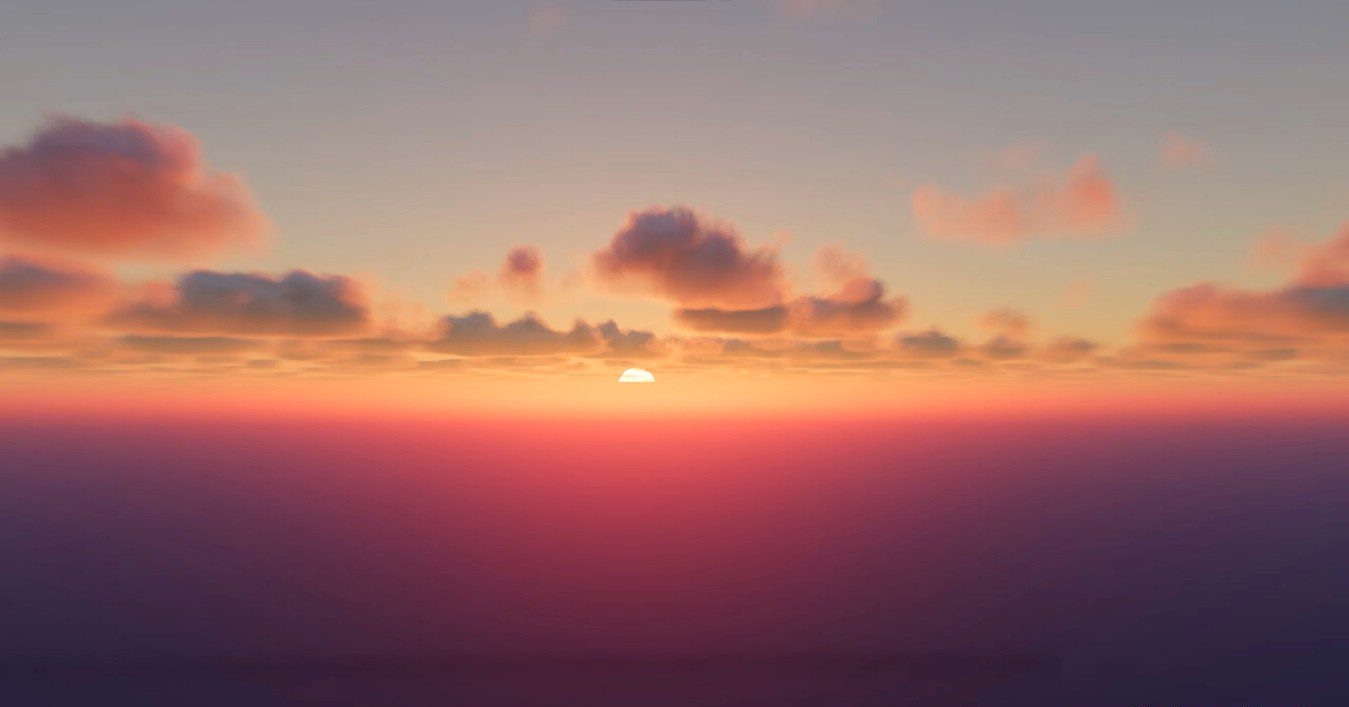
Photon Shaders proves that beautiful graphics are possible even without ray tracing. The main emphasis here is on natural elements: the sky, clouds, and water look especially impressive. The clouds are fully dynamic, have multiple layers, and change depending on the weather and time of day, creating the effect of a living sky.
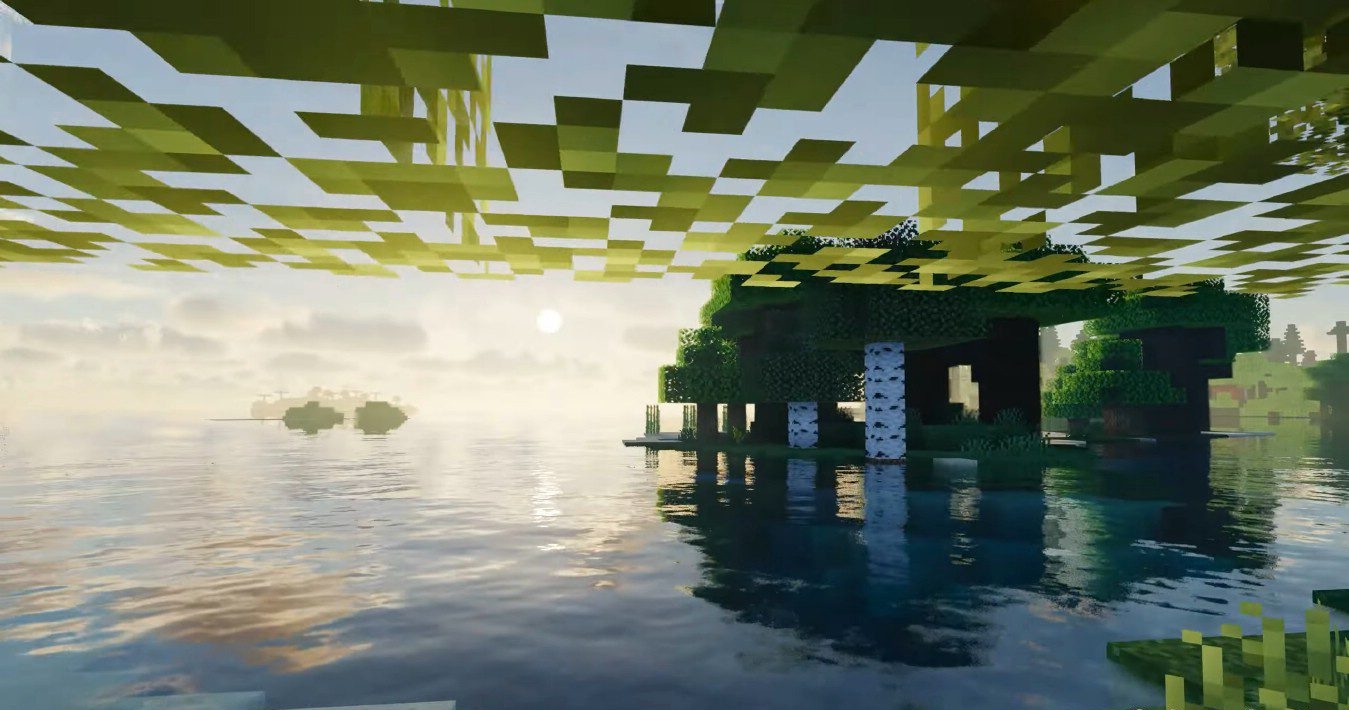
The water is transparent and reflects the surrounding world, while the lighting tries to maintain a natural character. Despite some peculiarities in color rendering, the overall style remains soft and pleasant. The pack offers many settings, allowing the quality to be adapted to the system’s capabilities.
How to install a shader:
First step: download the shader package from the link below.
Second step: Unpack the downloaded archive and copy the Photon Shaders folder to c:\Users\User\AppData\Roaming\.minecraft\shaderpacks\(if this folder does not exist, create it yourself) (For Windows)
Third step: In the game, go to Settings, then to Graphics Settings. Select the "shaders" section and activate the shader pack of your choice.
Comments (5)