



Prismarine for Minecraft 1.21.10
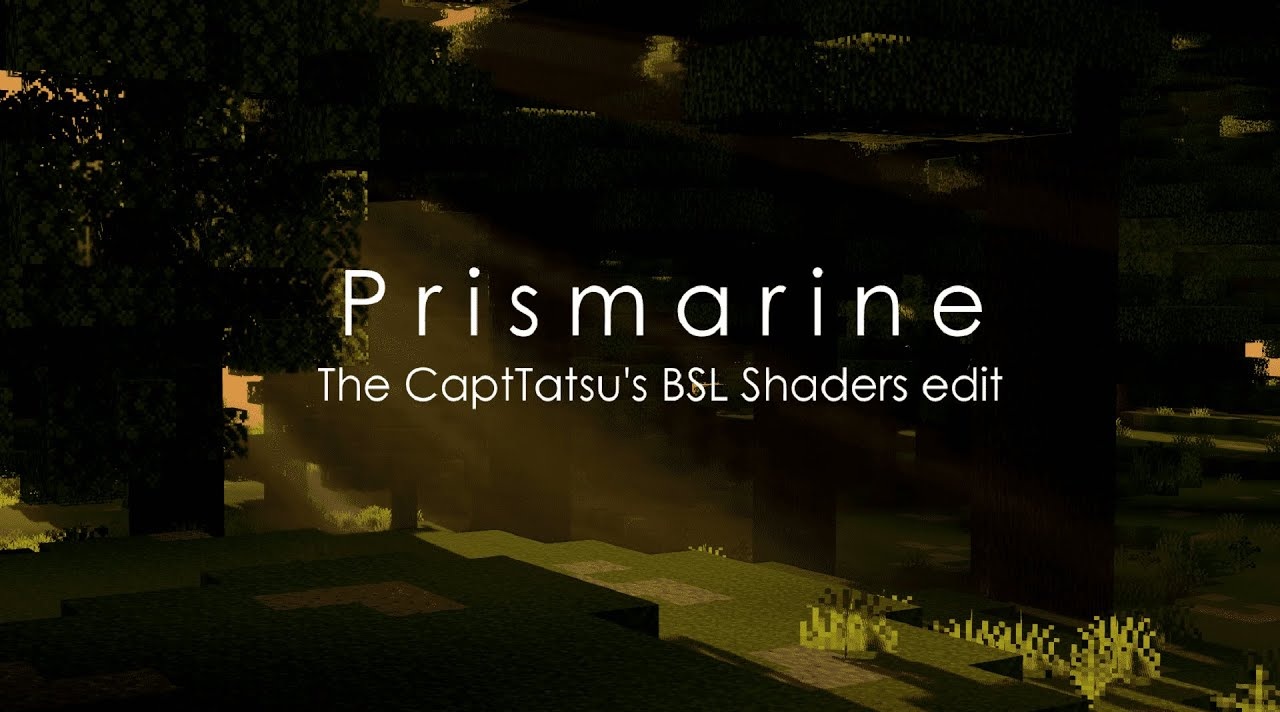
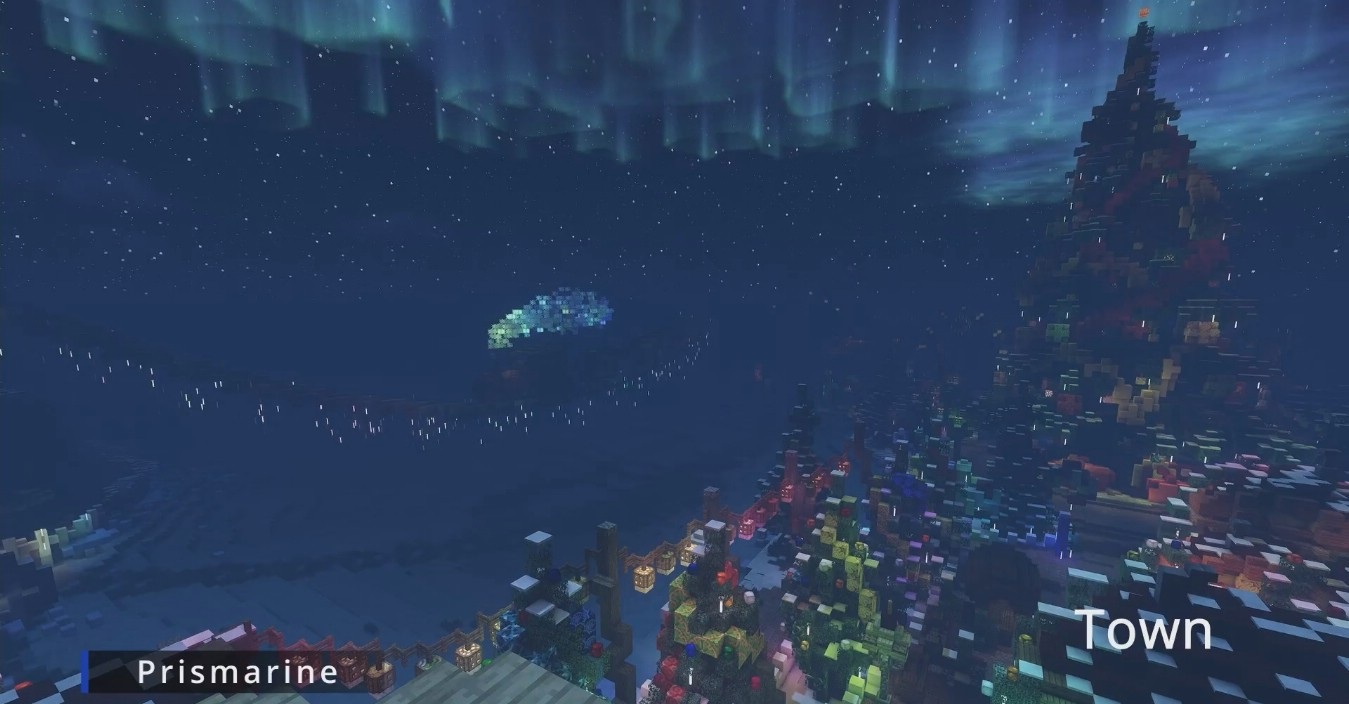
If you want impressive visuals at the level of BSL but with lower hardware requirements, Prismarine is an excellent option. Based on BSL, it reworks many visual effects: it adds mistiness, auroras, volumetric clouds, and unique sky tones that create a rich atmosphere.
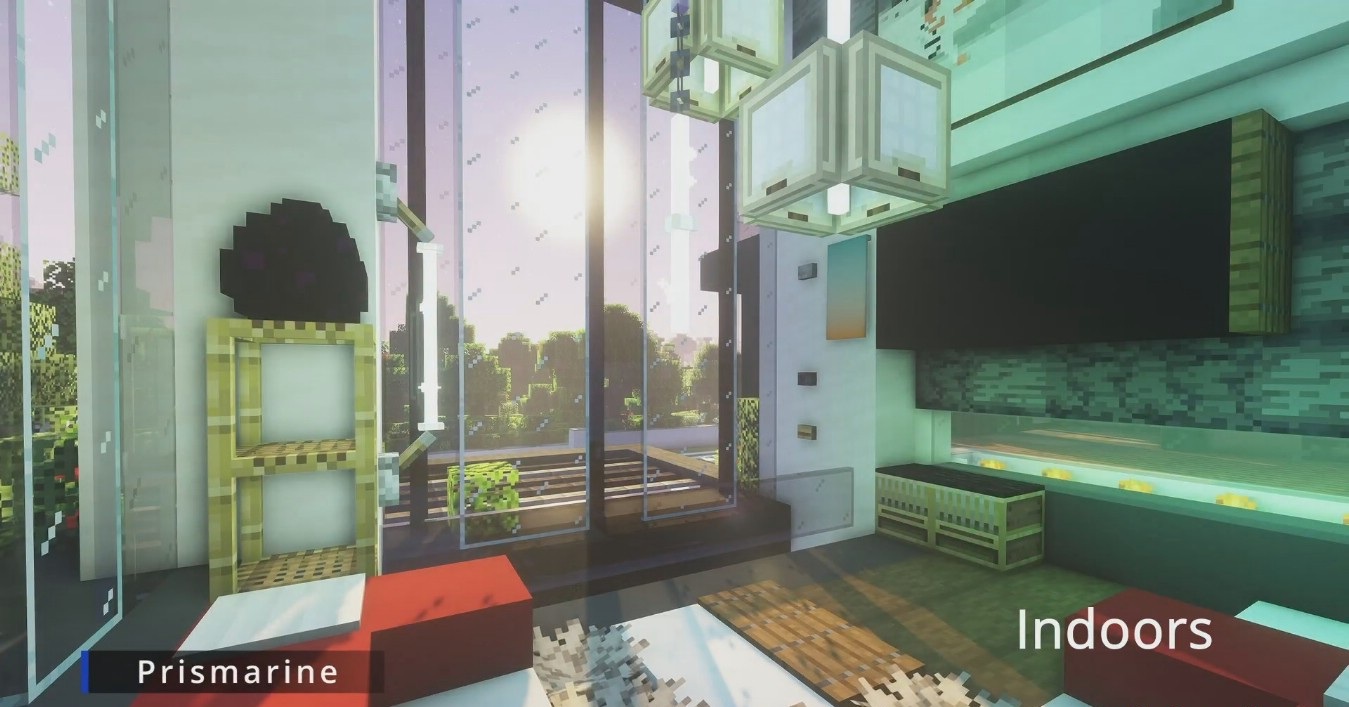
Water effects play a special role here: refraction, underwater rays, light scattering, and distortion make oceans look extraordinarily deep. Additional cinematic features — motion blur, DOF, bloom — create a pleasing visual style, though they can be disabled for better performance.
How to install a shader:
First step: download the shader package from the link below.
Second step: Unpack the downloaded archive and copy the Prismarine folder to c:\Users\User\AppData\Roaming\.minecraft\shaderpacks\(if this folder does not exist, create it yourself) (For Windows)
Third step: In the game, go to Settings, then to Graphics Settings. Select the "shaders" section and activate the shader pack of your choice.
Comments (1)