



Protanopia Color Blindness Shaders for Minecraft 1.21.11
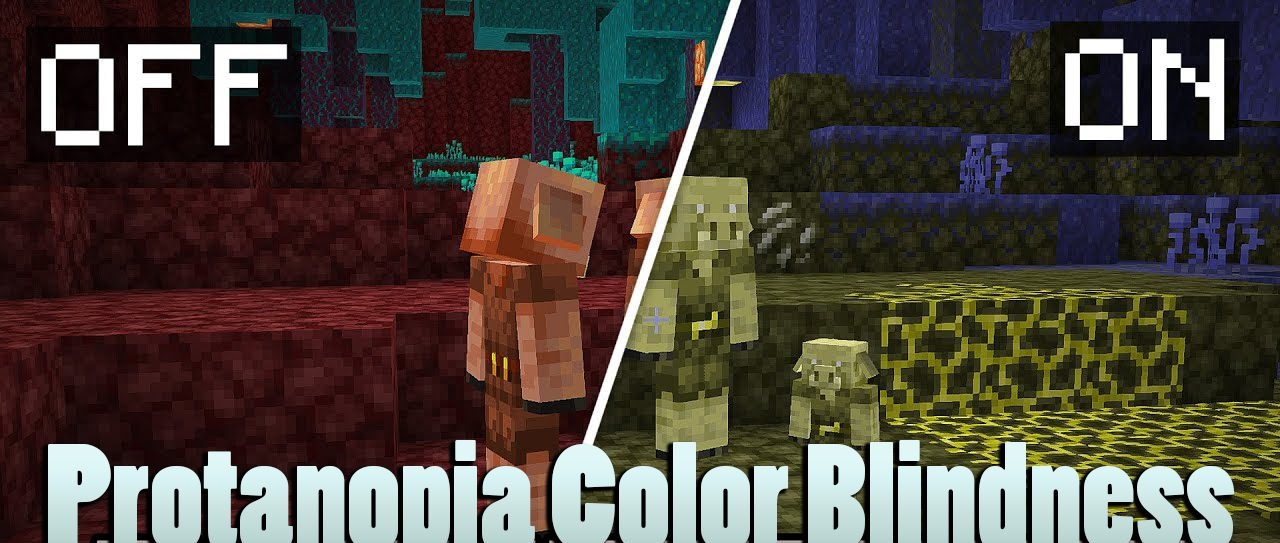
Not all shaders are created for spectacular sunsets, volumetric clouds, or shiny water. Protanopia Color Blindness Shaders is interesting because of the idea itself: it imitates the peculiarities of color perception in protanopia, allowing the game world to be seen in a different visual format. Such a shader is perceived not as an ordinary graphical decoration, but as a tool for a visual experience.
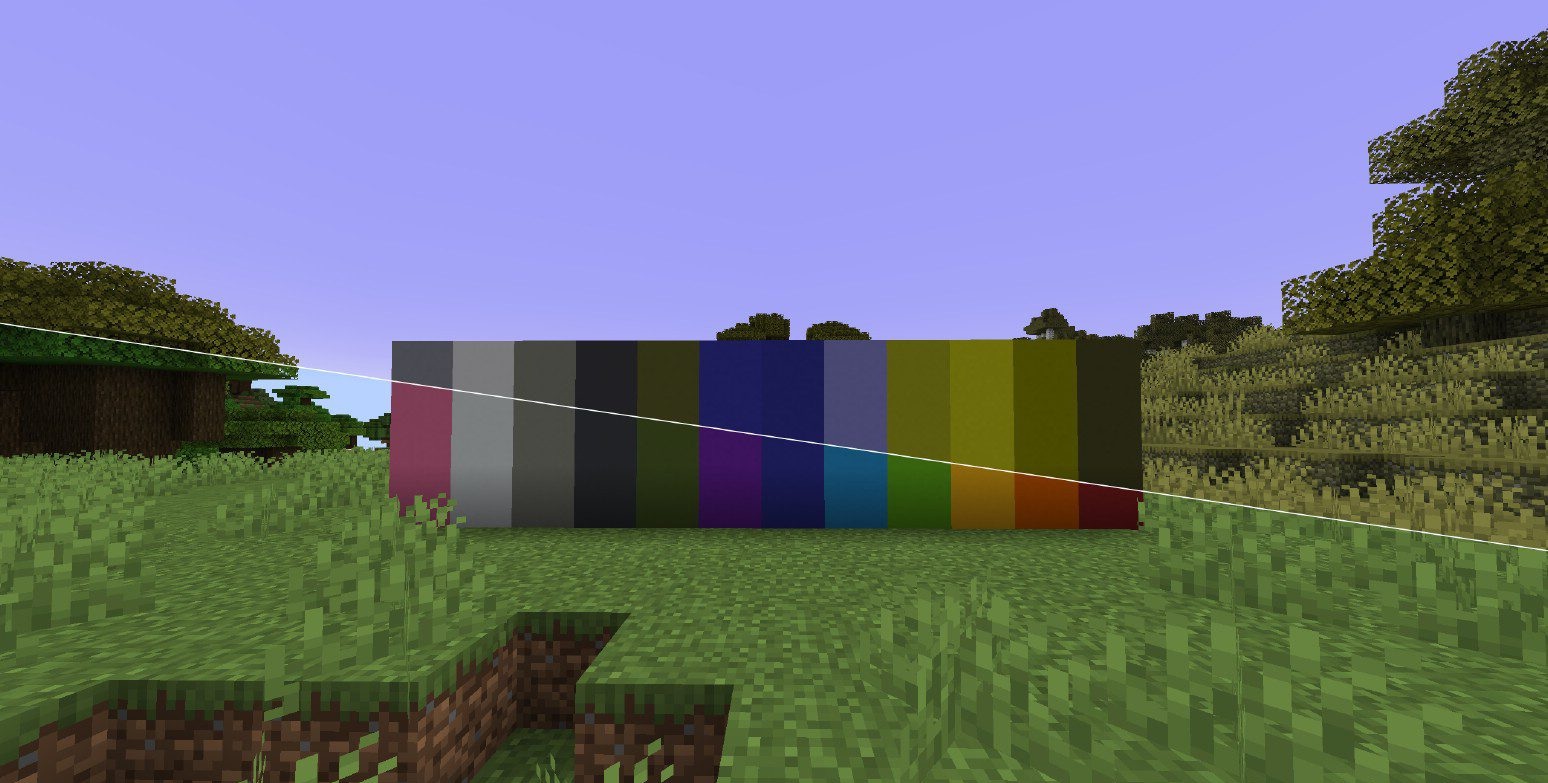
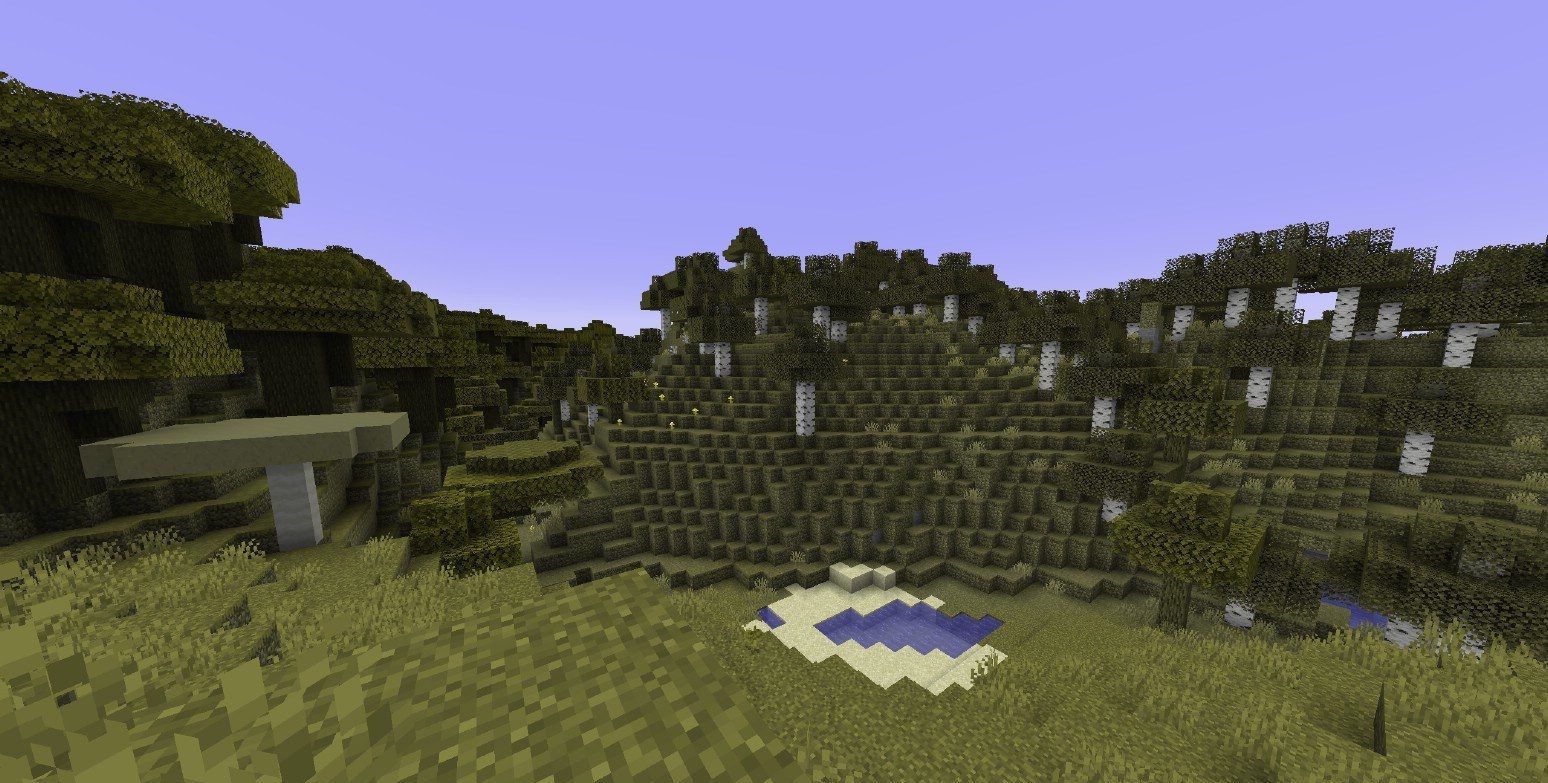
It changes the color perception of the scene so that familiar combinations of blocks, biomes, and lighting look different, helping to better understand how the image can change with impaired color vision. In gameplay terms, this is an unusual and informative option that differs noticeably from classic packs focused on realism or atmosphere.
How to install a shader:
First step: download the shader package from the link below.
Second step: Unpack the downloaded archive and copy the Protanopia Color Blindness Shaders folder to c:\Users\User\AppData\Roaming\.minecraft\shaderpacks\(if this folder does not exist, create it yourself) (For Windows)
Third step: In the game, go to Settings, then to Graphics Settings. Select the "shaders" section and activate the shader pack of your choice.
Comments (0)