



RedHat for Minecraft 1.21.10
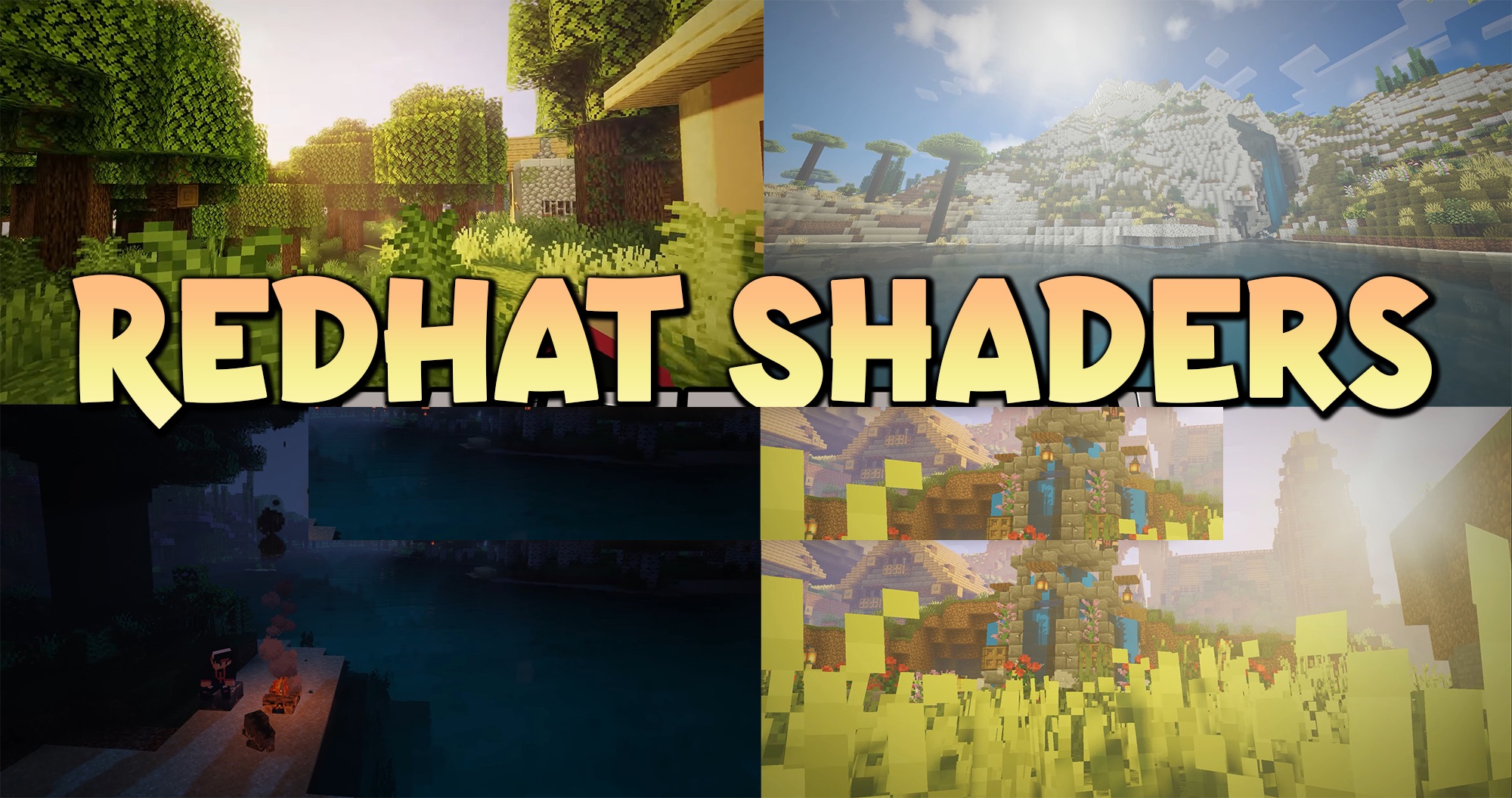
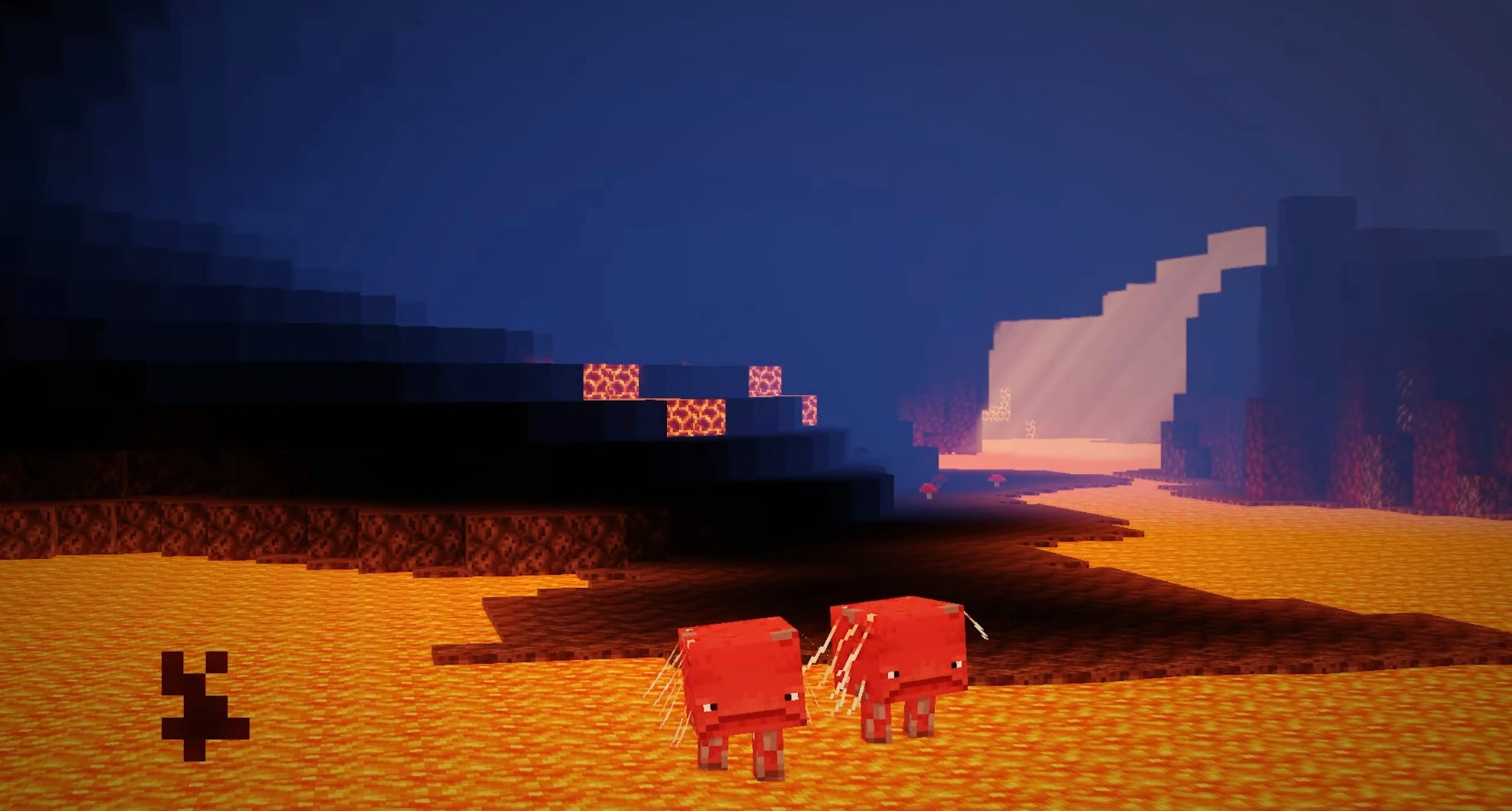
This shader is the choice for those who love a saturated image. RedHat makes the world bright, contrast-rich, and full of detail. Almost every visual aspect gets an improvement: lighting becomes deeper, the color palette more dynamic, and reflections brighter. One of the most expressive elements is the light rays.
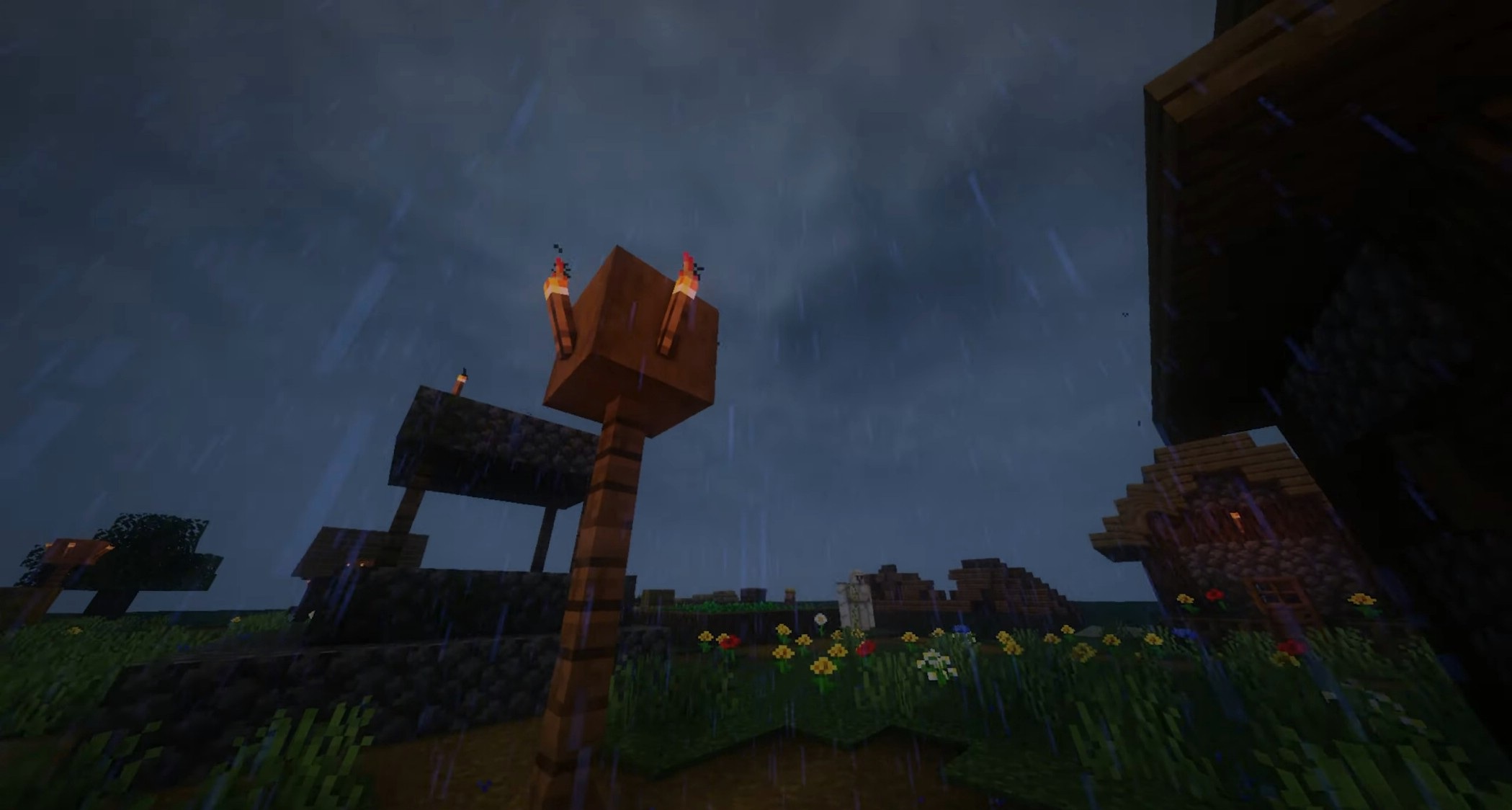
They can work both in a simplified 2D mode and in full 3D, creating a realistic sense of volume. Underwater, light refracts gently, highlighting the depth and density of the space. Walls and surfaces gain slight reflective properties, creating a “wet” effect and a sense of rich material texture.
How to install a shader:
First step: download the shader package from the link below.
Second step: Unpack the downloaded archive and copy the RedHat folder to c:\Users\User\AppData\Roaming\.minecraft\shaderpacks\(if this folder does not exist, create it yourself) (For Windows)
Third step: In the game, go to Settings, then to Graphics Settings. Select the "shaders" section and activate the shader pack of your choice.
Comments (0)