



RedHat Shaders for Minecraft 1.21.11
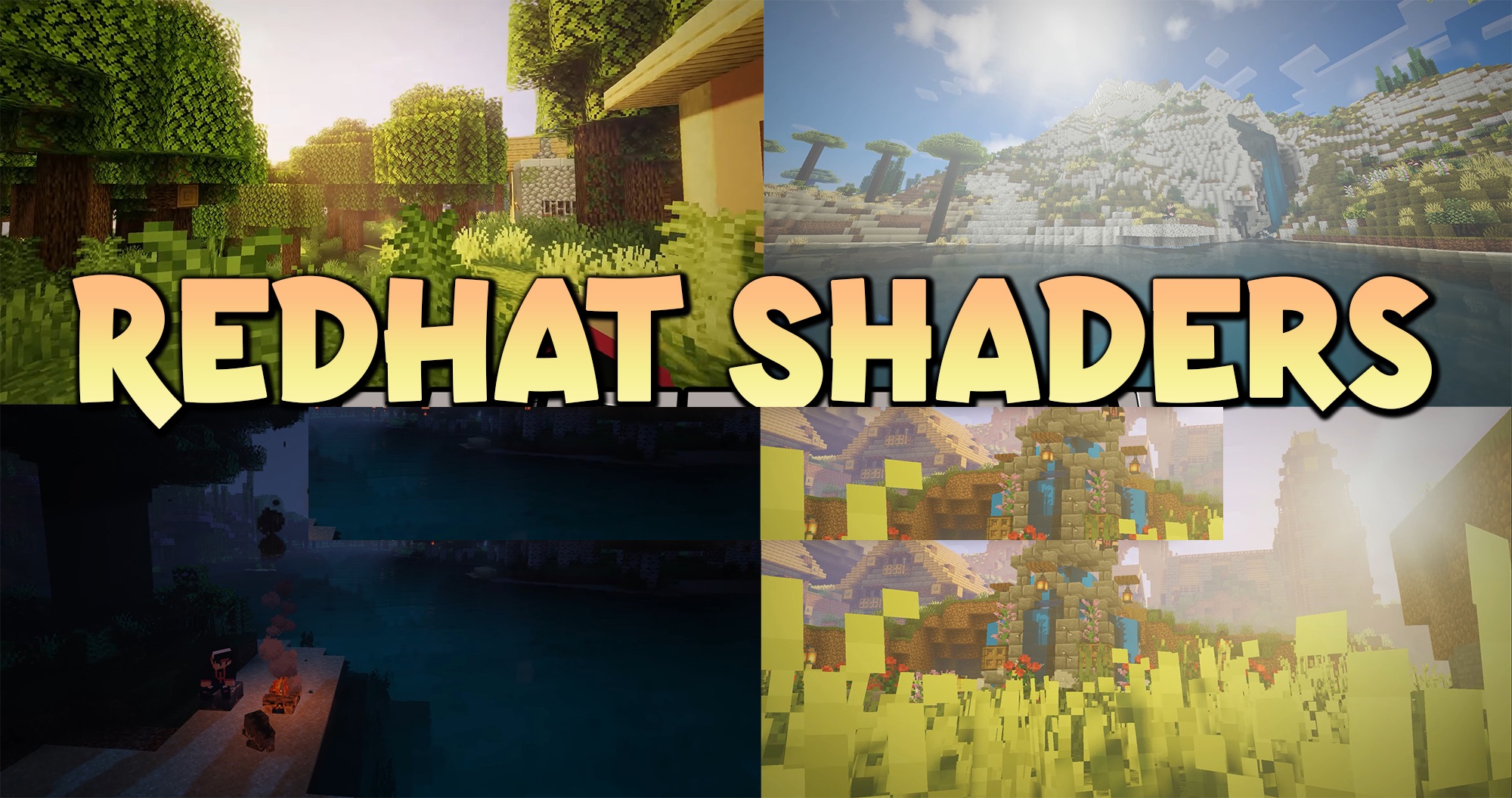
RedHat Shaders is a versatile shader pack with a huge number of settings and expressive color rendering. It noticeably changes the visual perception of the game, adding light rays, dynamic shadows, reflections, and rich atmospheric effects. At the same time, the user decides how cinematic the image will be.
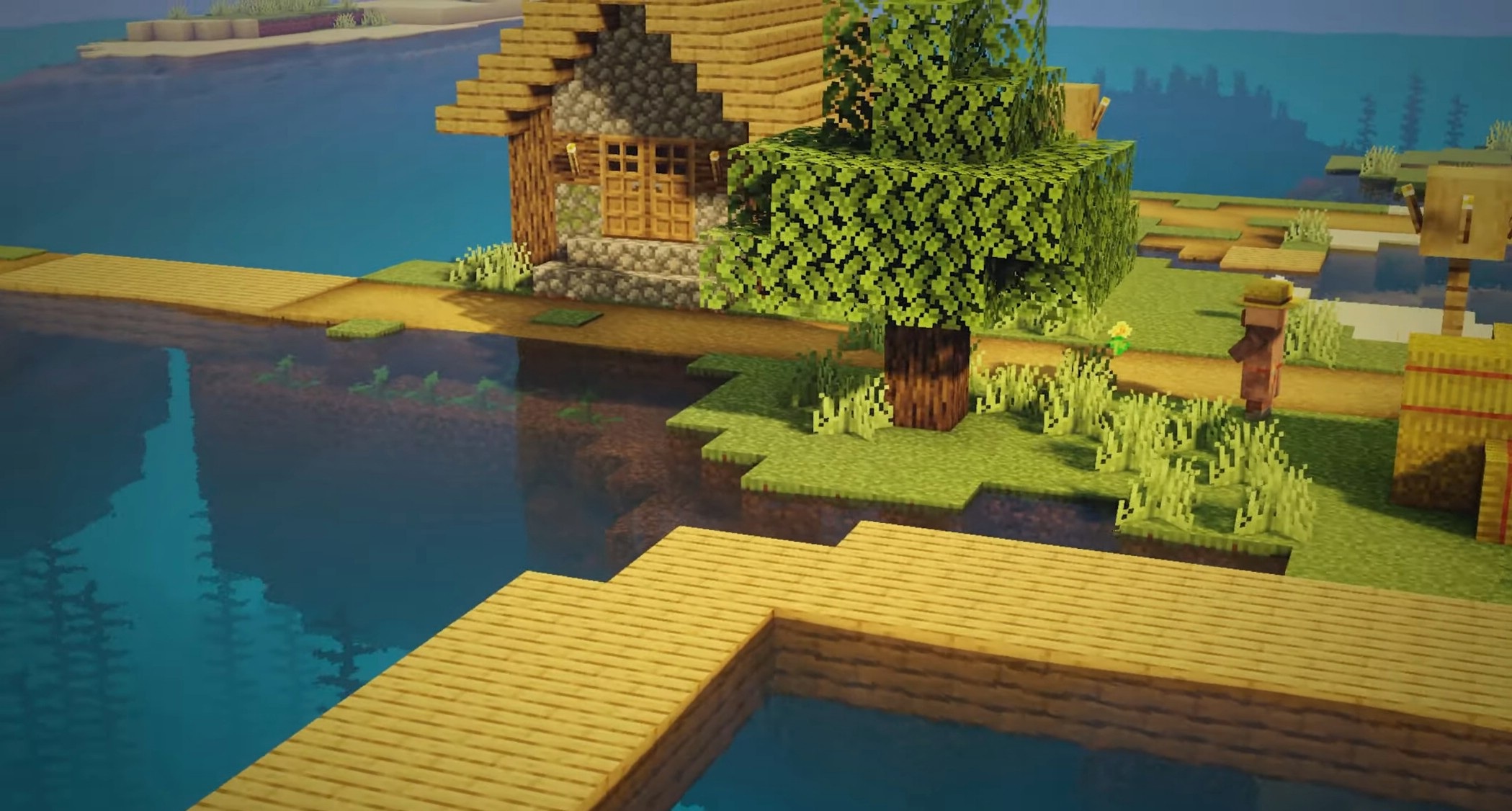
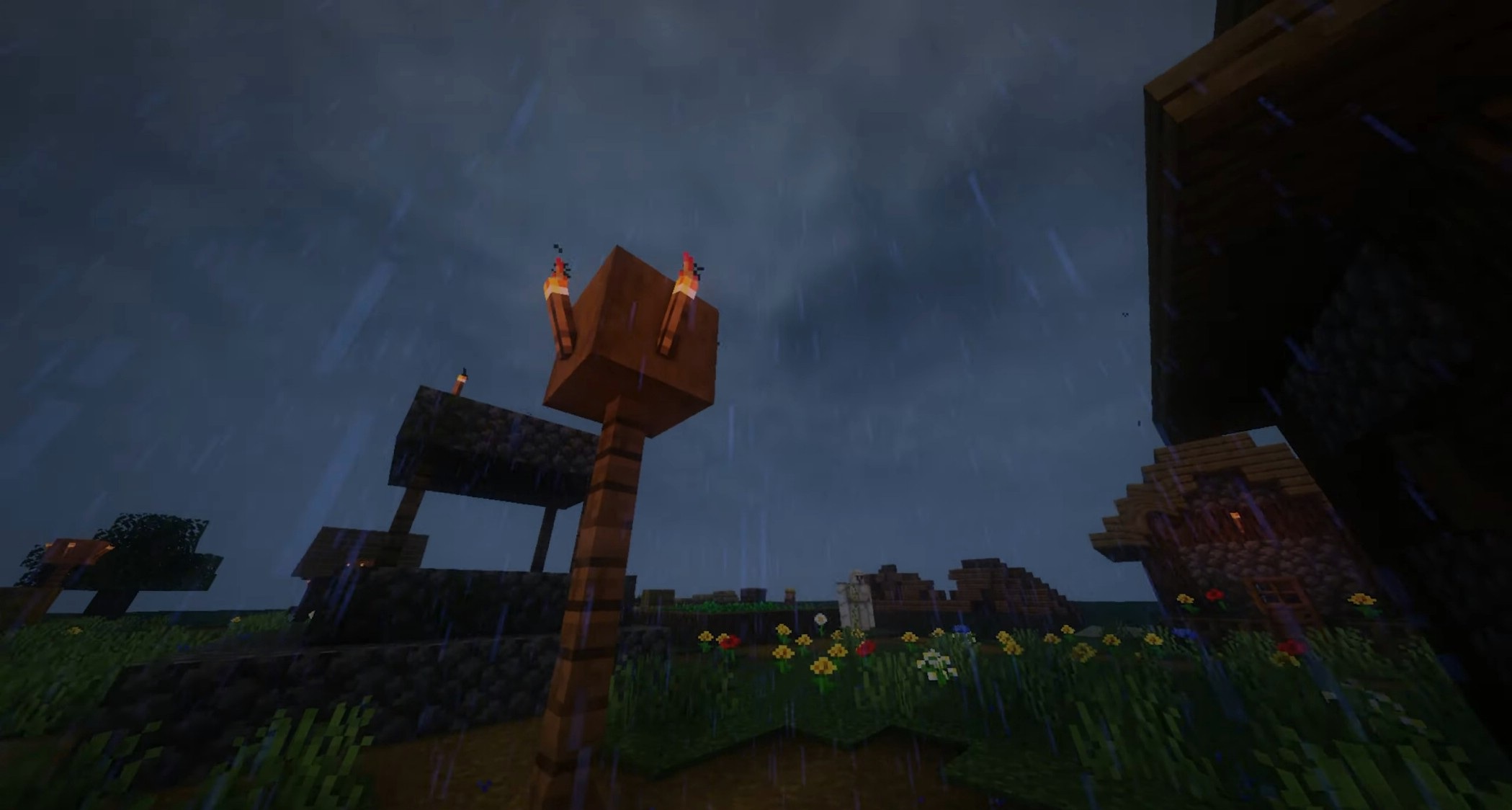
Special attention should be paid to the work with colors: lighting and shades of the surrounding world change depending on the time of day, creating a lively and slightly fantastical atmosphere. The movement of foliage, hanging objects, and even the camera makes the world feel more dynamic.
How to install a shader:
First step: download the shader package from the link below.
Second step: Unpack the downloaded archive and copy the RedHat Shaders folder to c:\Users\User\AppData\Roaming\.minecraft\shaderpacks\(if this folder does not exist, create it yourself) (For Windows)
Third step: In the game, go to Settings, then to Graphics Settings. Select the "shaders" section and activate the shader pack of your choice.
Comments (1)