



Revelation for Minecraft 1.21.8
Revelation for Minecraft is a universal shader aimed at improving rendering. Thanks to reworked effects, the environment will become more attractive and atmospheric. Blocks will get new visual design, and lighting will become more large-scale.
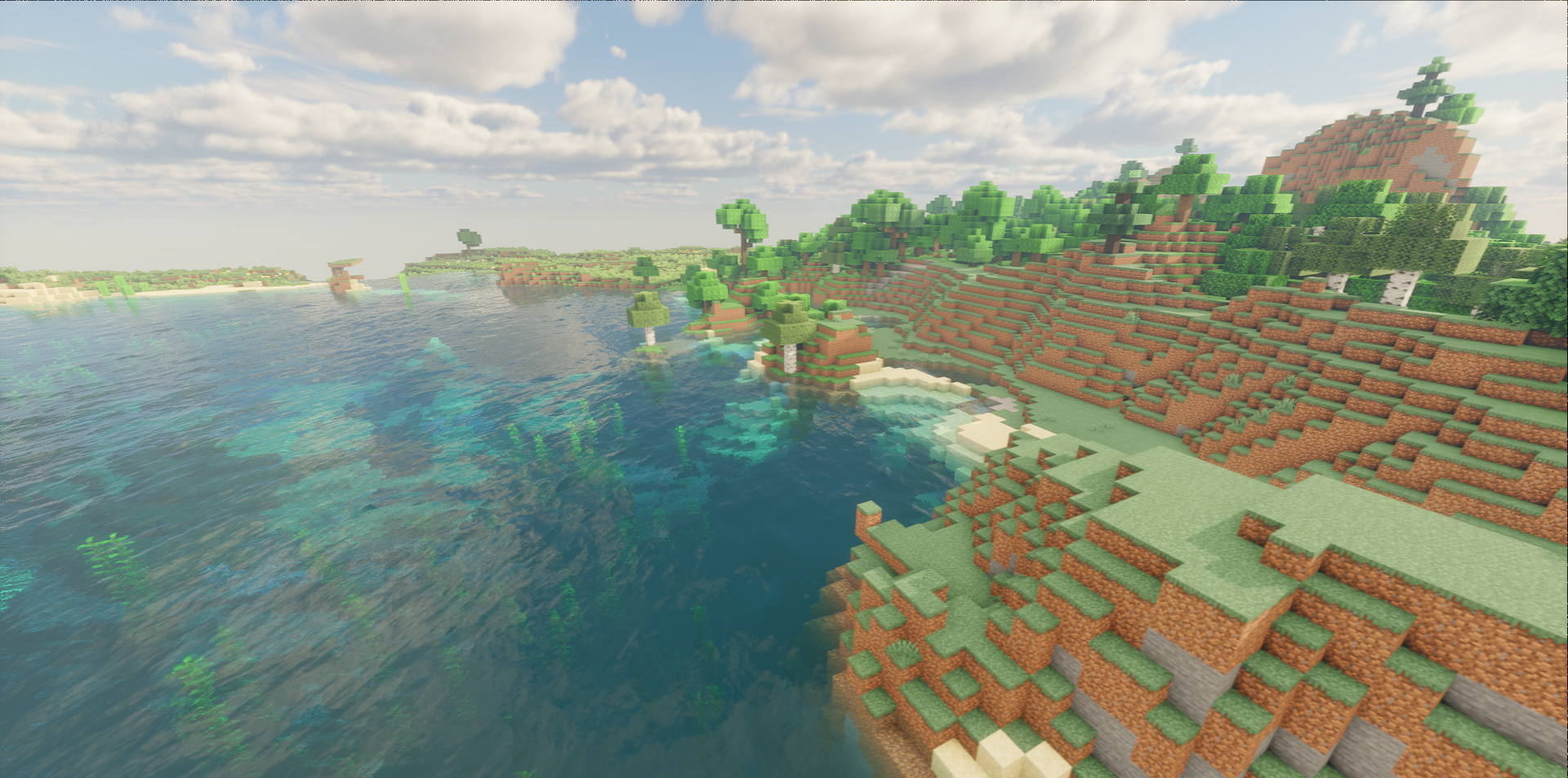
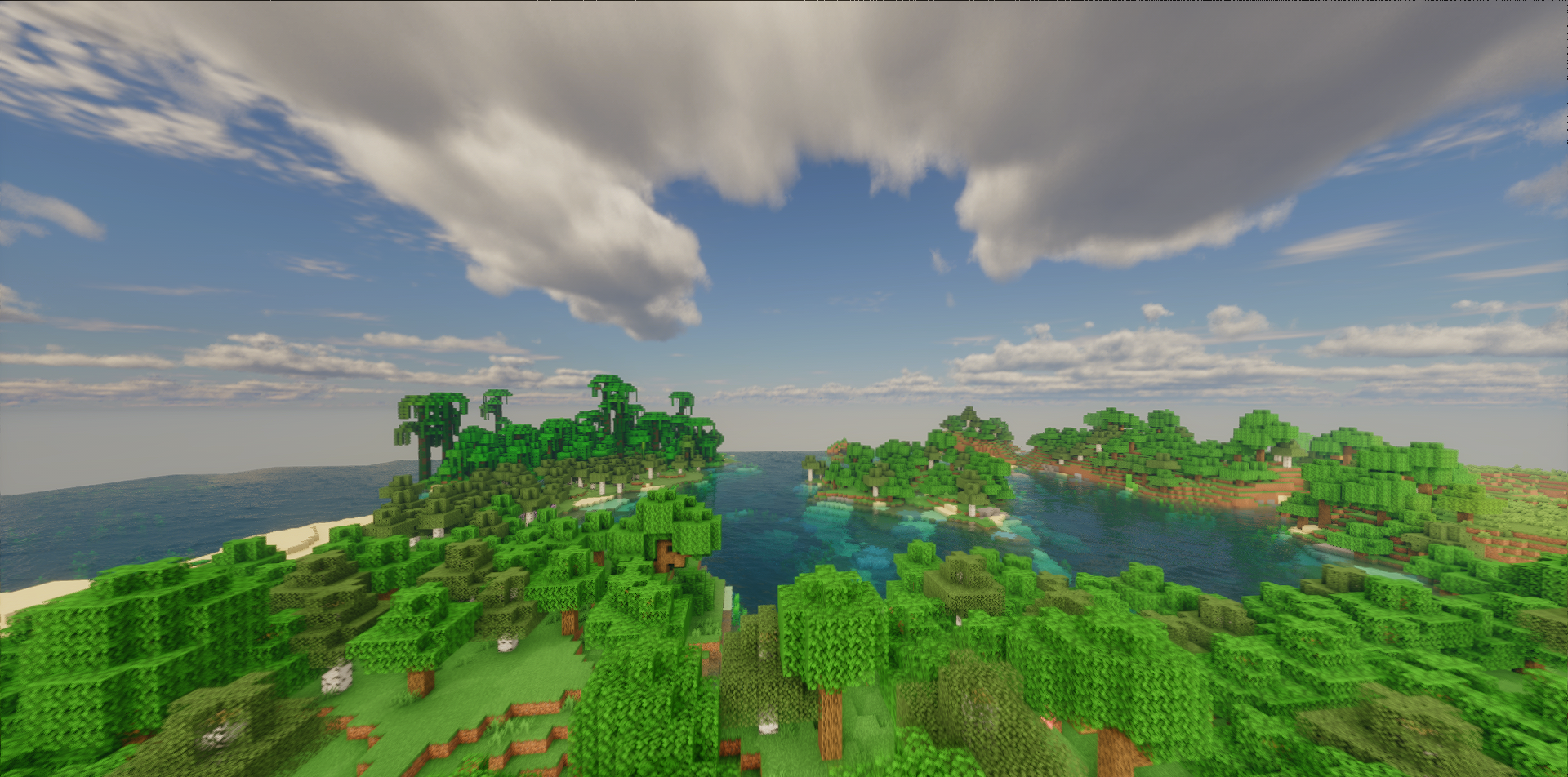
As a result, you can expect correct rendering, a significant improvement in overall image quality, and at the same time no additional load on the technical side. The author tried to optimize everything so that performance does not suffer, and you can explore the updated game world with great pleasure.
How to install a shader:
First step: download the shader package from the link below.
Second step: Unpack the downloaded archive and copy the Revelation folder to c:\Users\User\AppData\Roaming\.minecraft\shaderpacks\(if this folder does not exist, create it yourself) (For Windows)
Third step: In the game, go to Settings, then to Graphics Settings. Select the "shaders" section and activate the shader pack of your choice.
Comments (2)