



RudoPlays Shaders for Minecraft 1.21.11
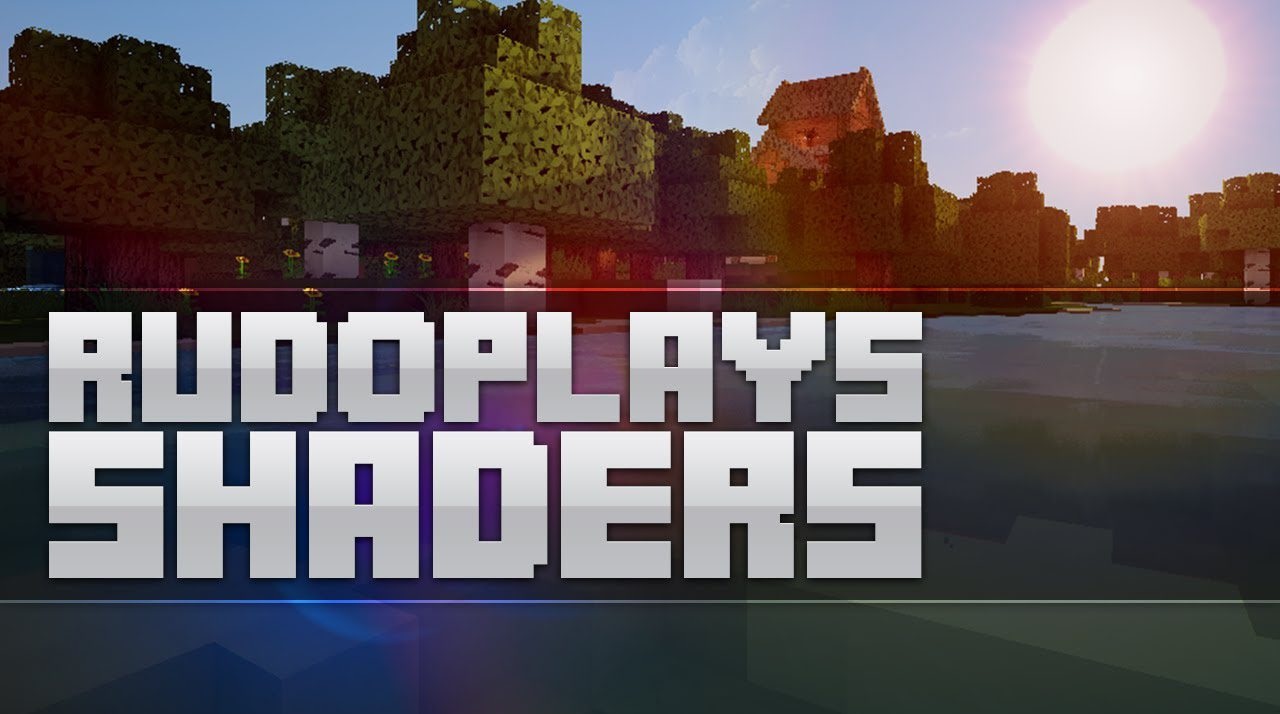
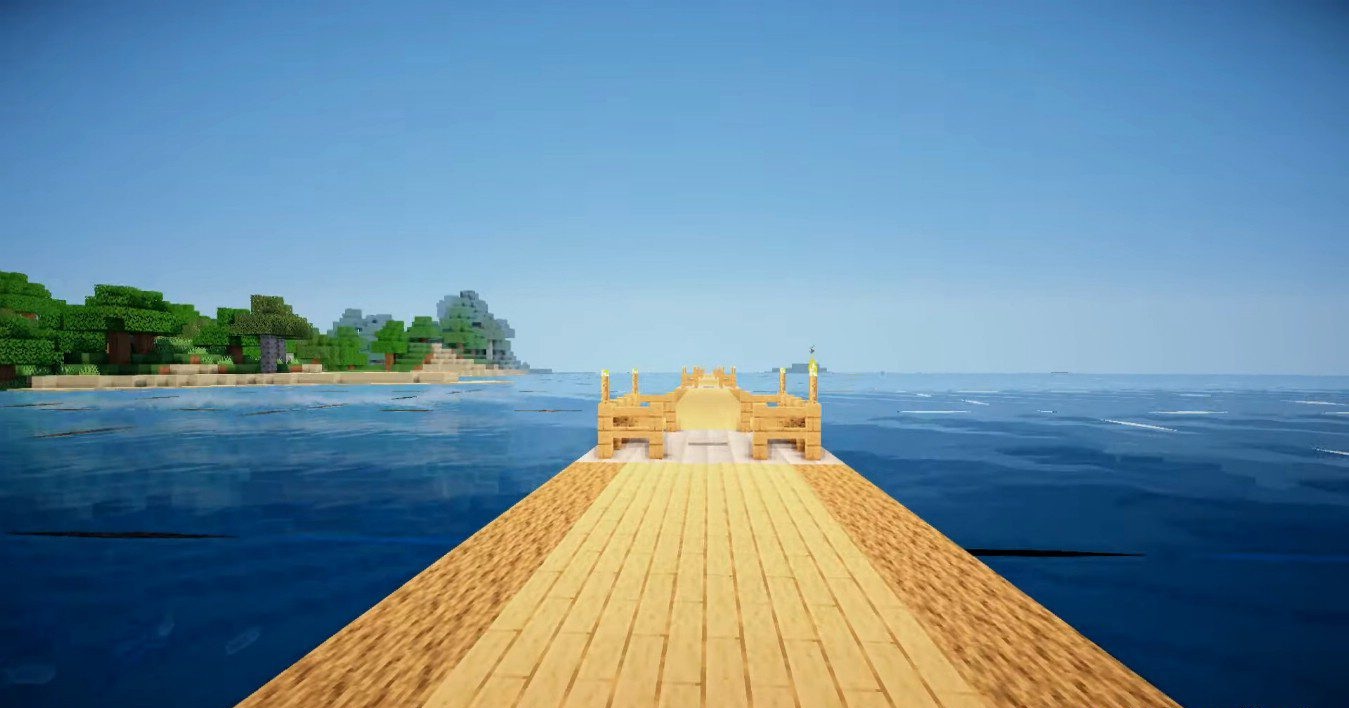
The main idea of RudoPlays Shaders is maximum performance without giving up beautiful effects. This shader is aimed at low-end and mid-range systems, allowing users to enjoy improved graphics even on older computers. The lighting looks neat, the water feels lively and dynamic, and sun glare adds expressiveness to the scenes. Despite the focus on FPS, the image does not feel empty: the effects look balanced and do not overload the game.
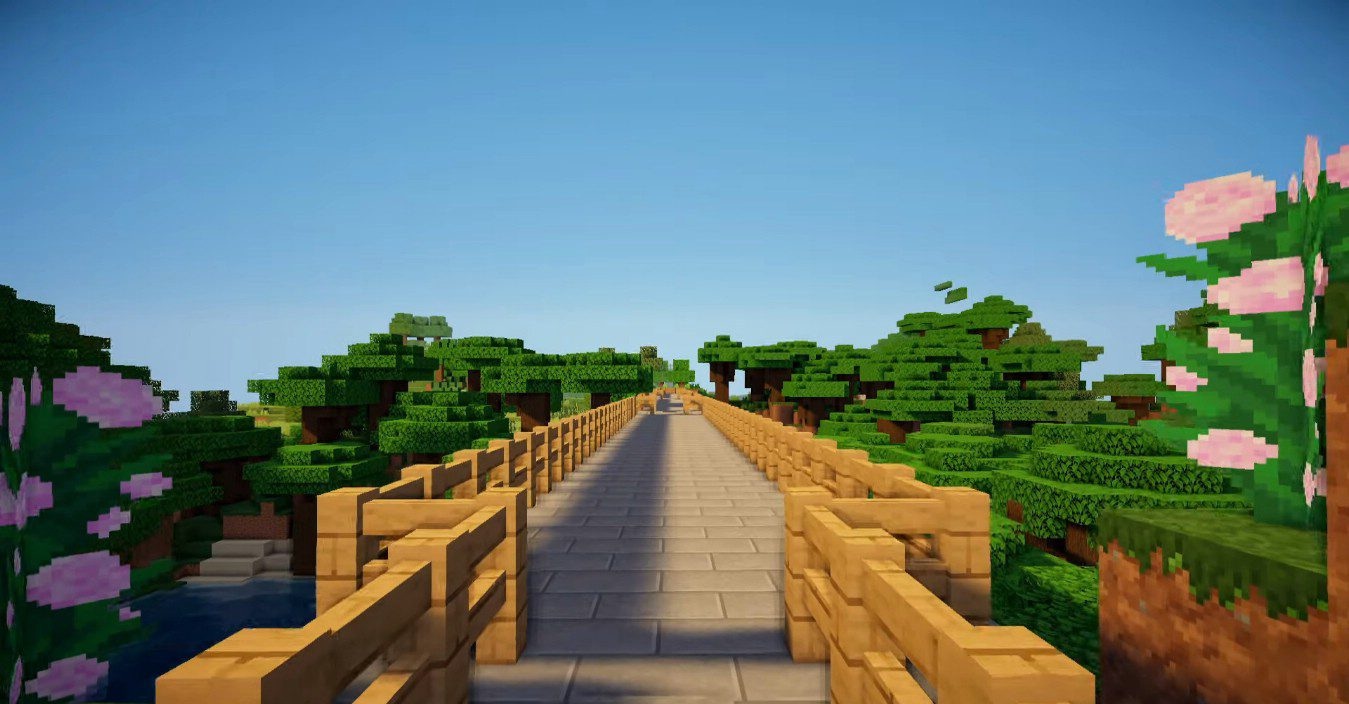
Thanks to good optimization, the shader is suitable not only for regular gameplay but also for video recording. It is a choice for those who want smooth gameplay but are not ready to return to completely default graphics.
How to install a shader:
First step: download the shader package from the link below.
Second step: Unpack the downloaded archive and copy the RudoPlays Shaders folder to c:\Users\User\AppData\Roaming\.minecraft\shaderpacks\(if this folder does not exist, create it yourself) (For Windows)
Third step: In the game, go to Settings, then to Graphics Settings. Select the "shaders" section and activate the shader pack of your choice.
Comments (0)