



SEUS PTGI Shaders for Minecraft 1.21.10
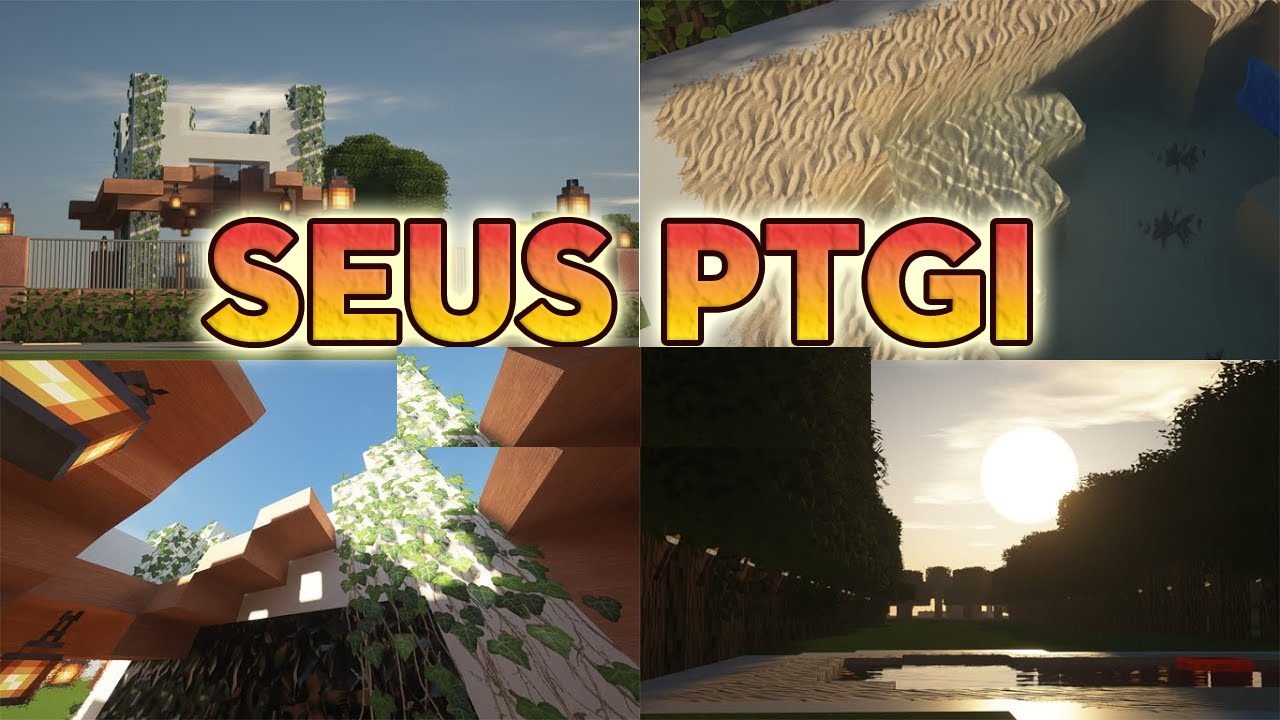
Within Minecraft, there is a special space where light plays the leading role, and SEUS PTGI Shaders guide you precisely there. Here, every ray, every reflection, and every shadow works as part of a single, complex global illumination system. Torches emit a warm orange glow, the moon pours out cold silvery light, and lava creates rich red transitions that are impossible to achieve in the vanilla version.
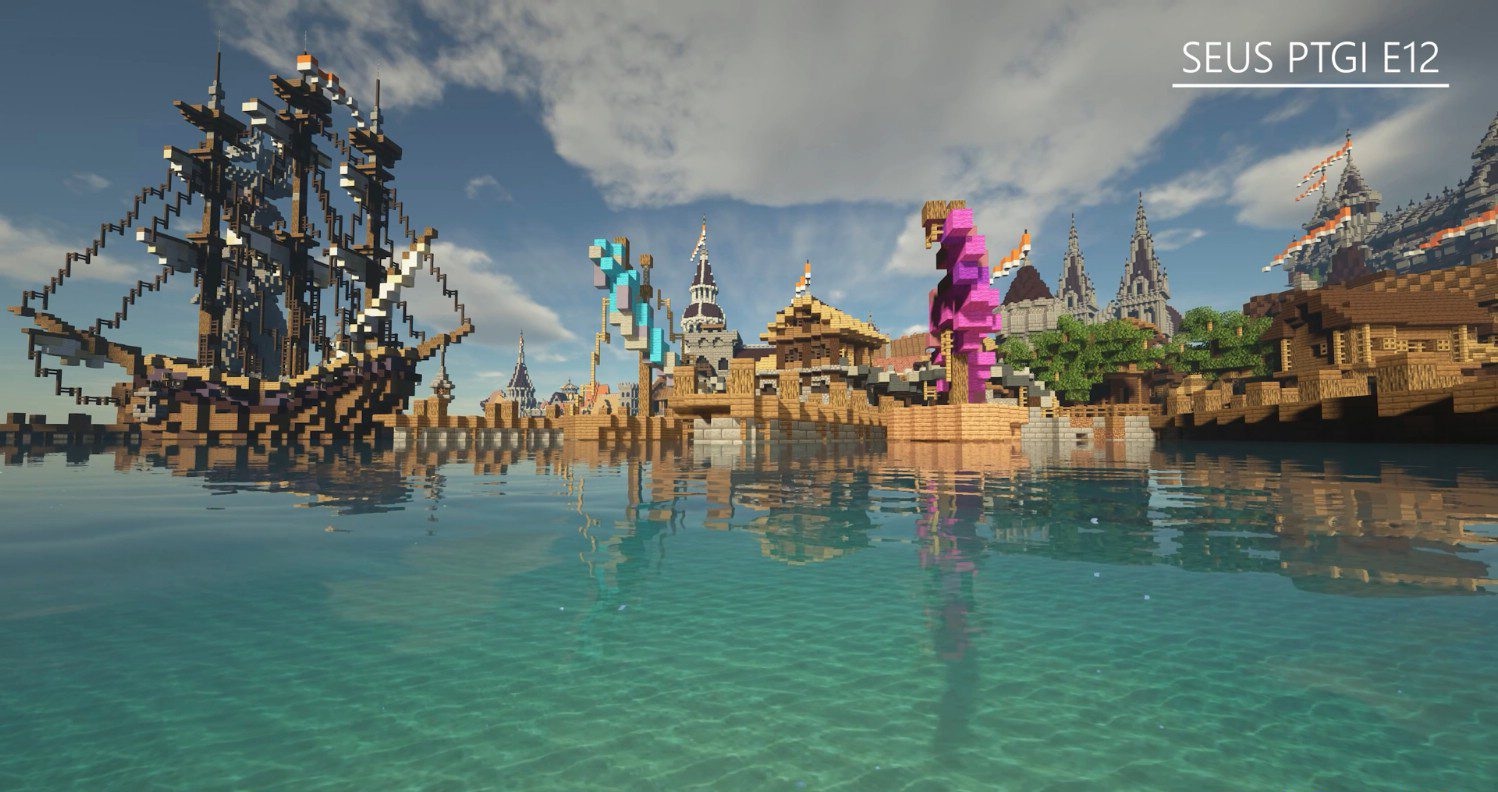
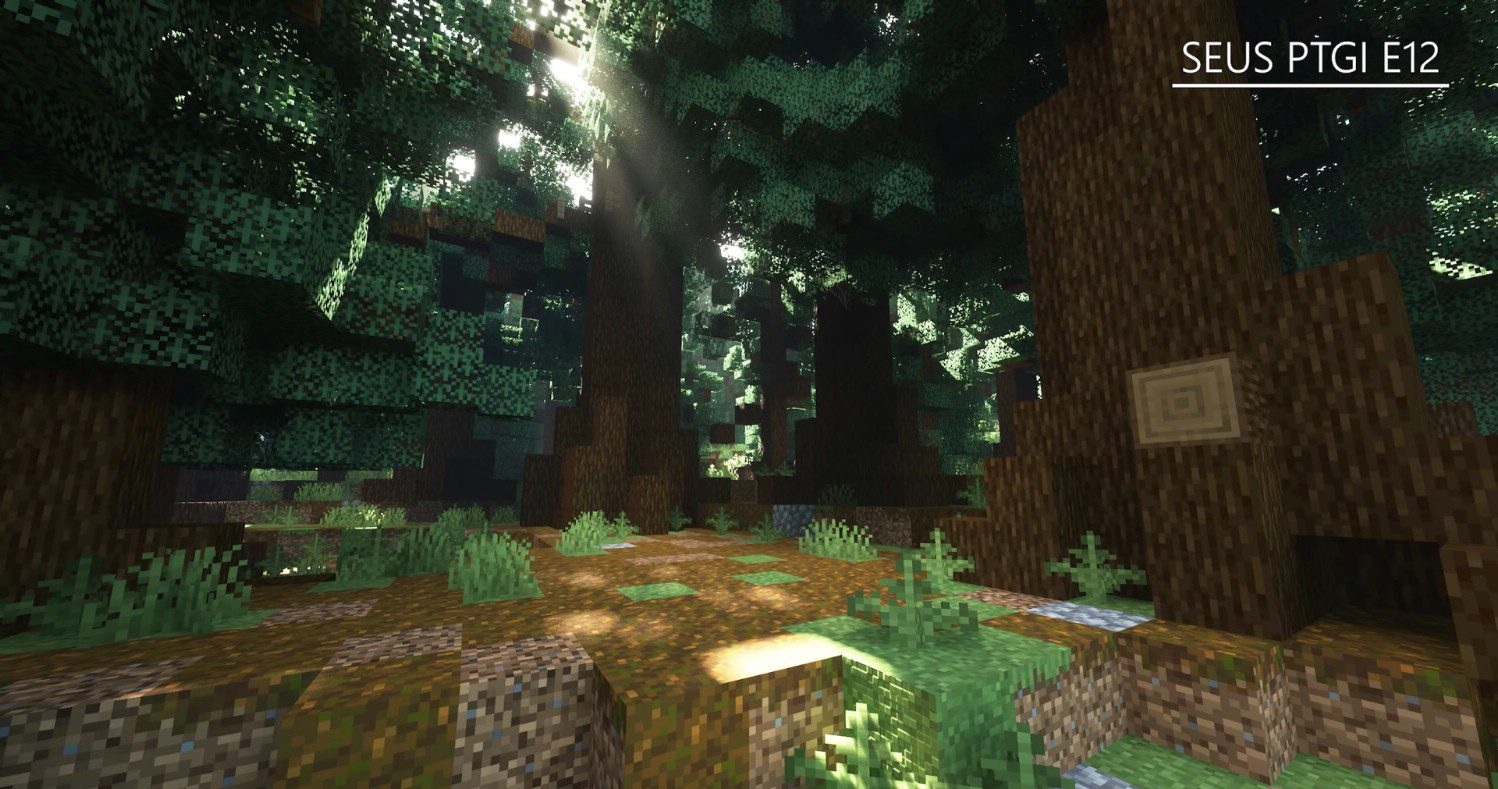
Even grass casting small shadows feels like part of a carefully detailed scene. What is surprising is that all of this is achieved without any RTX requirements—the shader relies on its own technological foundation. As a result, each location reveals new levels of visual expressiveness.
How to install a shader:
First step: download the shader package from the link below.
Second step: Unpack the downloaded archive and copy the SEUS PTGI Shaders folder to c:\Users\User\AppData\Roaming\.minecraft\shaderpacks\(if this folder does not exist, create it yourself) (For Windows)
Third step: In the game, go to Settings, then to Graphics Settings. Select the "shaders" section and activate the shader pack of your choice.
Comments (3)