



SFLP Shaders for Minecraft 1.21.11
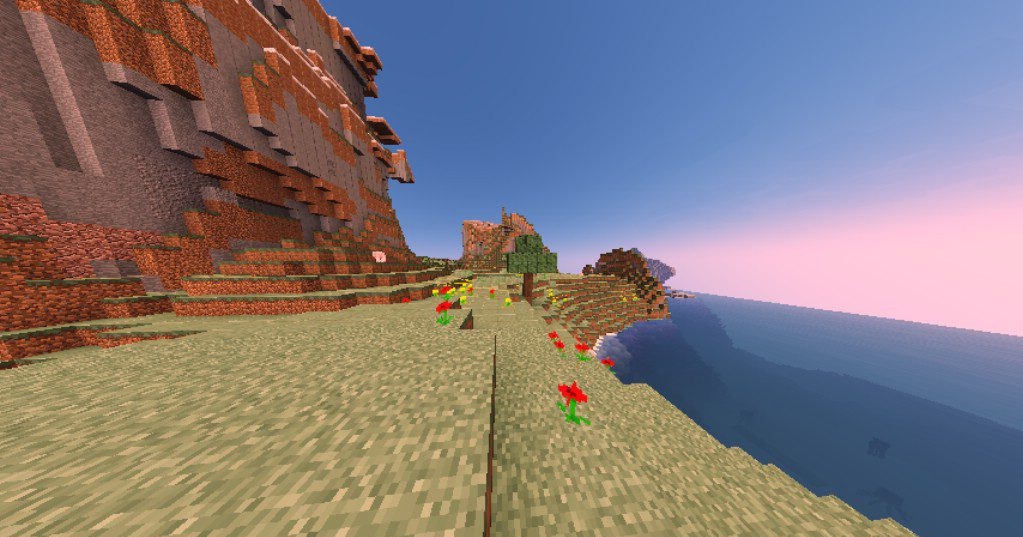
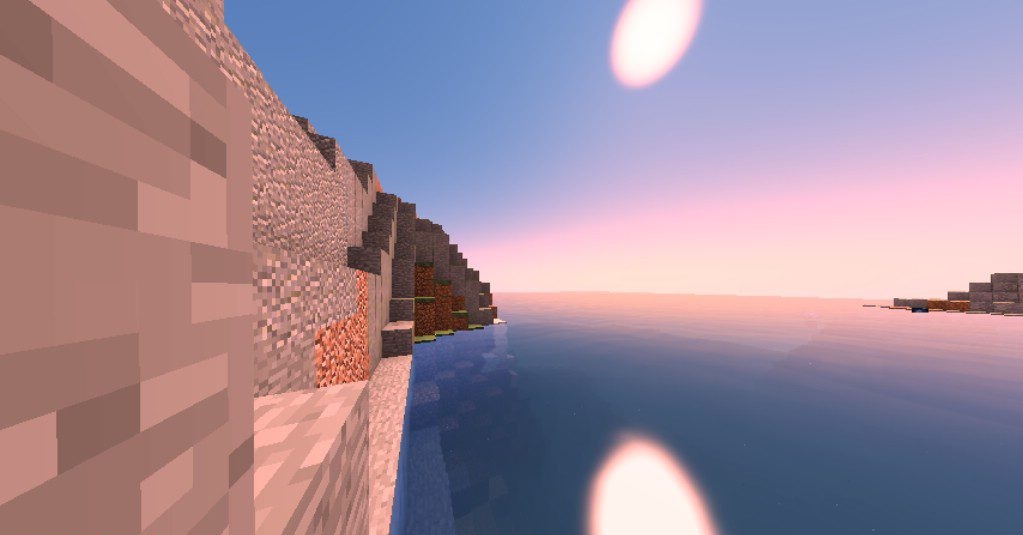
SFLP Shaders was created with a clear understanding of the limitations of low-end computers. It has no heavy effects, complex reflections, or resource-intensive lighting calculations, but it includes everything needed for a neat visual upgrade. Soft shadows add volume to objects, the sky becomes deeper and more lively, and water gains a more natural appearance. Lighting becomes more even and pleasant, without harsh contrasts.
This shader is suitable for players who want to make Minecraft look better without upgrading their hardware. The pack does not try to impress with special effects; its strength lies in simplicity, lightness, and stability.
How to install a shader:
First step: download the shader package from the link below.
Second step: Unpack the downloaded archive and copy the SFLP Shaders folder to c:\Users\User\AppData\Roaming\.minecraft\shaderpacks\(if this folder does not exist, create it yourself) (For Windows)
Third step: In the game, go to Settings, then to Graphics Settings. Select the "shaders" section and activate the shader pack of your choice.
Comments (0)