



SFLP Shaders for Minecraft 1.21.11
Not every player is looking for a shader with the maximum number of effects — for many, it is more important that the game looks better while still remaining comfortable on a weak PC. SFLP Shaders is created with exactly that approach. It is focused on lightness and accessibility, so it does not require powerful hardware and is suitable for systems where heavier solutions simply will not provide a stable image.
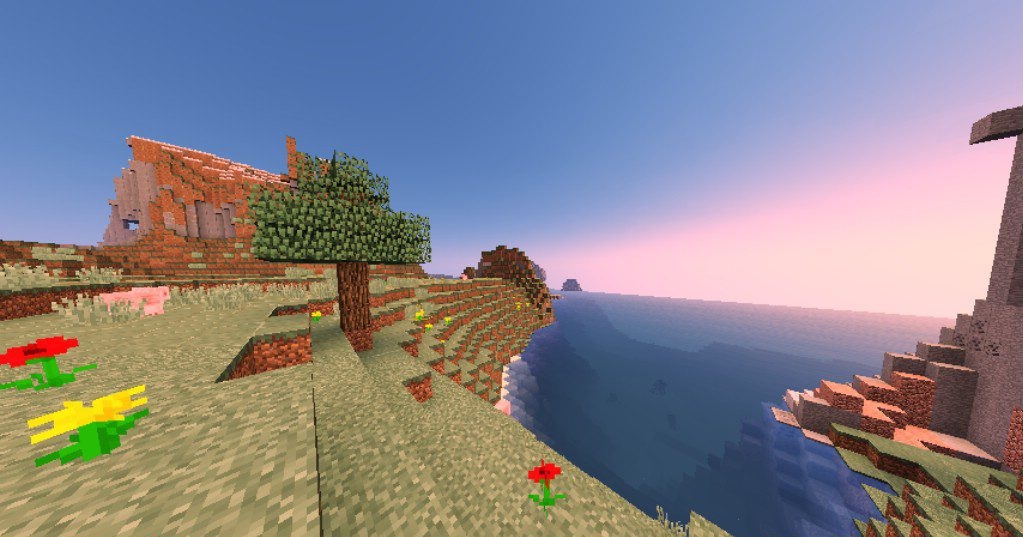
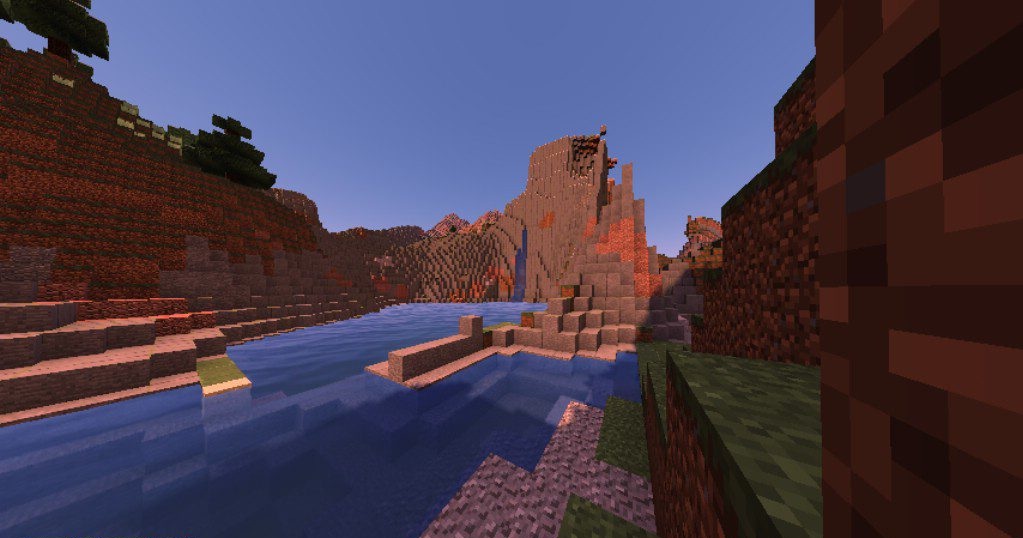
The main advantage of this shader is not an attempt to impress with ultra-modern technologies, but the fact that it offers a noticeable graphical improvement without excessive load. The lighting and overall scene processing become more pleasant, but all of this is presented in a practical format.
How to install a shader:
First step: download the shader package from the link below.
Second step: Unpack the downloaded archive and copy the SFLP Shaders folder to c:\Users\User\AppData\Roaming\.minecraft\shaderpacks\(if this folder does not exist, create it yourself) (For Windows)
Third step: In the game, go to Settings, then to Graphics Settings. Select the "shaders" section and activate the shader pack of your choice.
Comments (2)