



Shadow Only Shaders for Minecraft 1.21.11
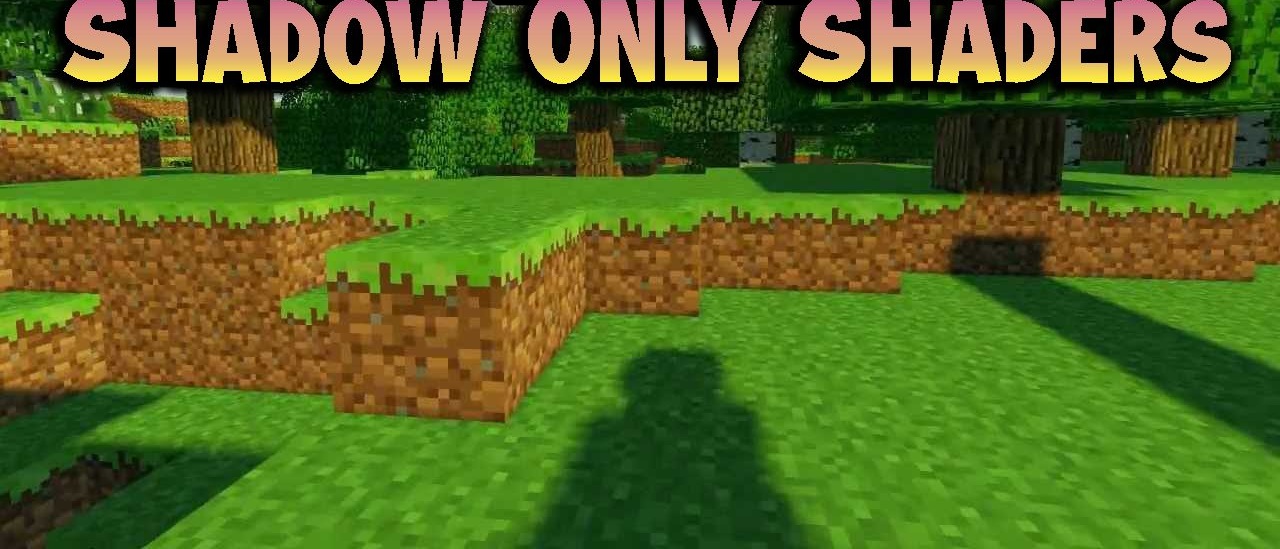
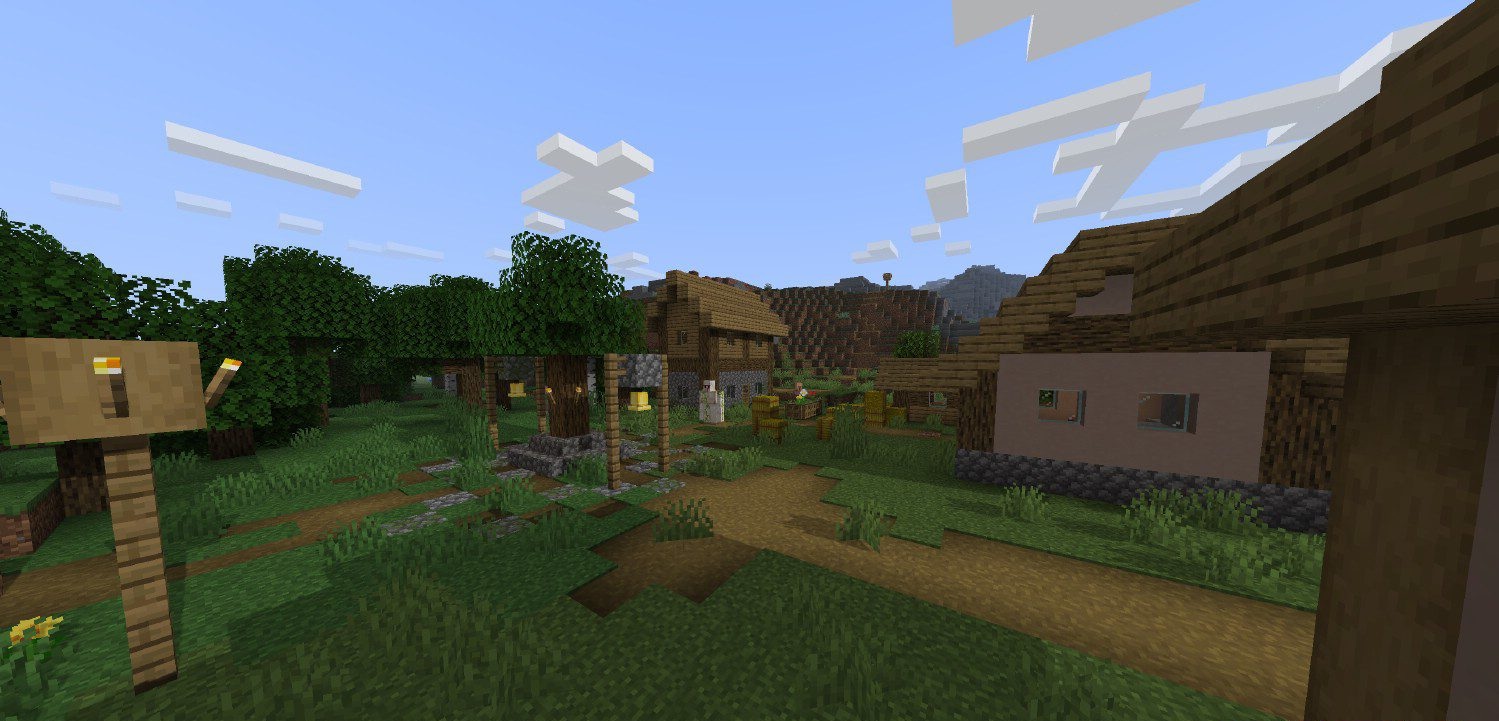
Sometimes you want to improve the visuals while keeping the vanilla style without radical changes. Shadow Only Shaders was created precisely for such players. It adds only dynamic shadows to the game, without touching the color palette, water, sky, or other visual parameters. Thanks to the shadows, the world becomes more three-dimensional, deeper, and more realistic: trees look more massive, buildings more expressive, and caves more atmospheric.
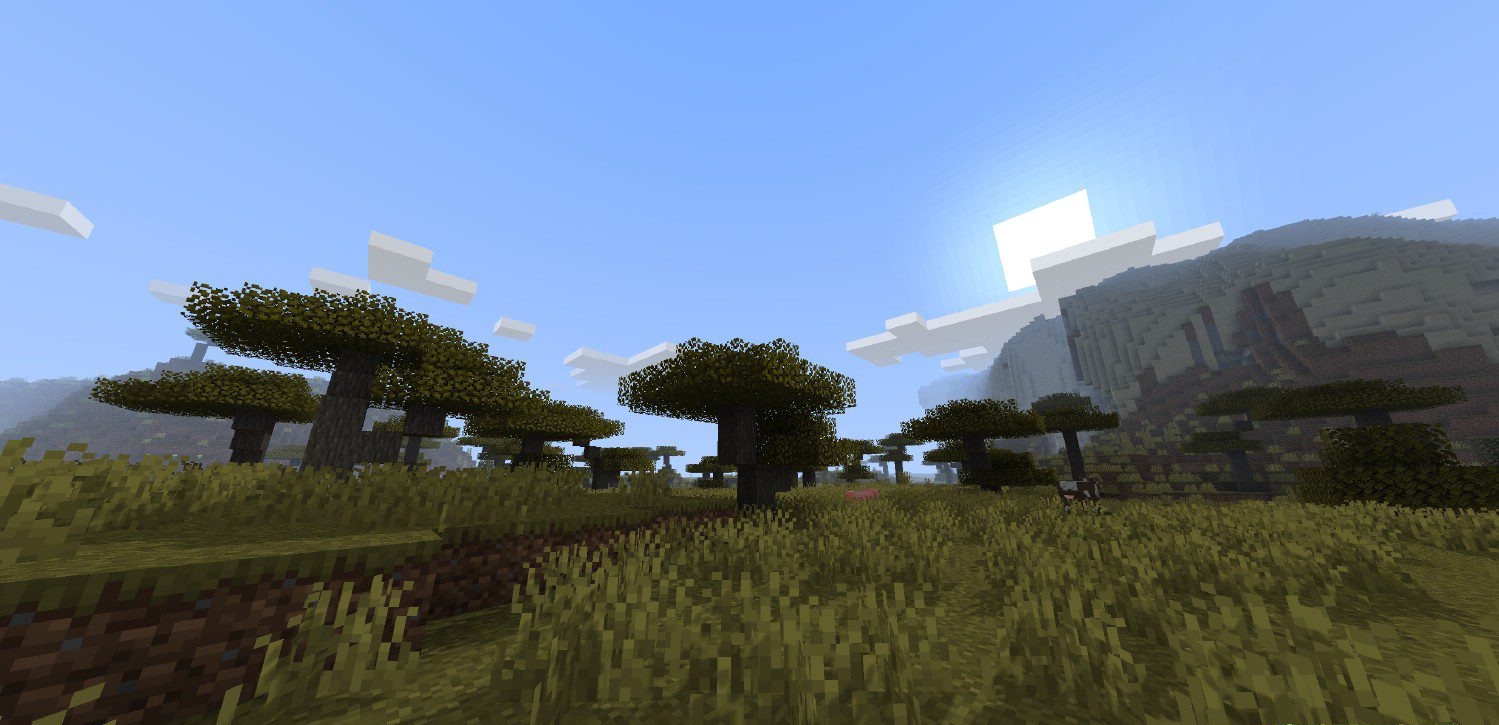
Light sources begin to play an important role, shaping the space around the player. This is an ideal option for those who dislike overloaded shaders but want to add visual depth without changing the game’s character.
How to install a shader:
First step: download the shader package from the link below.
Second step: Unpack the downloaded archive and copy the Shadow Only Shaders folder to c:\Users\User\AppData\Roaming\.minecraft\shaderpacks\(if this folder does not exist, create it yourself) (For Windows)
Third step: In the game, go to Settings, then to Graphics Settings. Select the "shaders" section and activate the shader pack of your choice.
Comments (0)