



Shrimple for Minecraft 1.21.10
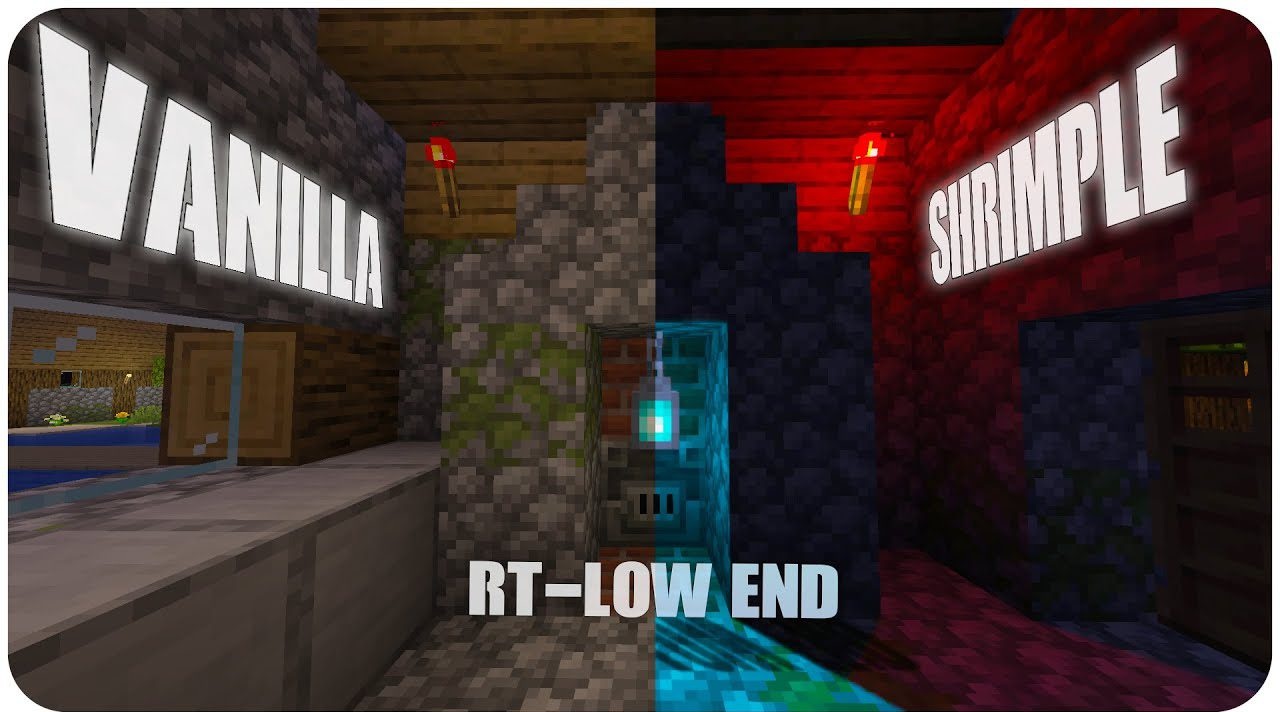
When you need a lightweight, fast, yet modern shader, Shrimple looks like the perfect candidate. It’s simplified ray tracing adapted for weak computers. Visually, the shader tries to preserve the vanilla style, adding only essential elements: soft shadows, realistic light bleeding, volumetric anti-fog light, and POM.
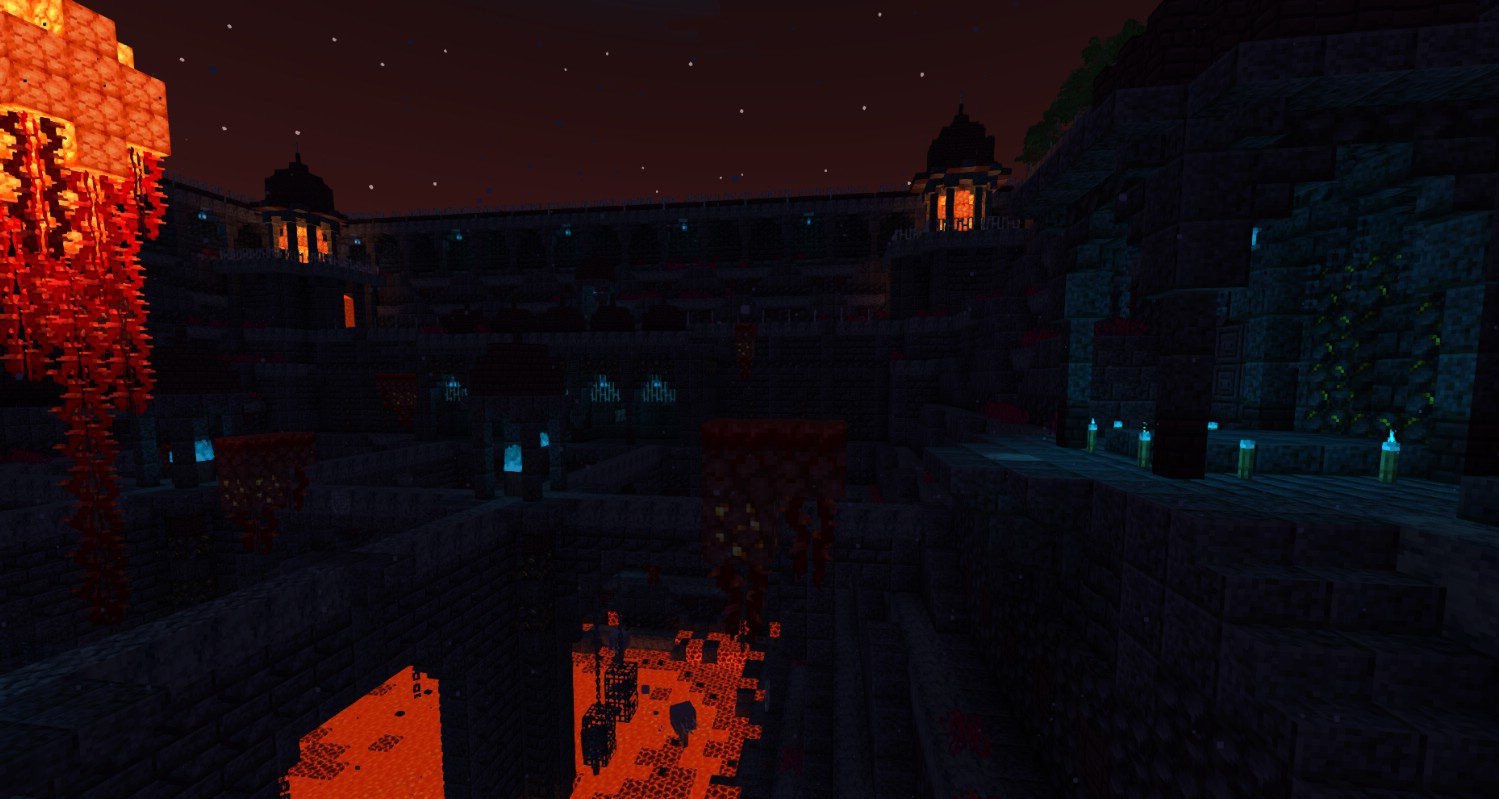
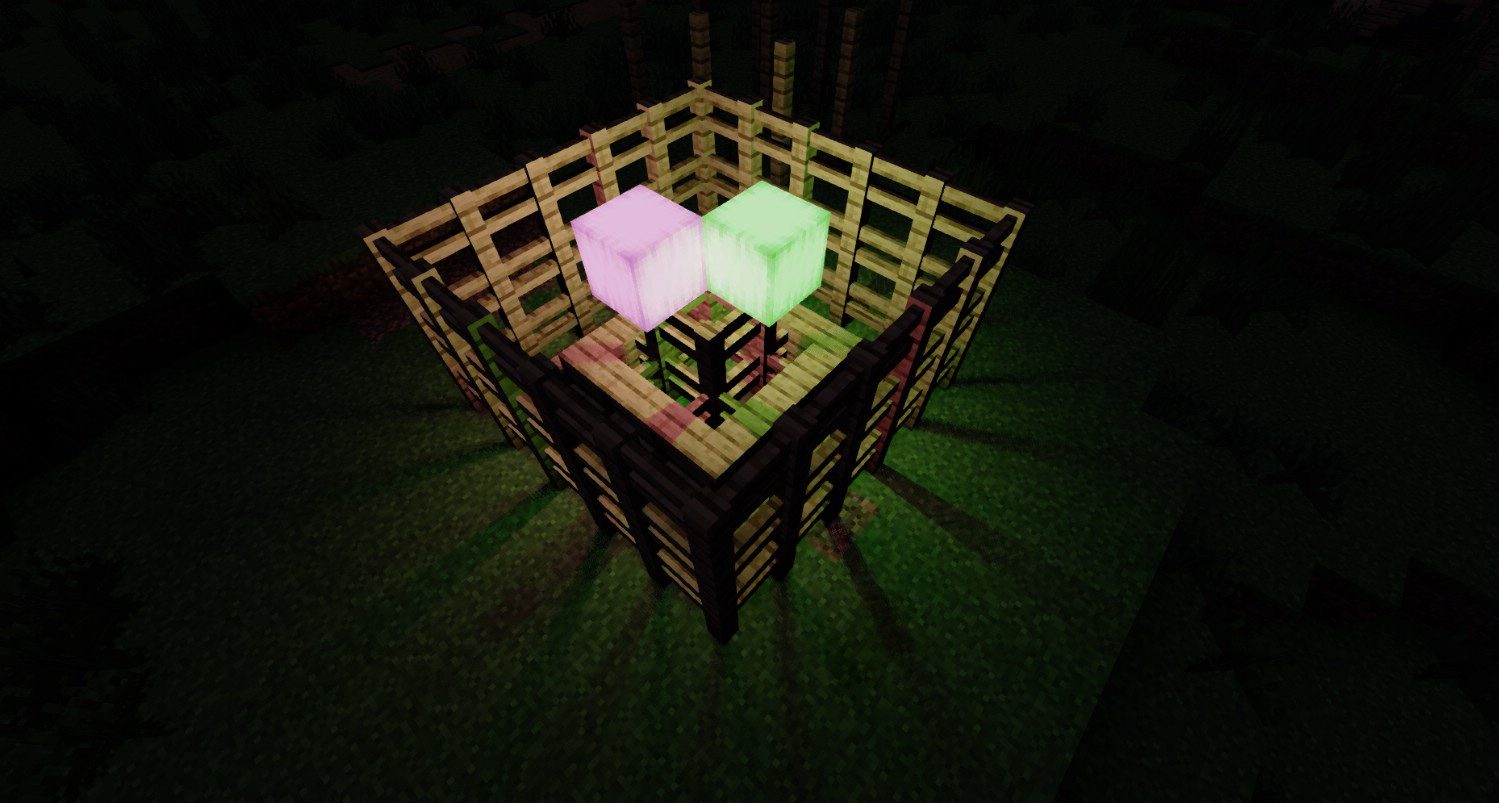
Thanks to FXAA, the image stays smooth, and the swaying vegetation makes the world feel more alive without performance loss. An interesting feature is the block-light shadow effects based on lightweight ray tracing: lamps, torches, and magma all cast shadow contours.
How to install a shader:
First step: download the shader package from the link below.
Second step: Unpack the downloaded archive and copy the Shrimple folder to c:\Users\User\AppData\Roaming\.minecraft\shaderpacks\(if this folder does not exist, create it yourself) (For Windows)
Third step: In the game, go to Settings, then to Graphics Settings. Select the "shaders" section and activate the shader pack of your choice.
Comments (2)